72
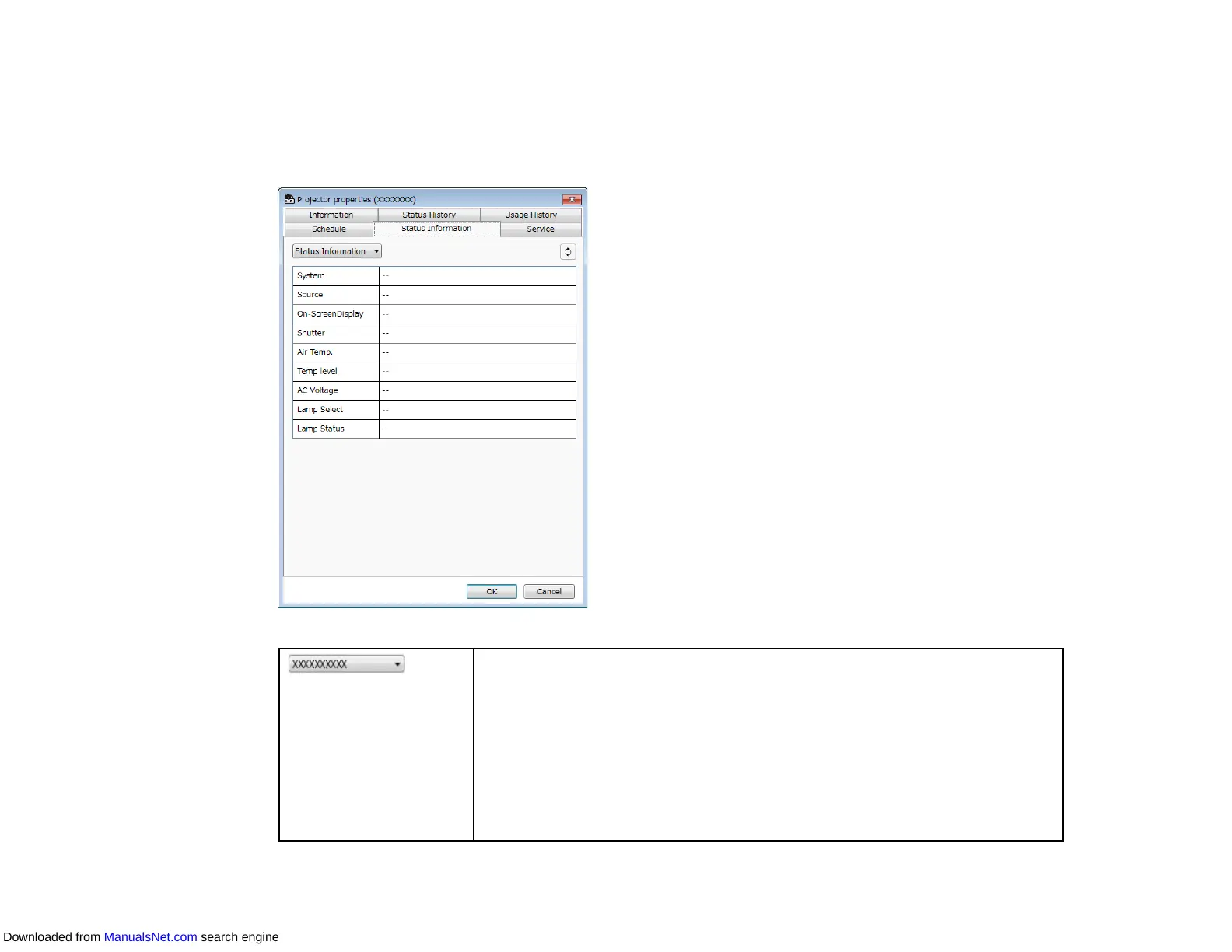
Projector Properties - Status Information
When you select the Status Information tab on the Projector properties screen, the following screen
appears. The information acquired from the projector varies depending on the projector model. If the
software cannot acquire information, it displays it as "---".
Status
Information
Switches the displayed information from the following list.
• Status Information
• Source
• Network Wired
• Network Wireless
• Maintenance
• Version
Downloaded from ManualsNet.com search engine



 To Next Page