68
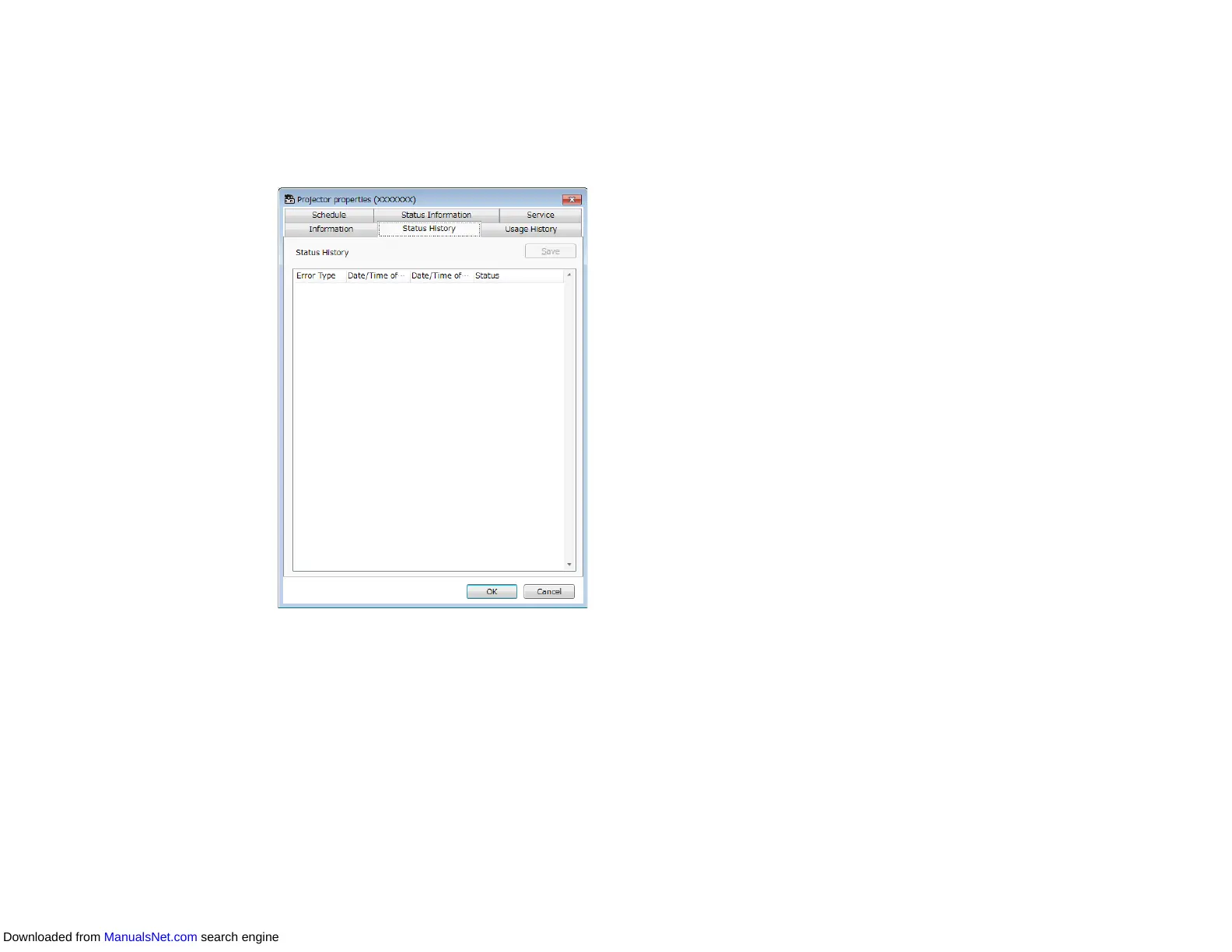
Projector Properties - Status History
When you select the Status History tab on the Projector properties screen, the following screen
appears. You can check errors that occur while the Epson Projector Management software is running.
To output the error history as a csv file, select Save.
Parent topic: Projector Properties Screen
Downloaded from ManualsNet.com search engine



 To Next Page