25
• Status Information: Displays projector status information.
• Service: Displays technical service information. (Normally used only by Epson Support.)
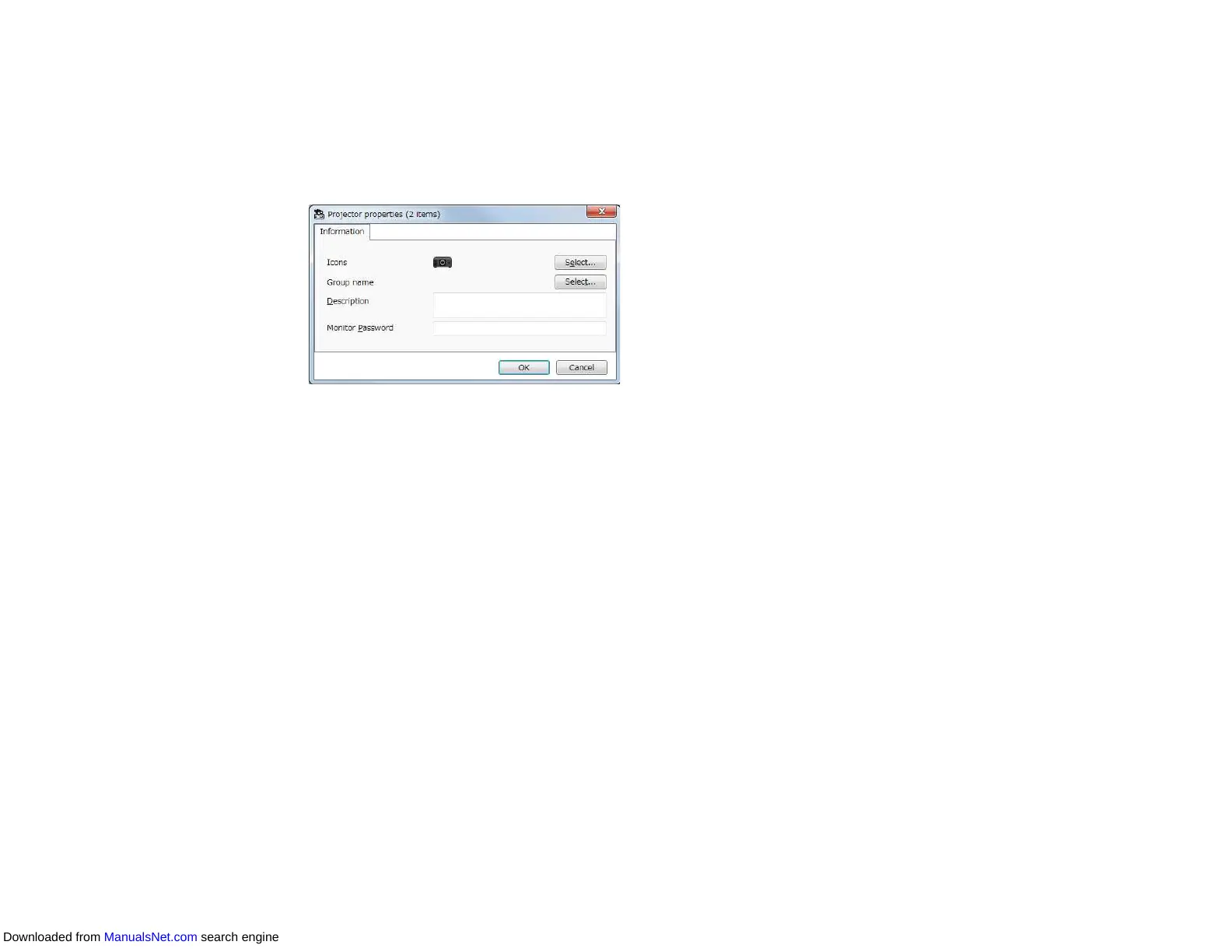
Note: You can check and edit projector information for multiple projectors at one time. Select
projectors on the main screen, right-click them, and select Property.
Parent topic: Monitoring and Controlling the Projectors
Related topics
Projector Properties Screen
Controlling Projectors
You can control the selected projector by using the projector control buttons on the Epson Projector
Management main screen.
Downloaded from ManualsNet.com search engine



 To Next Page