78
Related tasks
Monitoring Projectors
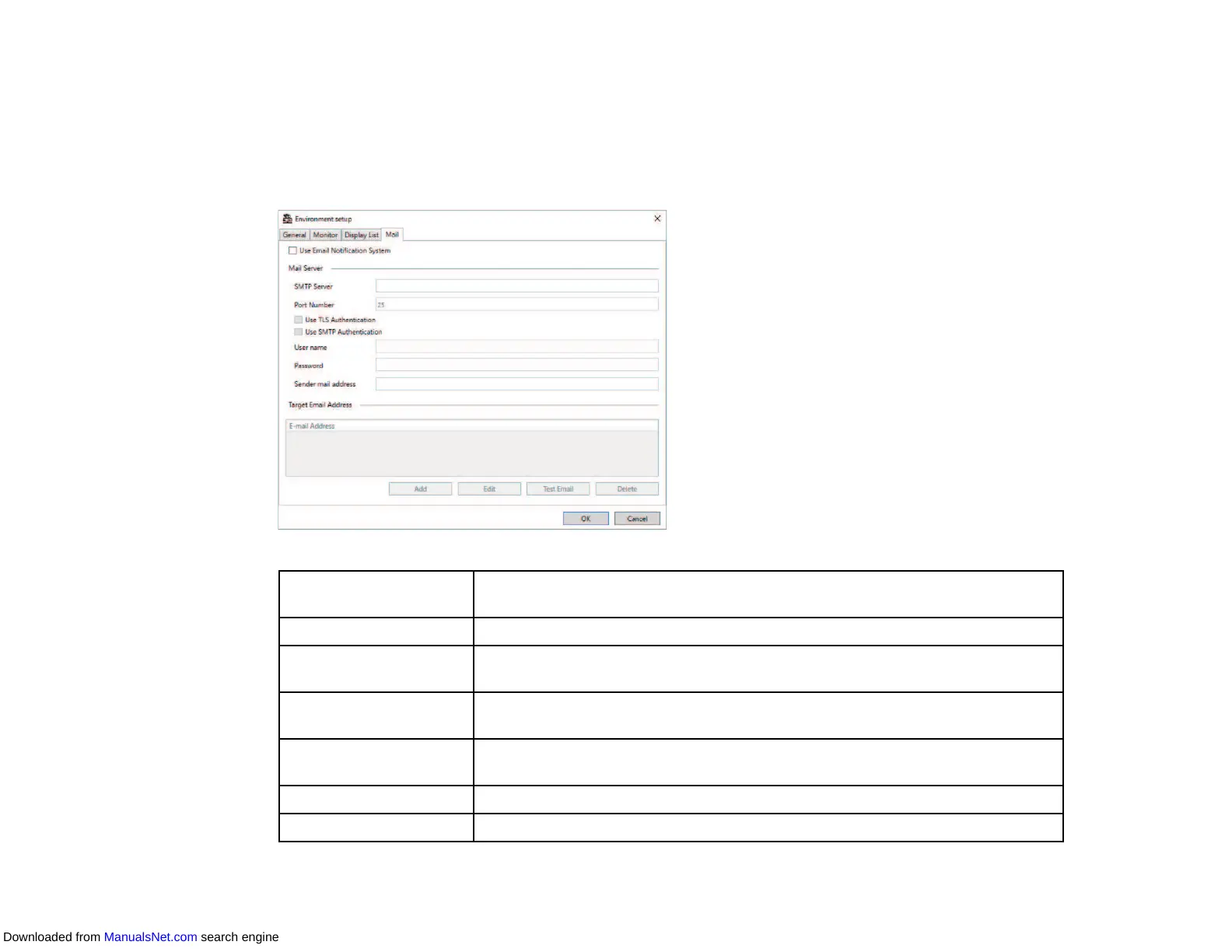
Environment Setup - Mail
When you select the Mail tab on the Environment setup screen, the following screen appears.
Use Email Notification
System
Select to send an email to the preset addresses when a projector status
changes.
SMTP Server Enter the SMTP server name or IP address for the SMTP server.
Port Number Select a number for the SMTP server port number using 1 to 65535. Default
is 25.
Use TLS
Authentication
Select to enable TLS authentication.
Use SMTP
Authentication
Select to enable SMTP authentication.
User name Enter a user name for the SMTP authentication.
Password Enter a password for the SMTP authentication.
Downloaded from ManualsNet.com search engine



 To Next Page