31
Note:
• Do not close the Epson Projector Management software while updating the firmware.
• If you try to close the Epson Projector Management software when there is a scheduled update
standing by, a confirmation message is displayed. Scheduled updates are executed only while the
Epson Projector Management software is running.
• You may need to reconfigure the projector's network settings after updating the firmware since the
network settings may be changed by the firmware update process.
Parent topic: Updating the Firmware
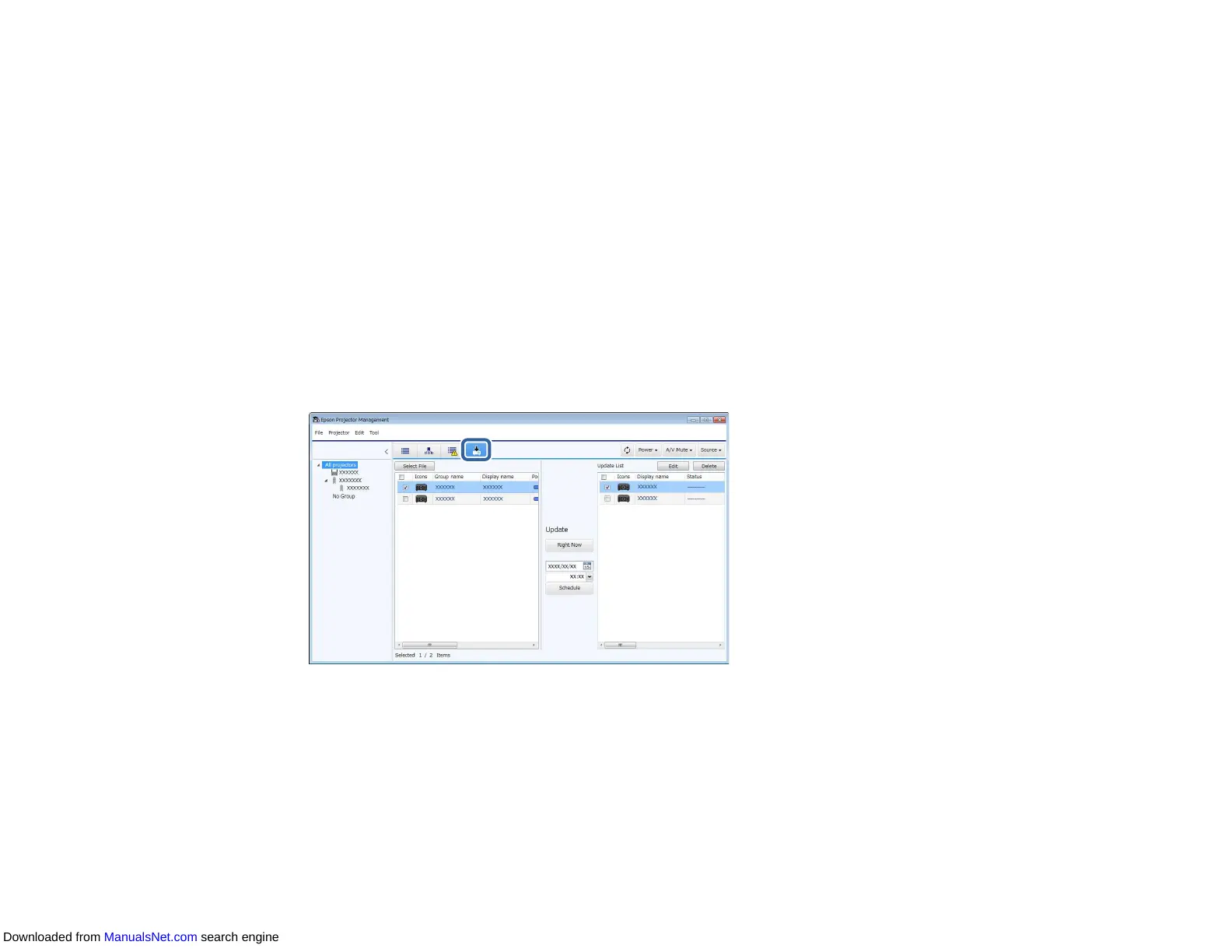
Updating to New Firmware Downloaded to Your Computer
You can update the firmware by downloading the firmware file manually.
1. Click the Update List icon on the Epson Projector Management main screen to open the Update
List view.
2. Click Select File to select the firmware file.
Downloaded from ManualsNet.com search engine



 To Next Page