24
Parent topic: Monitoring Projectors
Displaying Projector Status Details
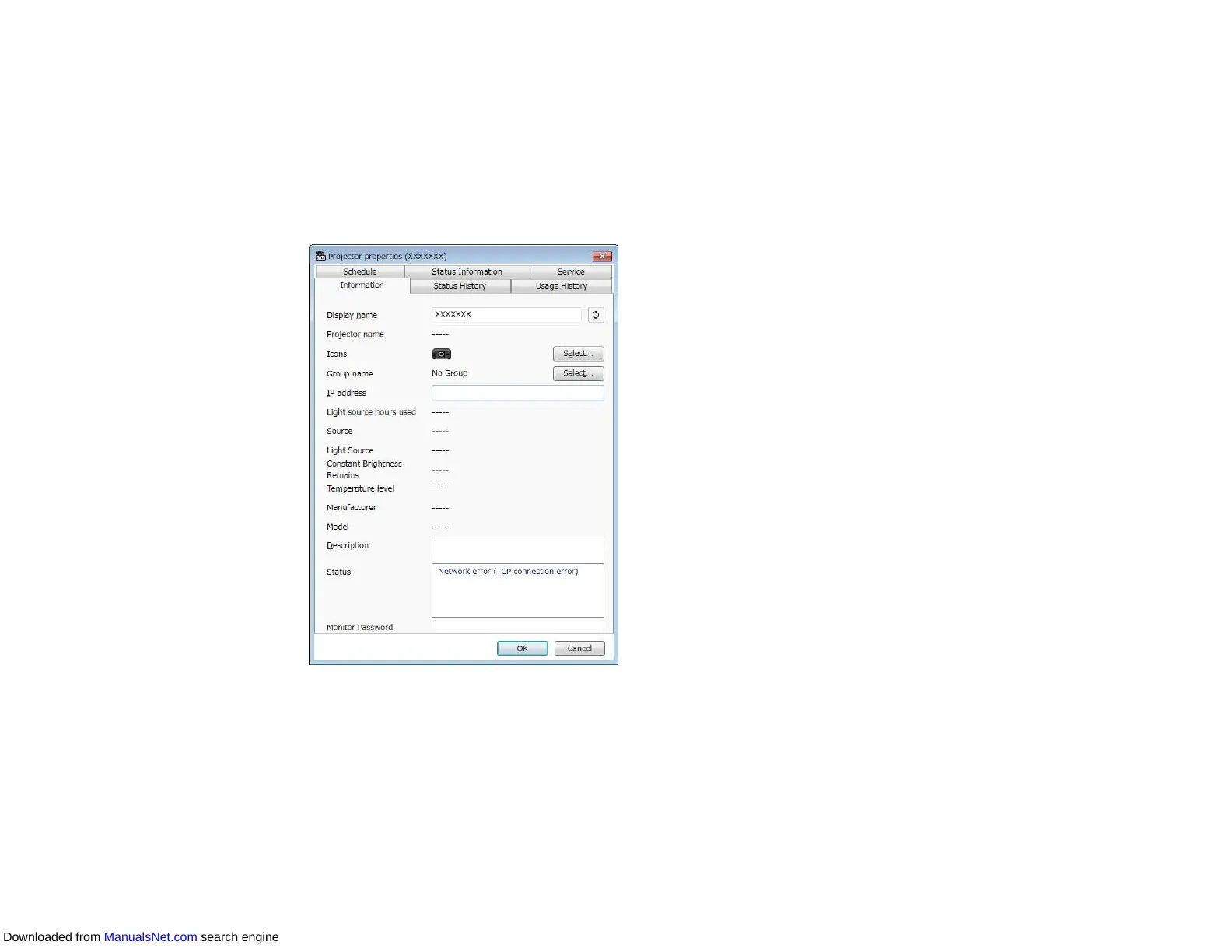
You can check detailed projector status information on the Projector properties screen.
1. On the Epson Projector Management main screen, double-click the projector you want to check.
The Projector properties screen appears.
2. Click tabs to check each type of information.
• Information: Displays general projector information.
• Status History: Displays the projector's error history.
• Usage History: Displays the projector usage history as a graph.
• Schedule: Displays the schedule set for the projector or the projector's parent group.
Downloaded from ManualsNet.com search engine



 To Next Page