43
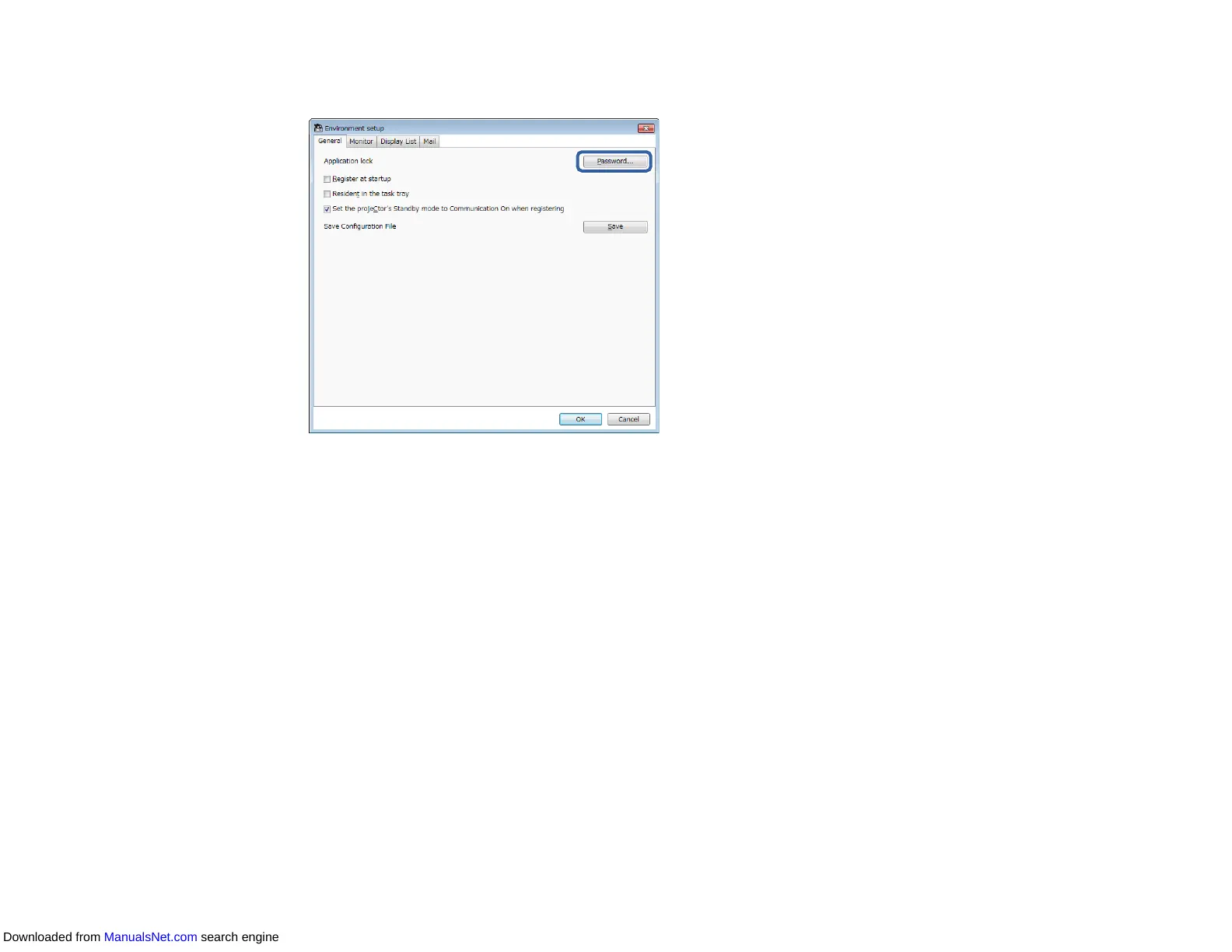
3. Select Password.
4. Do one of the following.
• Create a password for the first time: Leave the Old password field blank.
• Change an old password: Enter the existing password in the Old password field.
5. Enter a new password in the New password field. The password can be up to 16 alphanumeric
characters.
6. Enter the same password again in the New password (confirm) field.
7. Click OK.
The password is saved.
Parent topic: Making Security Settings
Restricting the Use of the Application
You can lock the application functions so that they cannot be accessed by a third party.
Note: When you set a password, you need to enter the password to release the application lock. Using a
password improves the application security.
Downloaded from ManualsNet.com search engine



 To Next Page