74
Environment Setup - Monitor
Environment Setup - Display List
Environment Setup - Mail
Parent topic: Screen Summary
Environment Setup - General
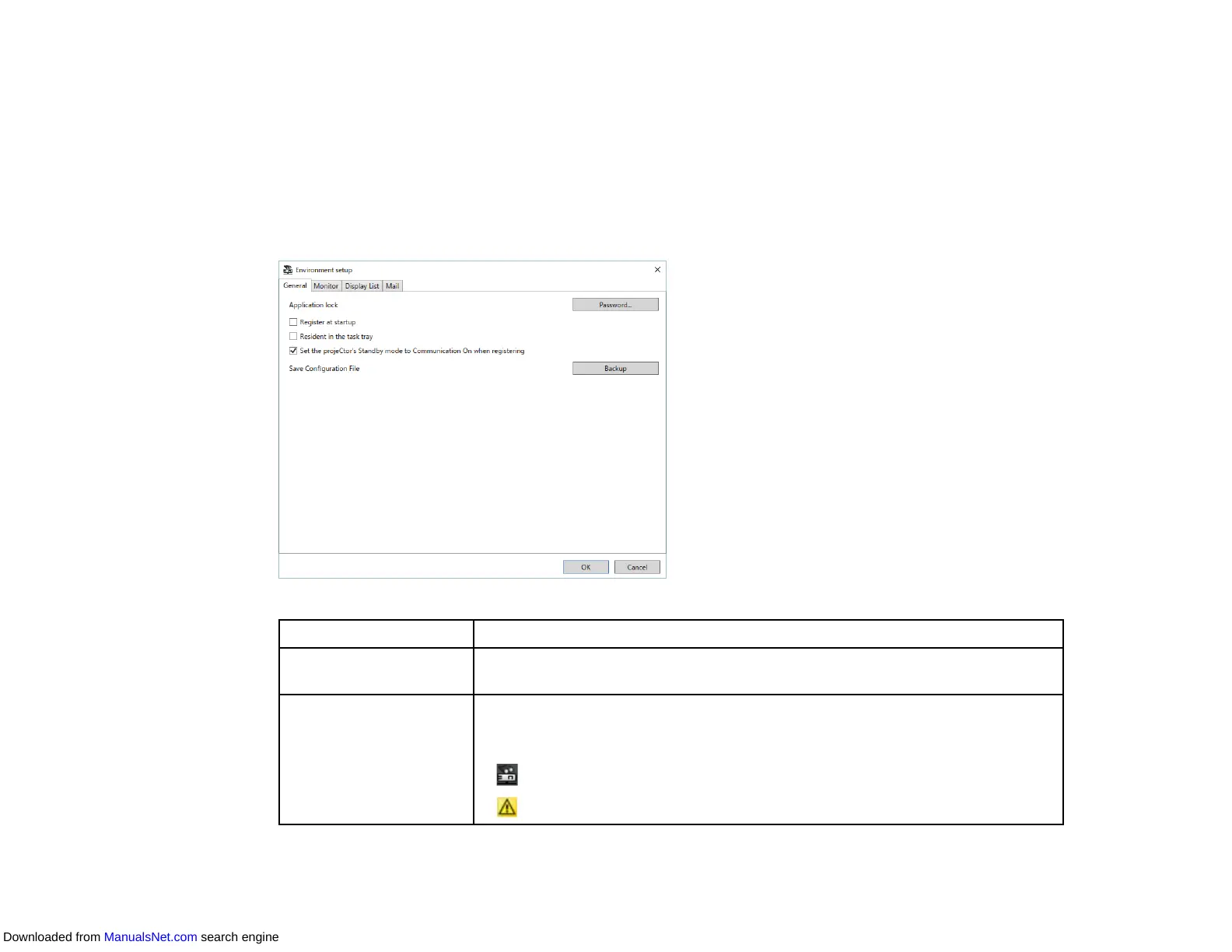
When you select the General tab on the Environment setup screen, the following screen appears.
Application lock Changes password for the application lock feature by selecting Password.
Register at startup Starts the Epson Projector Management software automatically when you
start up the computer.
Resident in the task
tray
Continues monitoring when you close or minimize the Epson Projector
Management window. The icons displayed on the task bar are described
below.
• : Normal operation.
• : Warning or error occurred.
Downloaded from ManualsNet.com search engine



 To Next Page