20
Monitoring and Controlling the Projectors
Follow these instructions to monitor and control the registered projectors.
Monitoring Projectors
Displaying Projector Status Details
Controlling Projectors
Monitoring Projectors
Click the view icons on the Epson Projector Management main screen to select the type of the
monitoring window you want to view.
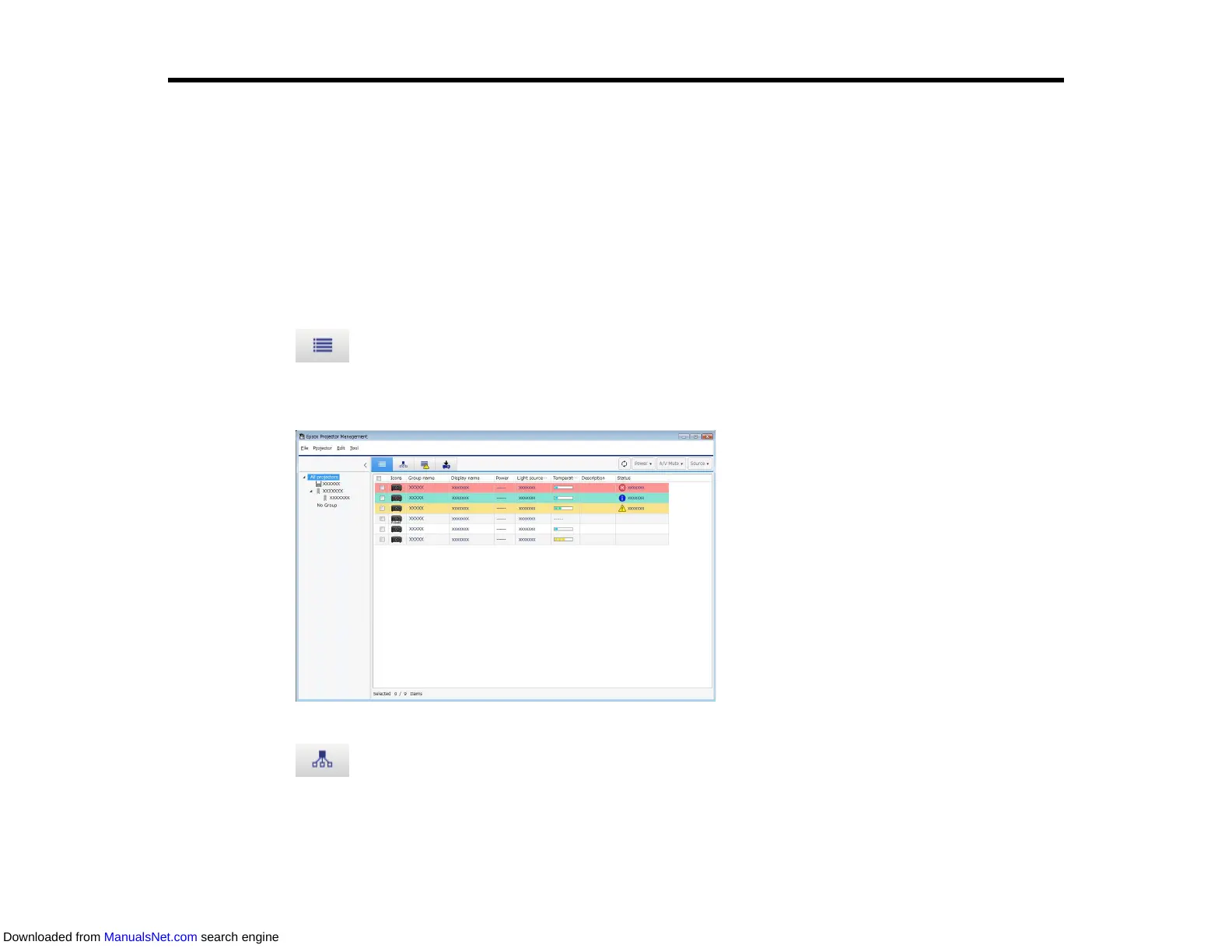
• Detail list view
You can check projector status as a list. To check the status of projectors in a specific group, select
the group in the Group List.
• Grouping view
You can check projector groups in a hierarchical diagram.
When you want to expand or collapse a group, double-click the group icon or a group name in the
Group List. When the projectors in the group are hidden, the group icon appears with a circle frame.
Downloaded from ManualsNet.com search engine



 To Next Page