70
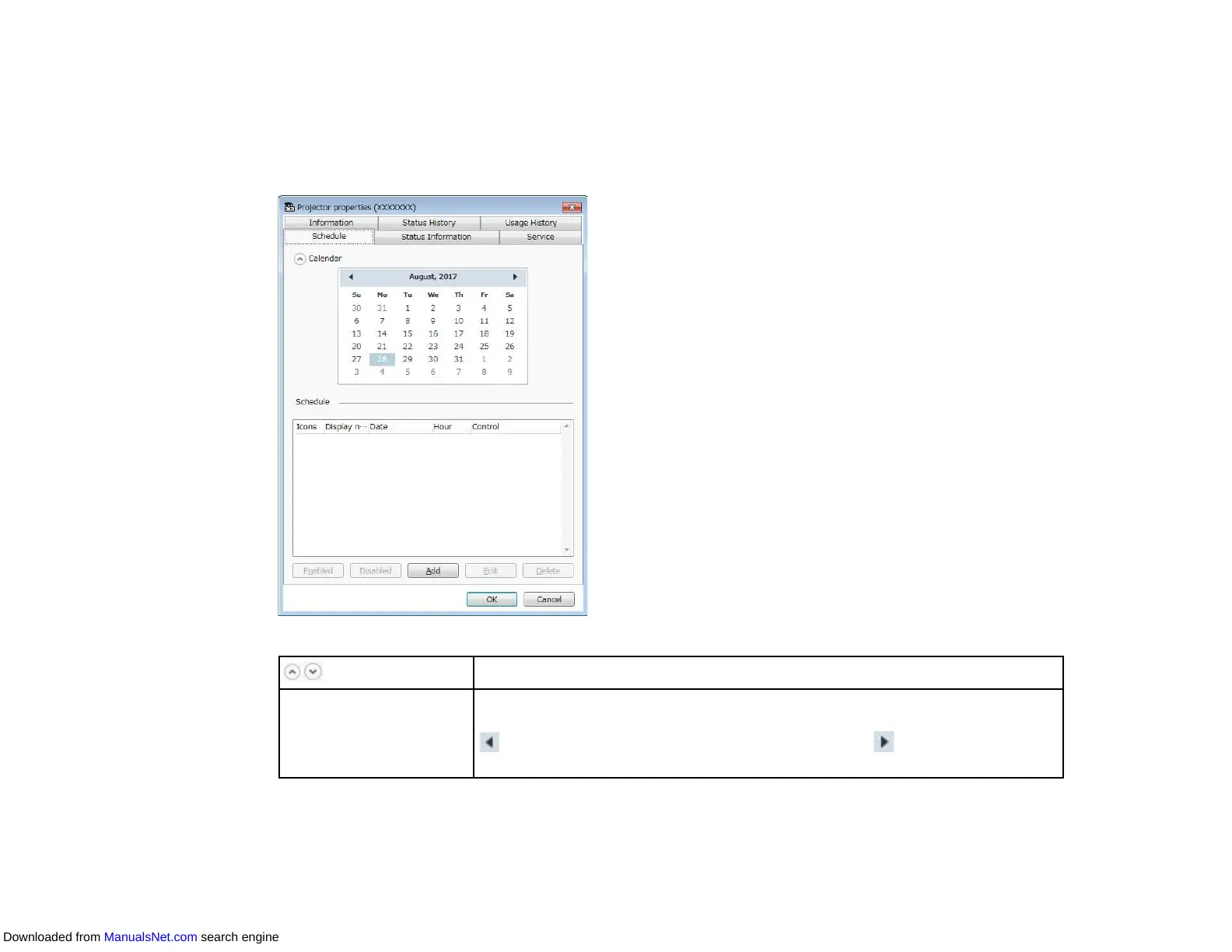
Projector Properties - Schedule
When you select the Schedule tab on the Projector properties screen, the following screen appears.
Note: You cannot schedule a firmware update on this screen. Schedule it in the Update List view.
Show/Hide
Displays or hides the calendar.
Calendar Today's date appears with a highlighted background and white text. A
scheduled date appears with a highlighted background and black text. Select
to move to the previous month or year and select to move to the next
month or year.
Downloaded from ManualsNet.com search engine



 To Next Page