71
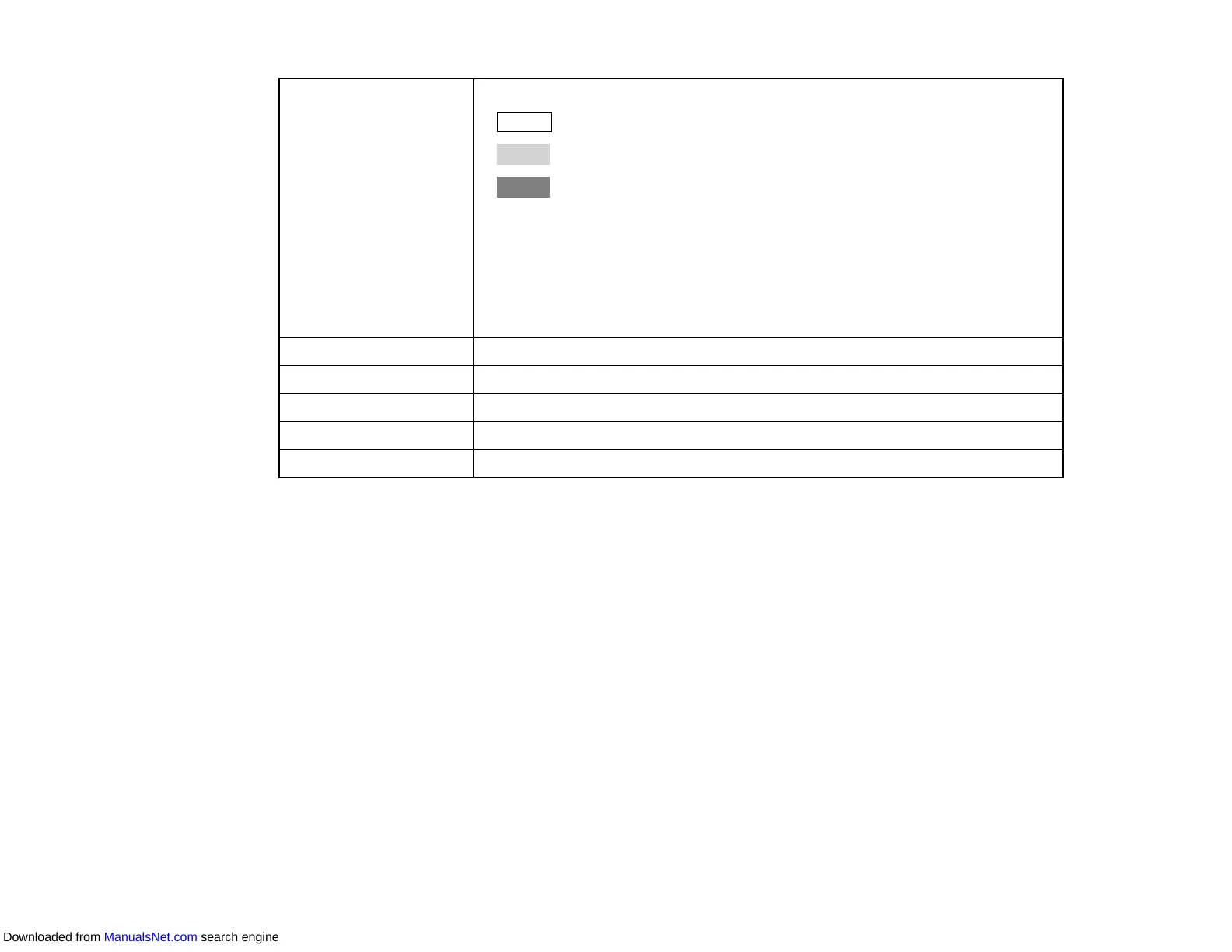
Schedule Displays the schedule list. The color of the row is described as follows.
• : Enabled schedule
• : Disabled schedule
• : Unselected schedule
Note:
• You can duplicate the schedule by right-clicking the schedule and
selecting Copy and Paste.
• Firmware update schedules are not displayed in this list. Open the Update
List view to see the firmware update schedules.
Enabled Enables the selected schedule.
Disabled Disables the selected schedule.
Add Creates a new schedule.
Edit Edits the selected schedule.
Delete Removes the selected schedule.
Parent topic: Projector Properties Screen
Related tasks
Scheduling Projector Events
Related topics
Updating Firmware and Copying Menu Settings
Downloaded from ManualsNet.com search engine



 To Next Page