36
Copying a Projector Configuration File
After downloading a configuration file containing the menu settings from one projector, you can copy the
settings in the file to another projector.
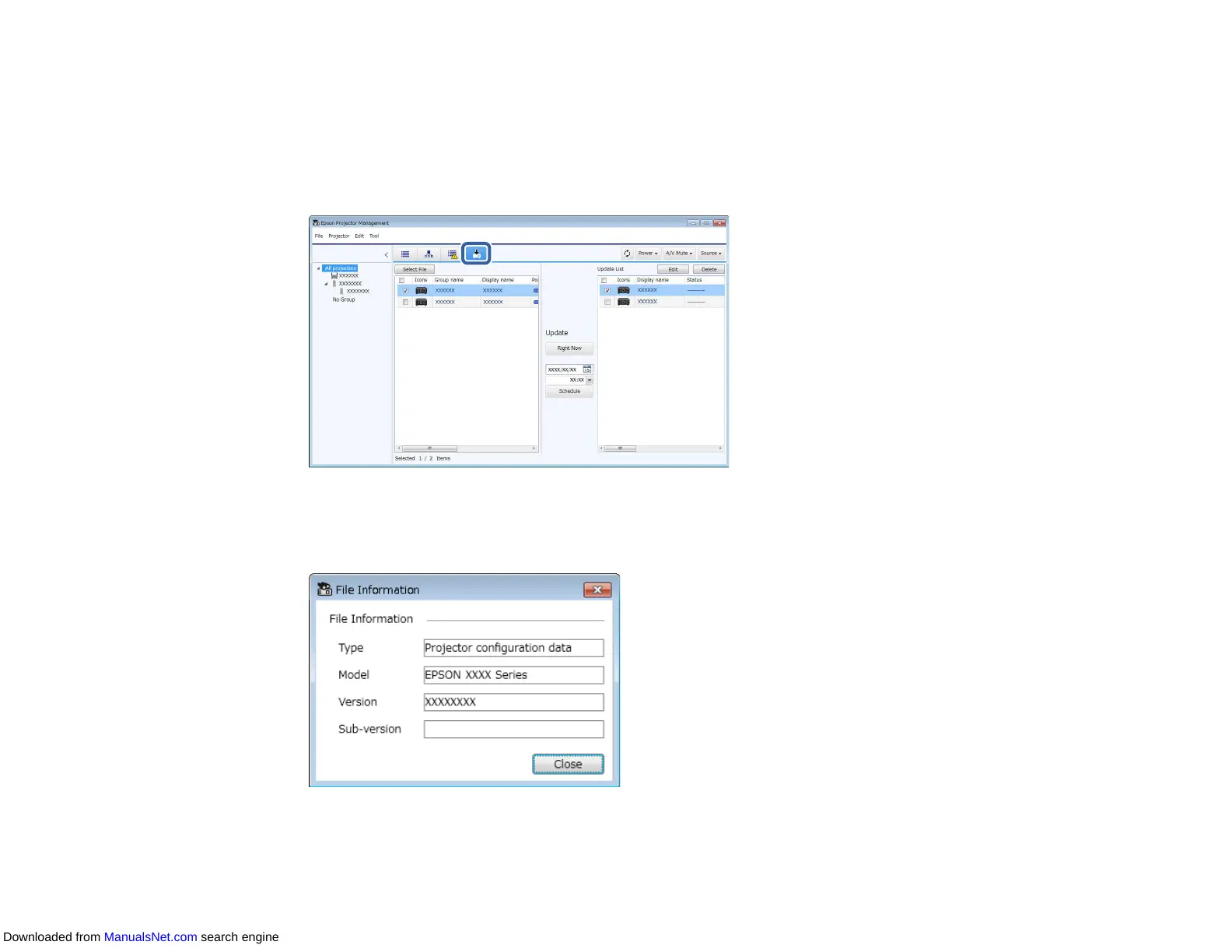
1. Click the Update List icon on the Epson Projector Management main screen to open the Update
List view.
2. Click Select File to select the configuration file you have downloaded.
The File Information screen appears.
3. Confirm the file information and click Close.
Downloaded from ManualsNet.com search engine



 To Next Page