35
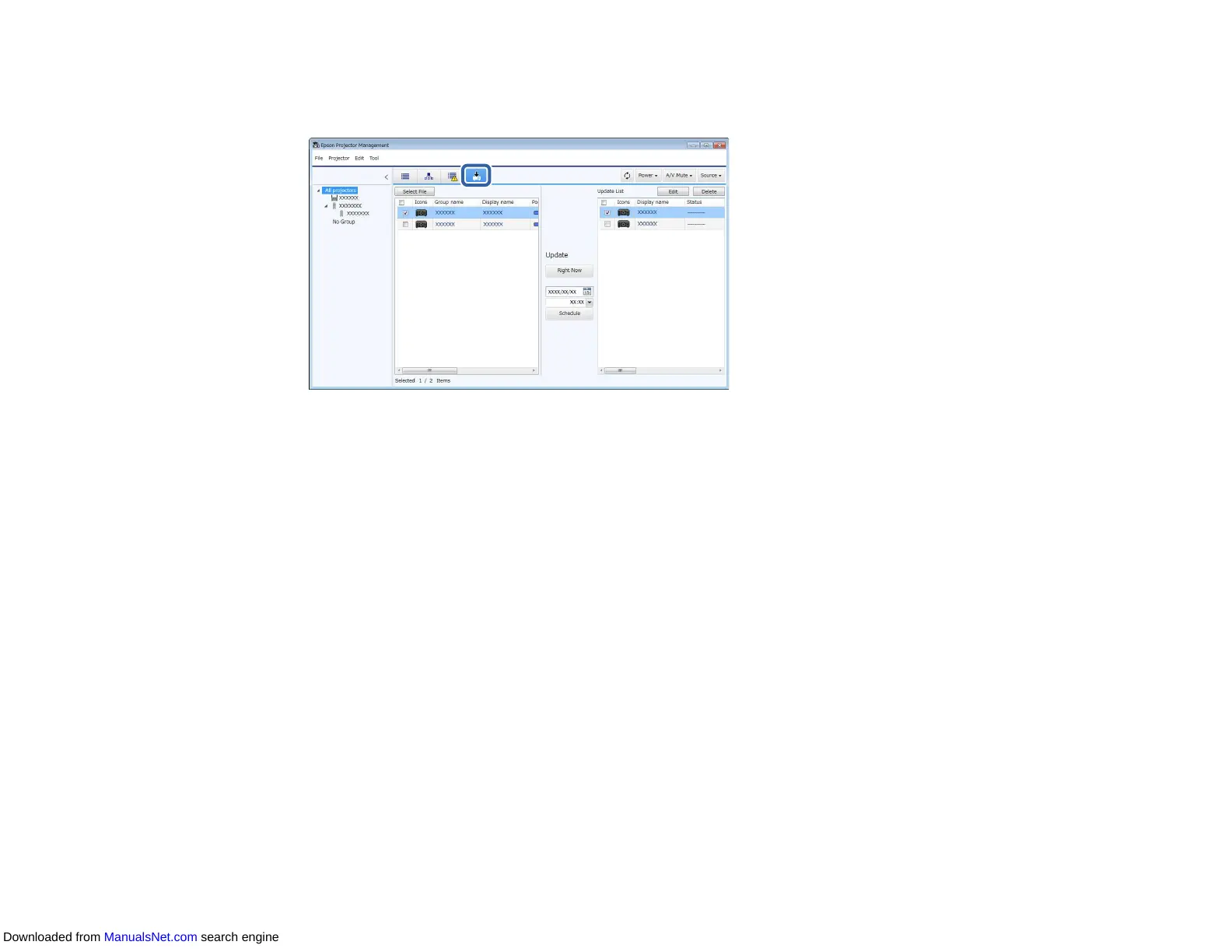
1. Click the Update List icon on the Epson Projector Management main screen to open the Update
List view.
2. On the left pane of the Update List view, right-click the projector from which you want to copy the
menu settings and select Acquire Projector configuration data.
3. Select the folder to which you want to download the projector menu configuration file.
4. Select one of the following options.
• Click Right Now to download the configuration file immediately.
• Set the date and time you want to download the configuration file, and then click Schedule to
schedule the download.
You can check the download status on the right pane of the Update List view.
When the download is complete, the projector turns off and it enters standby mode.
Note: When you save the downloaded file to the USB flash drive and copy the menu settings using
it, make sure the file name complies with the following conventions.
• Only single-byte characters are used.
• The file name starts with "PJCONFDATA".
Parent topic: Copying Projector Menu Settings in a Batch
Downloaded from ManualsNet.com search engine



 To Next Page