17
Note:
• To change the projector information for a registered projector, double-click the projector in the Epson
Projector Management main screen, and then change the necessary information on the Projector
properties screen.
• To remove a registered projector, right-click the projector in the Epson Projector Management main
screen, and then select Delete.
• You may see a message prompting you to set the Standby Mode setting to Communication On in
the projector's menu. Select Yes to monitor projectors while the projector is in standby mode (when
the power is off).
• In a DHCP-enabled network, you can register and manage any projector that is detected using
Automatic search.
Parent topic: Registering Projectors for Monitoring
Related references
Projector Properties - Information
Creating a Projector Group
Registering projectors to a group allows you to monitor and control multiple projectors all at once. When
you select a parent group, you can also monitor and control all projectors included in multiple groups.
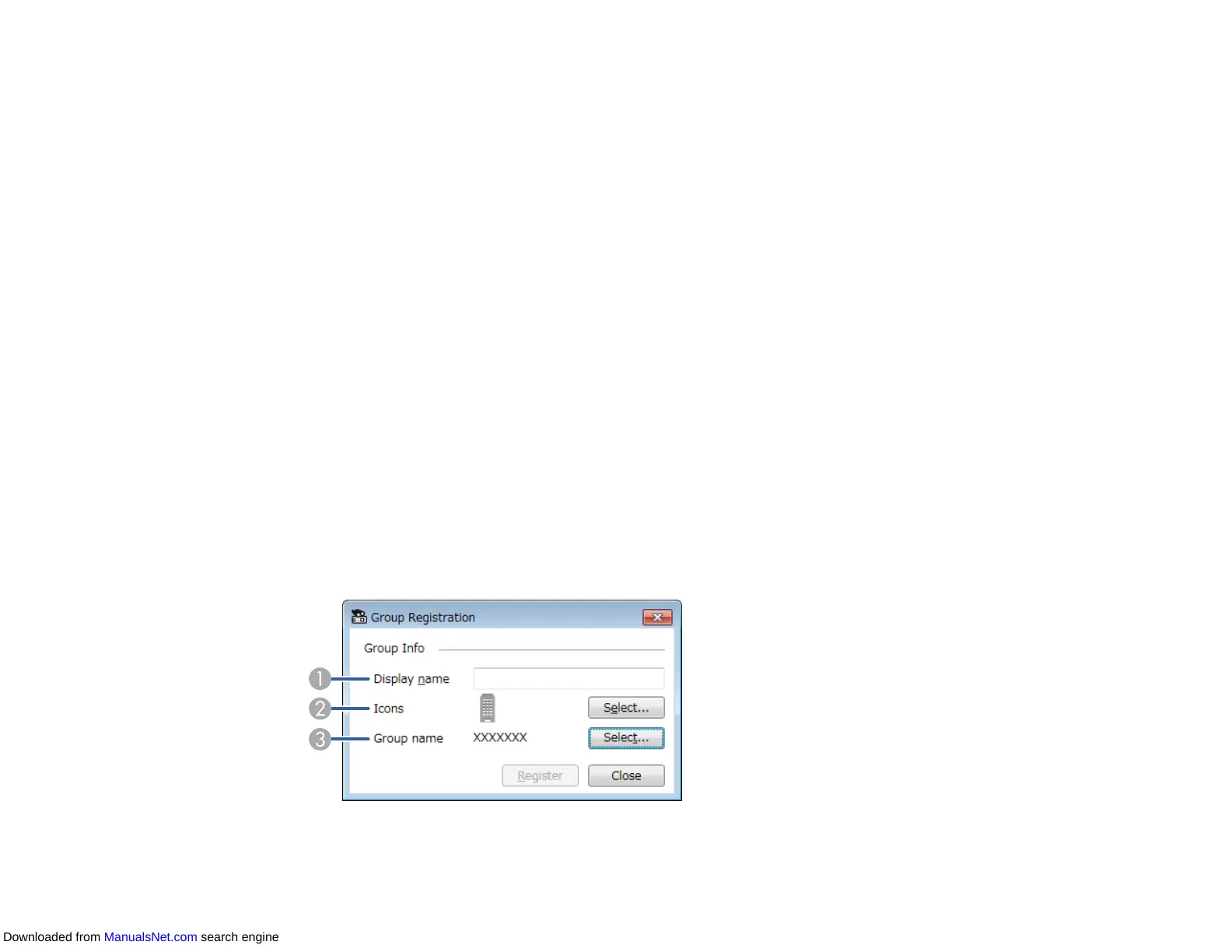
1. Select Projector from the menu bar and select Group Registration.
The Group Registration screen appears.
2. Select the necessary settings.
Downloaded from ManualsNet.com search engine



 To Next Page