61
Screen Summary
See these sections for more information about the Epson Projector Management screens.
Epson Projector Management Main Screen
Projector Properties Screen
Environment Setup Screen
Epson Projector Management Main Screen
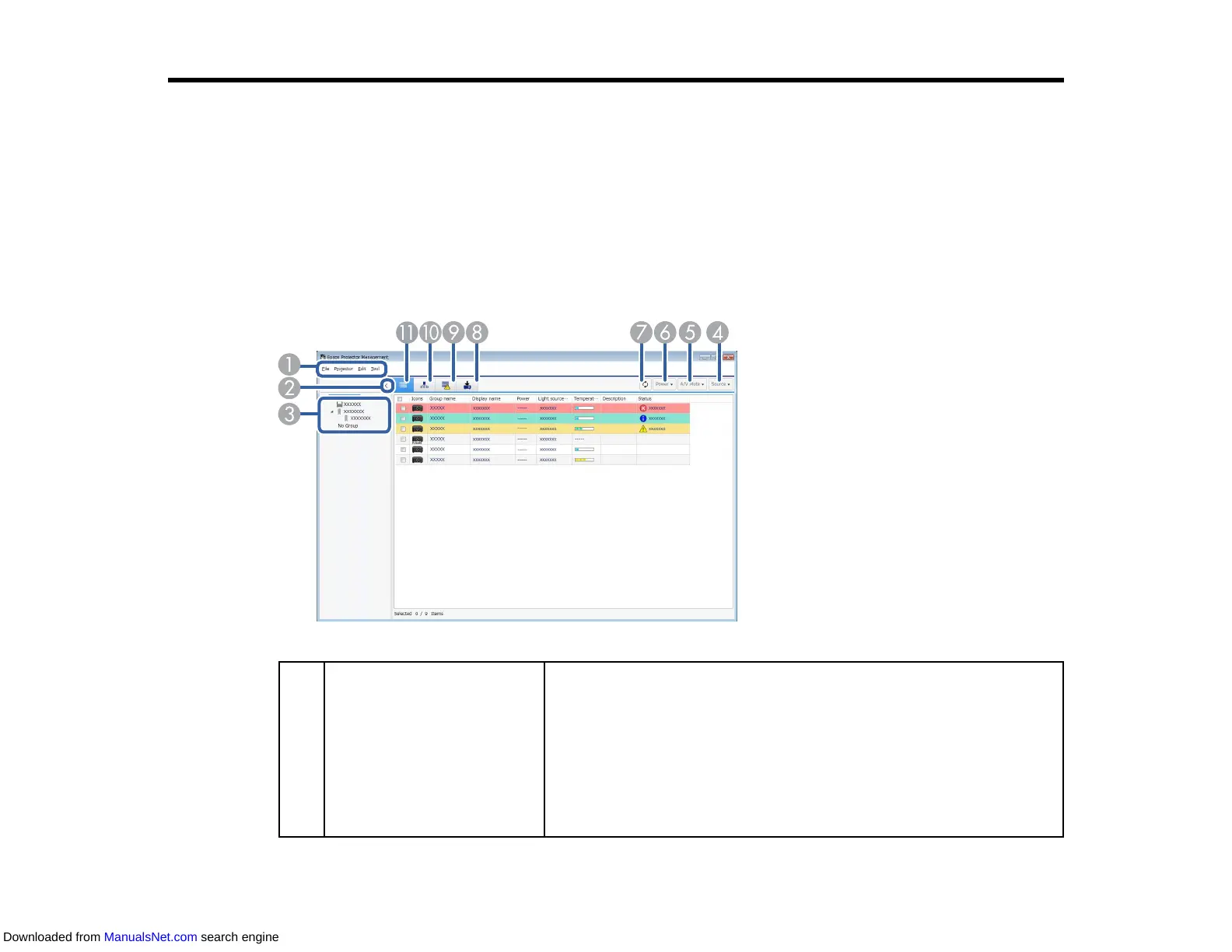
When you start the Epson Projector Management software, the main screen appears.
1 File menu
• Log Save Settings: Selects the log file settings.
• Export: Exports projector information registered in the Epson
Projector Management software so you can import it into the
Epson iProjection software.
• Version information: Displays the application version
information.
• Exit: Closes the application.
Downloaded from ManualsNet.com search engine



 To Next Page