75
Set the projector's
Standby mode to
Communication On
when registering
Sets the Standby Mode setting to Communication On in the projector's
menu during projector registration (Epson projectors only).
Save Configuration
File
Creates a backup of the configuration file by selecting Save. When you
restore settings from the backup file, extract the zip file and copy the
extracted files to the following directory.
C:\ProgramData\SEIKO EPSON CORPORATION\Epson Projector
Management
Parent topic: Environment Setup Screen
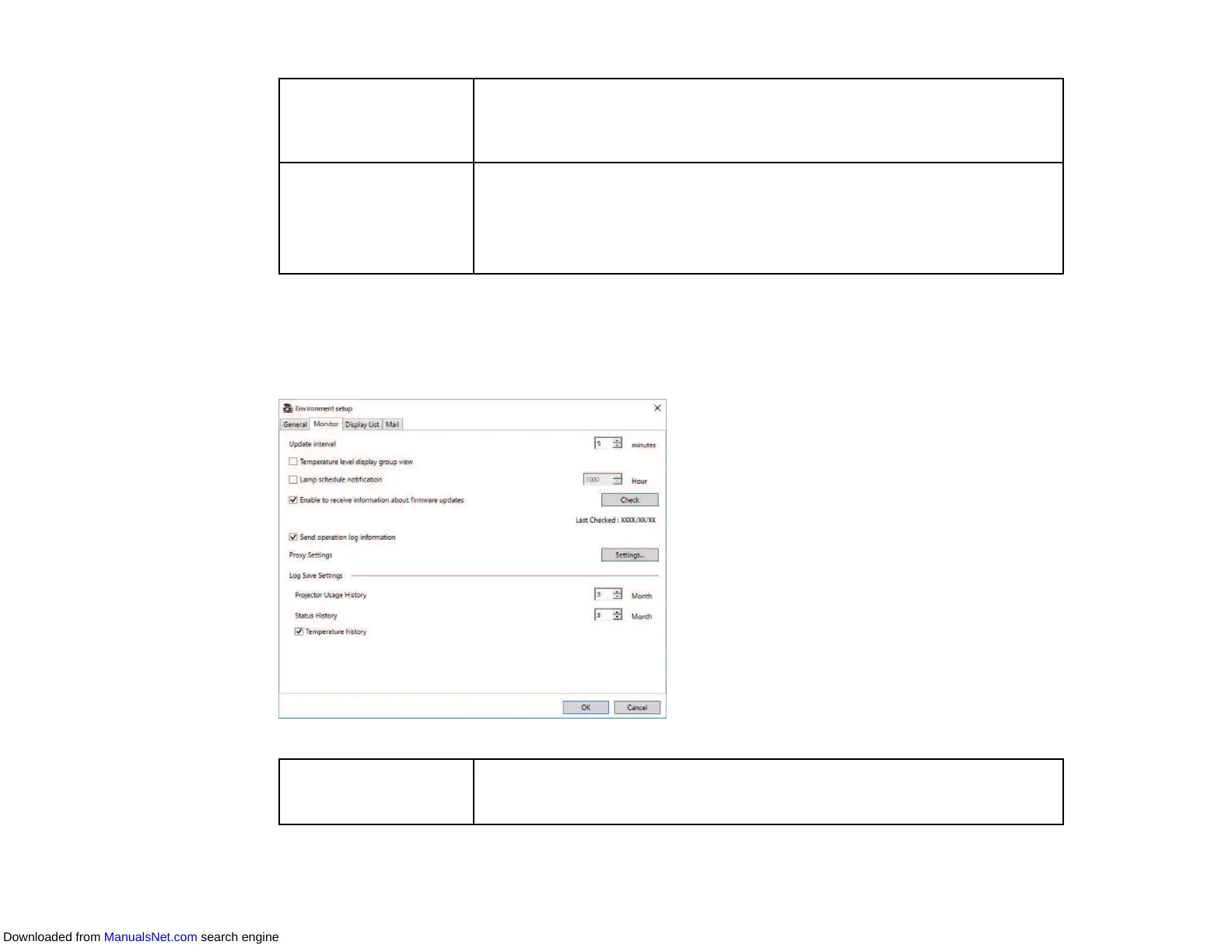
Environment Setup - Monitor
When you select the Monitor tab on the Environment setup screen, the following screen appears.
Update interval Specifies the update interval of the projector information from 1 to 99
minutes. When you monitor a large number of projectors, specify a longer
interval so that the update can finish during that time.
Downloaded from ManualsNet.com search engine



 To Next Page