32
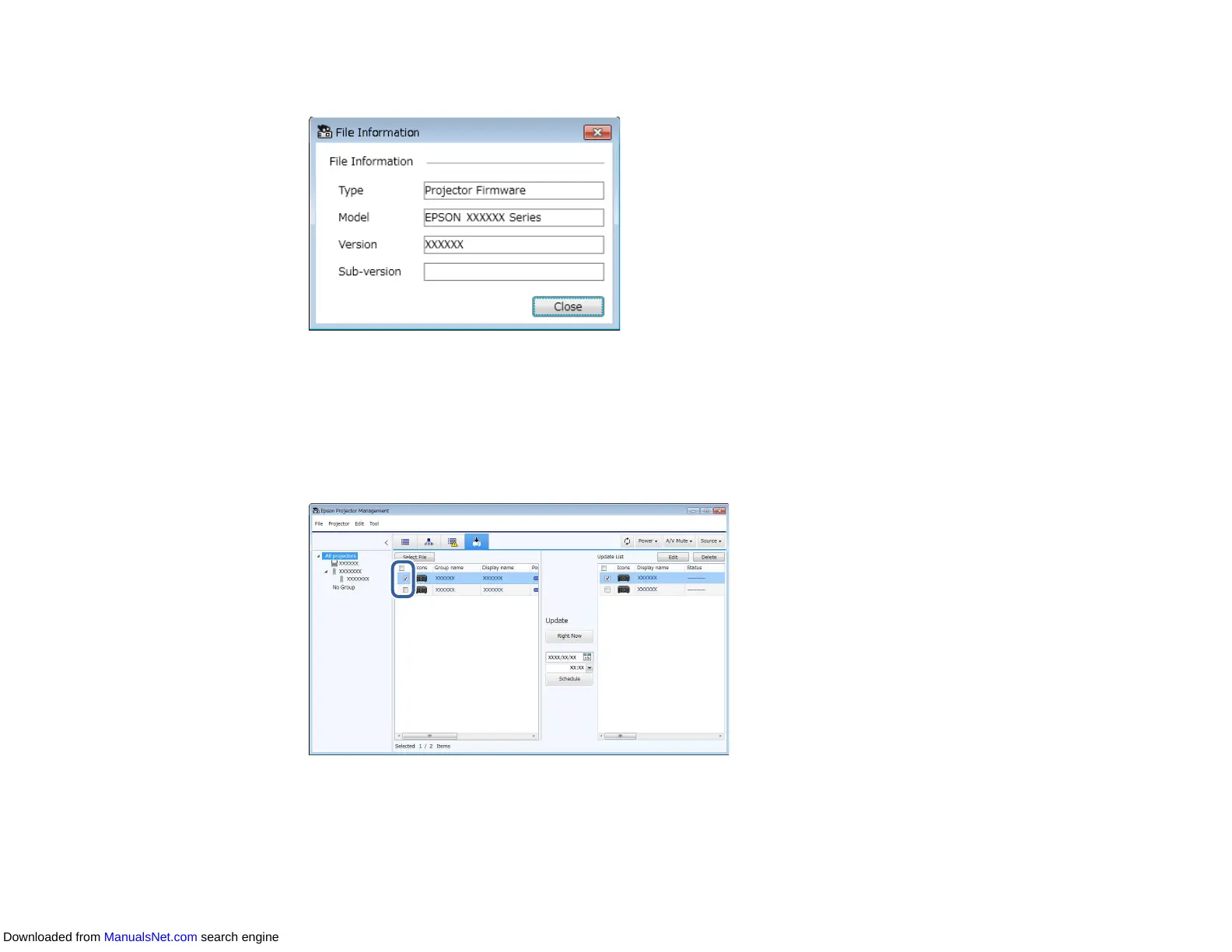
The File Information screen appears.
3. Confirm the file information and click Close.
Projectors that can be updated by using this firmware file appear in the left pane of the Update List
view.
4. Select the projector you want to update. You can select multiple projectors or all projectors by
selecting checkboxes as necessary.
5. Select one of the following methods to update the firmware.
• Click Right Now to start the firmware update immediately.
Downloaded from ManualsNet.com search engine



 To Next Page