26
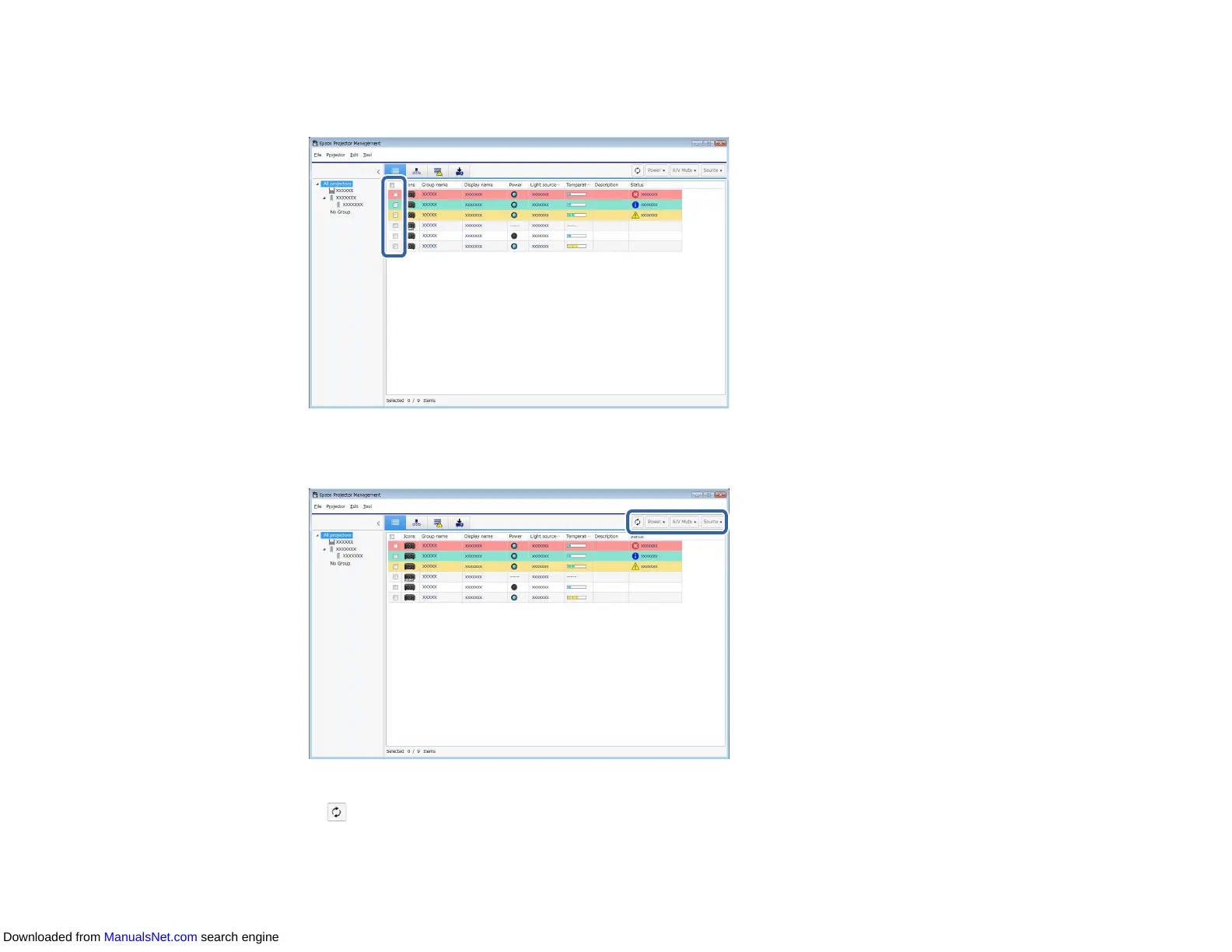
1. On the Epson Projector Management main screen, select the projector you want to control. You can
select multiple projectors or all projectors by selecting checkboxes as necessary.
2. Click the projector control buttons to perform the following operations.
• Refresh: Updates the projector information.
• Power: Turns the projector on or off.
Downloaded from ManualsNet.com search engine



 To Next Page