– 45 –
6 - Completing the bend after entering springback setting
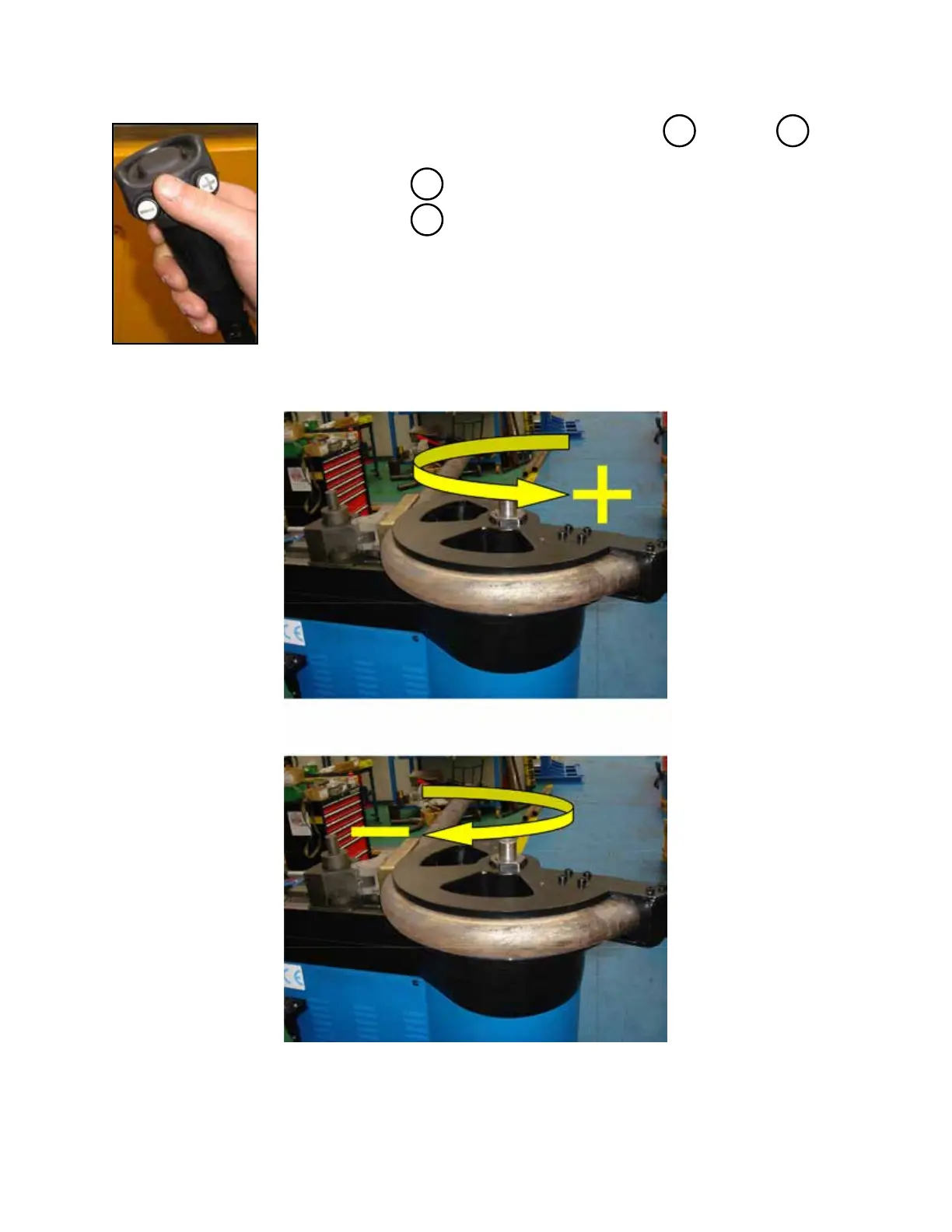
a - Select the desired direction pushing either button or button
on the hand-held control according to the table below.
Note: select for bending
Note: select for return
b - After selecting direction, press center of hand-held control to move C axis
Note: releasing button stops C motion
Note: fully depressing button activates emergency stop
+
-
C axis positive bending direction
C axis negative return direction
+
-
TB100/TB13003/2015


 To Next Page