– 50 –
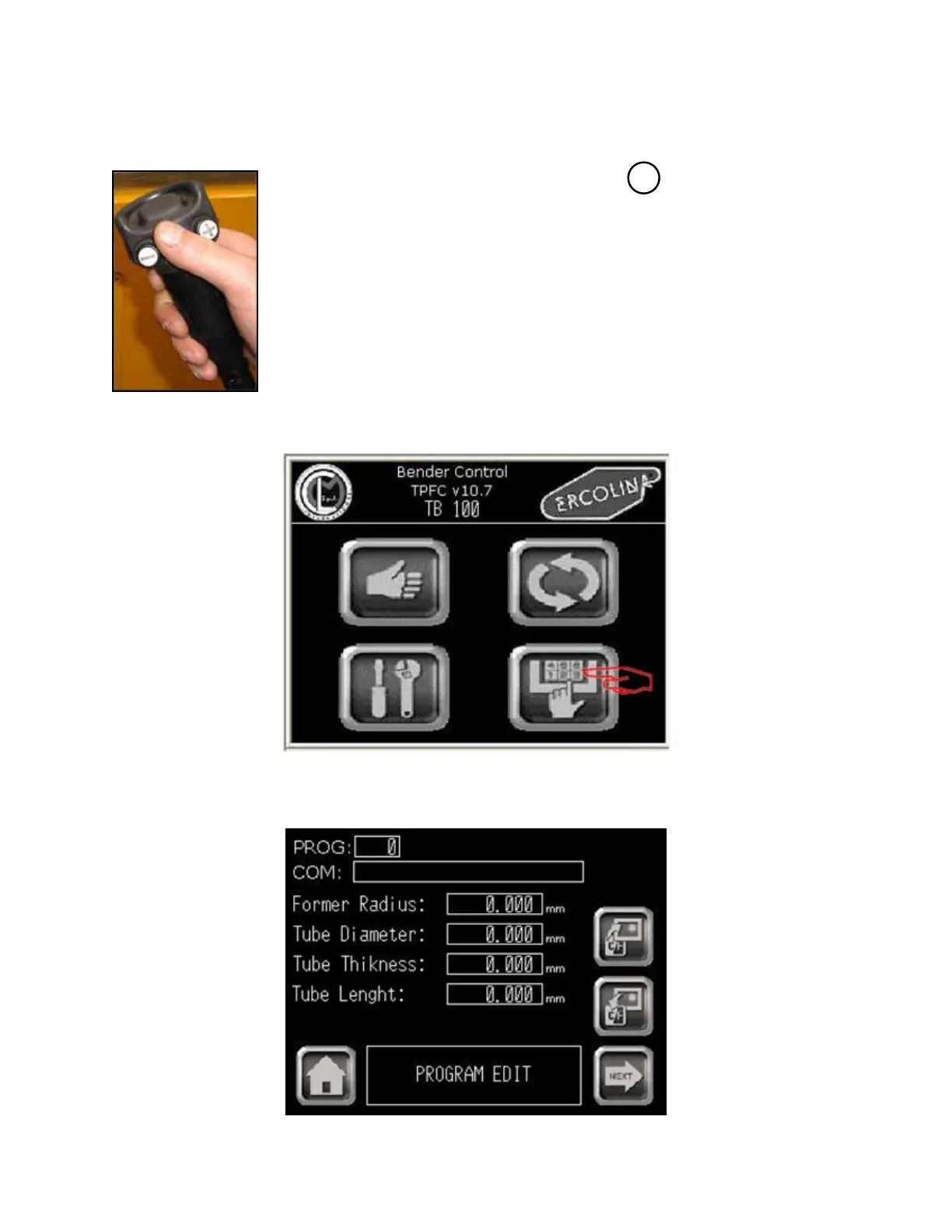
From Main menu
- Determining and entering proper springback value for bend angles -
Main menu
4 - Select “PROGRAM”. The Program main screen appears.
Program menu
3 - Springback must be determined at this point and entered into SB eld on program.
a - Select forward bending direction by pushing on the hand-held control
b - Press center of hand-held control to move C axis
Note: releasing button stops C motion
Note: fully depressing button activates emergency stop
c - Stop C axis movement when material initially starts to bend
d - Note actual position - this value is your springback setting
Press BACK and then HOME to return to main menu
+
03/2015TB100/TB130


 To Next Page