– 57 –
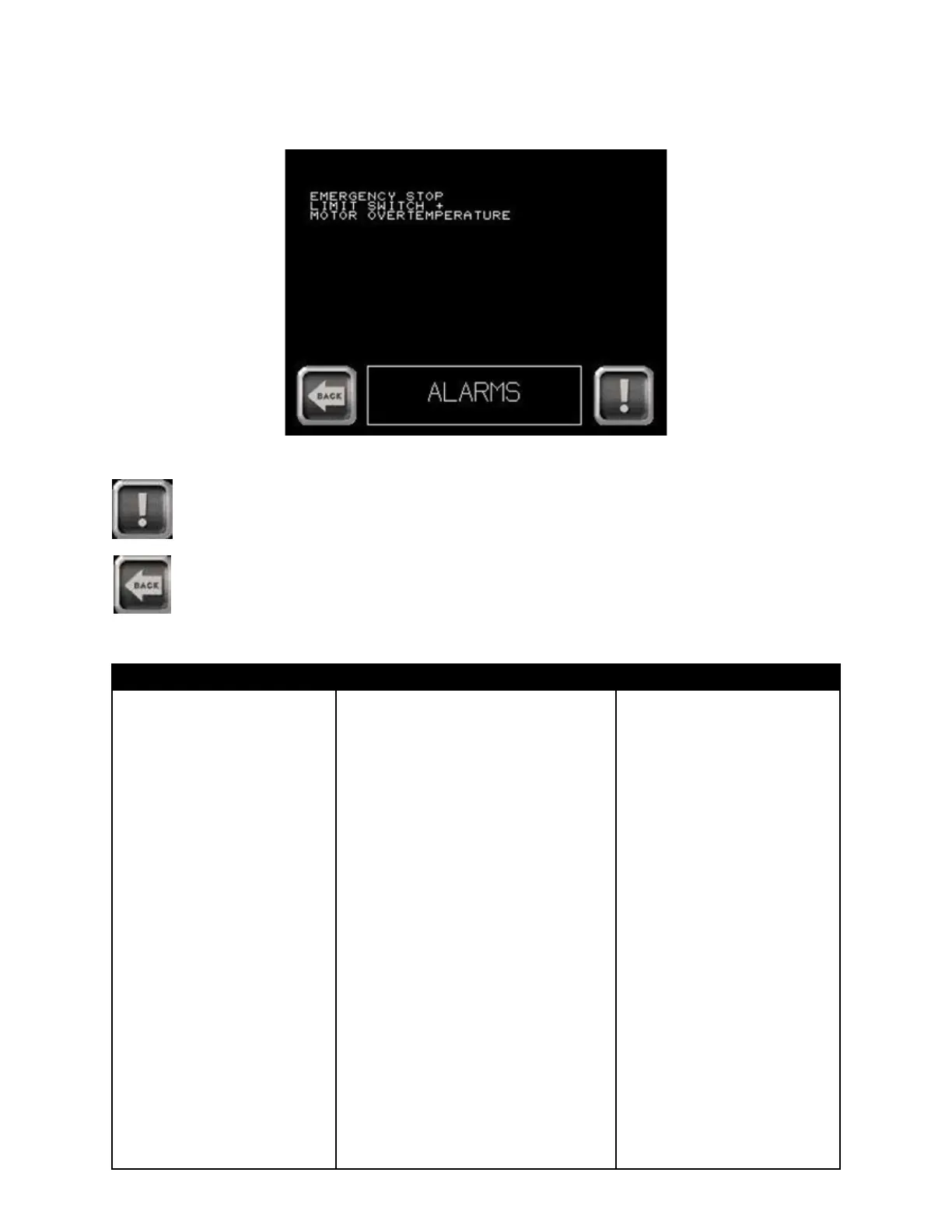
2 - Press the Display Alarm List button. Current alarms are displayed.
Alarm list is displayed with current alarms or messages.
Alarm list
Press to clear messages.
Press to return to services menu.
Alarms Overview
ALARM DISPLAY EXPLANATION SOLUTION
EMERGENCY STOP Emergency stop Press reset button
DRIVE FAULT OVERLOAD Motor (and drive) was in overload Turn machine off
STOP for too long Wait 5 minutes
Turn machine on
OVERLOAD STOP An overload (greater than values Press reset button
edited in machine data) was detected
LIMIT SWITCH + The C axis is in limit switch + Move C axis in opposite
direction (-)
OVERLOAD SPEED An overload in C axis is detected, Move C axis in opposite
REDUCTION the system automatically reduced direction (-)
the speed
MOTOR OVER C axis motor too hot Wait until the alarm disappears
TEMPERATURE
TB100/TB13003/2015


 To Next Page