Chapter 3: DS850 User Interface 45
EVS5200_DOC_SOP_DS850
Software Version 2.10
Published: February 26, 2014
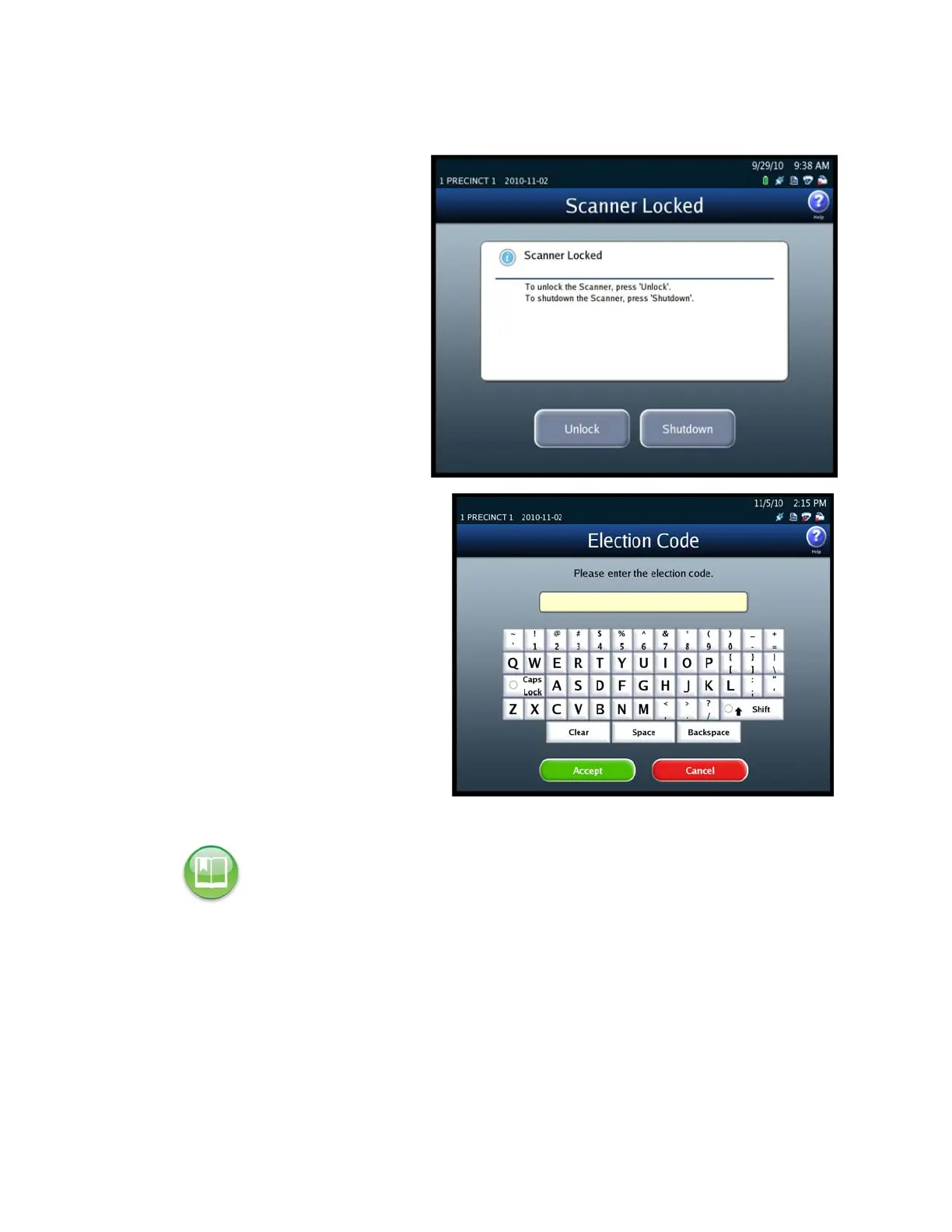
Follow the steps below to unlock a locked scanner:
4. From the Scanner Locked
screen, press Unlock.
5. When prompted, enter the
Election Code and then press
Accept.
If you press Exit on the Exit screen,
the Exit screen closes and the
Scanning menu is displayed.
Reference: See Shut Down and Power Off the Scanner for an explanation of how the
Shutdown Scanner button on the Exit screen is used.



 To Next Page