Chapter 5: Pre-Election Day Tasks 59
EVS5200_DOC_SOP_DS850
Software Version 2.10
Published: February 26, 2014
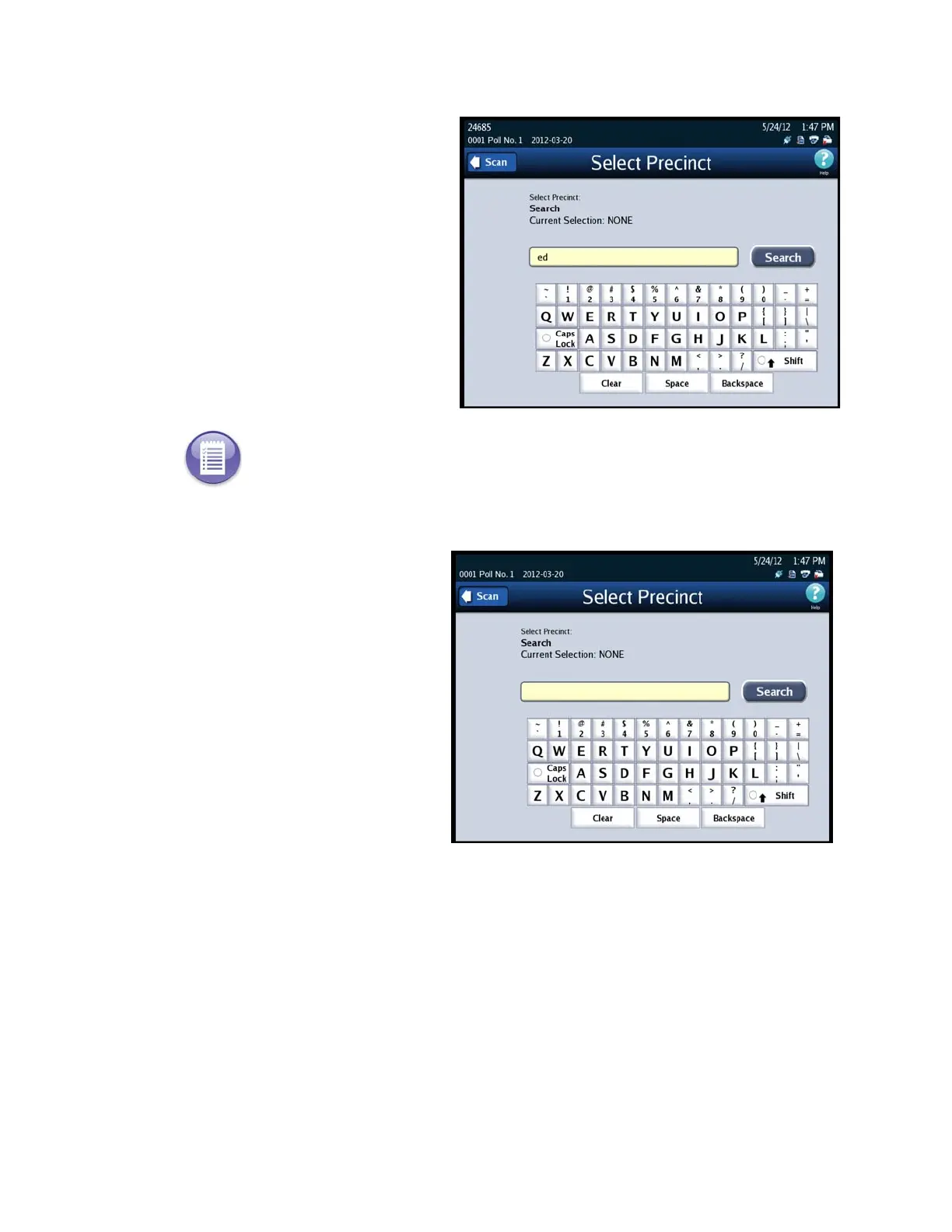
You can enter the precinct
name or the first few letters of
the precinct to narrow your
search. Use the keyboard to
type in the first few letters,
numbers or the precinct name
then press Search. Then go to
Step 3.
You can also search the entire
list of precincts on the DS850
by selecting Search. Then go
to Step 3.
Note: You do not have to enter a precinct number or name in the search field in order to
perform a search. You can leave the field blank and press Search. Entering a number in the
field simply helps to narrow the search.



 To Next Page