EasyManua.ls Logo

Escort iMiniPlus - User Manual

Escort iMiniPlus
67 pages
Print Icon
To Next Page IconTo Next Page
Loading...
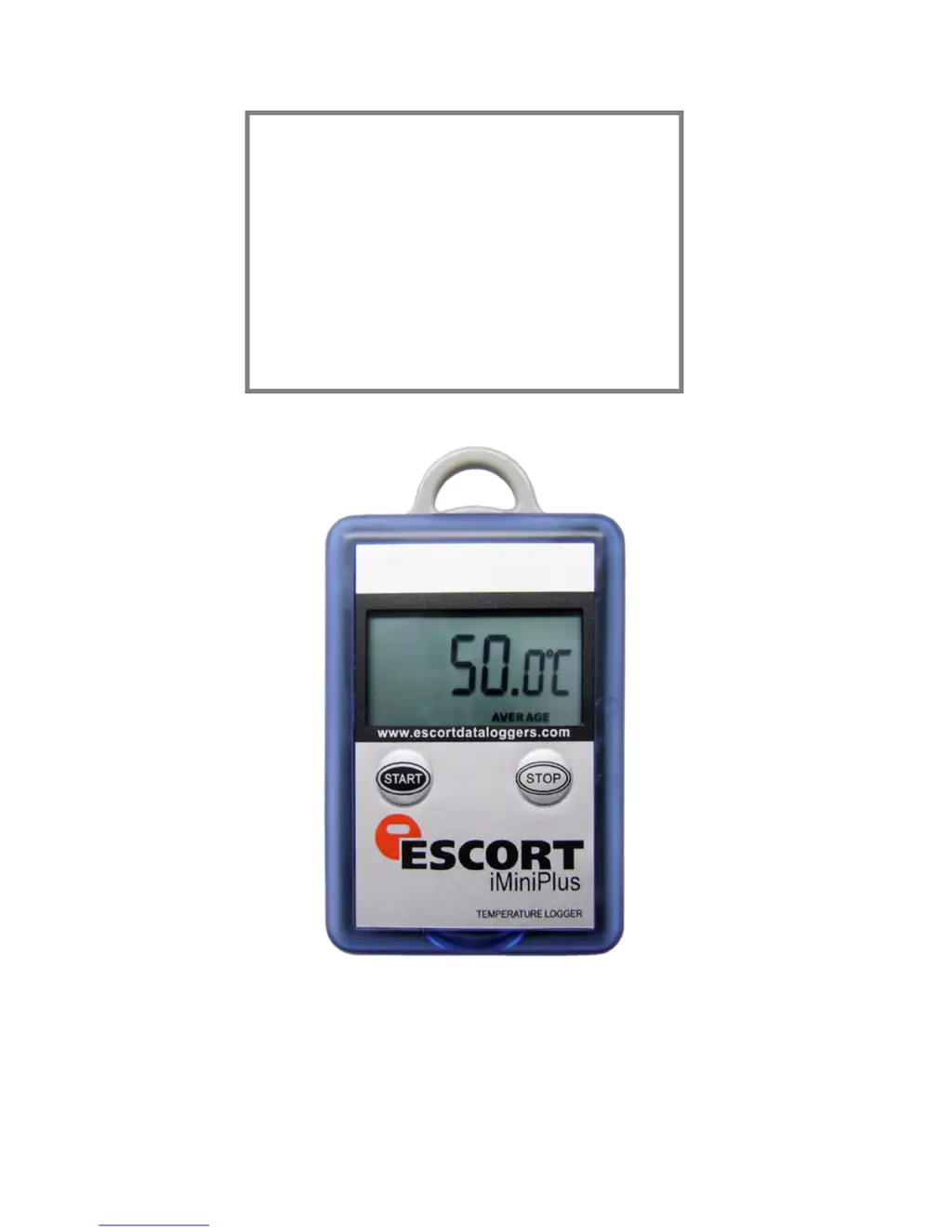
iMiniPlus User Manual Version 2.12.07MP
Copyright © 2016 Cryopak Verification Technologies, Inc. All rights reserved.
i M i n i P l u s
U S E R M A N U A L
Version 2.12.07MP

Table of Contents

Questions and Answers

  • S
    Steven DixonAug 16, 2025
    Why is the date and time incorrect on my Escort Measuring Instruments iMiniPlus data?
    • H
      harrissusanAug 16, 2025
      If the year, date, and time on the downloaded data from your Escort Measuring Instruments iMiniPlus are incorrect, it's likely the battery was removed for more than 30 seconds. To resolve this, re-program the iMiniPlus and select the PC clock in the Date/Time tab of Program and Configure.
  • O
    Olivia ThorntonAug 19, 2025
    What to do if my Escort Measuring Instruments iMiniPlus cannot be programmed?
    • D
      Daniel MartinezAug 19, 2025
      If your Escort Measuring Instruments iMiniPlus appears to be working but you cannot program it and the software displays the error “The software was unable to find any products that it supports…”, make sure you have tried all the solutions the Wizard has suggested and that you have the current version of ConsolePro software. If it still does not communicate, you will need to return it to your distributor for service.
  • R
    Randall MartinAug 22, 2025
    What to do if the stop button is not working on Escort Measuring Instruments iMiniPlus?
    • F
      fullernicoleAug 22, 2025
      If the Stop button on your Escort Measuring Instruments iMiniPlus is not working, reprogram the iMiniPlus and tick the Enable Stop button box in the Startup tab of Progras and Configure. Note this defaults back to unselected at the next progras.
  • J
    James ShawAug 25, 2025
    What to do if Escort Measuring Instruments iMiniPlus displays stopped after pressing start?
    • O
      Oscar StewartAug 26, 2025
      If your Escort Measuring Instruments iMiniPlus displays some readings and then shows “Stopped” when you press the Start button, you need to re-program the iMiniPlus to enable the Start button to initiate another logging cycle.
  • T
    Thomas PerkinsAug 28, 2025
    Why is my Escort Measuring Instruments iMiniPlus reading -40°C / 70°C /-100°C /+40°C all the time?
    • M
      Maria GonzalesAug 28, 2025
      If your Escort Measuring Instruments iMiniPlus is constantly reading -40°C / 70°C /-100°C /+40°C, the sensor has become damaged. Send the iMiniPlus to your distributor for service.
  • N
    Nichole RobinsonAug 31, 2025
    Why is the date and time wrong on my Escort Data Loggers iMiniPlus?
    • K
      Kevin MillerAug 31, 2025
      If the year, date, and time on the downloaded data from your Escort Data Loggers iMiniPlus is incorrect, it is likely because the battery was removed for more than 30 seconds. To resolve this, re-program the iMiniPlus and select the PC clock in the Date/Time tab of Program and Configure.
  • A
    Ashley HendersonSep 3, 2025
    What to do if Escort Data Loggers iMiniPlus cannot be programmed?
    • S
      Sean PriceSep 3, 2025
      If your Escort Data Loggers iMiniPlus appears to be working but you cannot program it and the software displays the error message “The software was unable to find any products that it supports….”, first ensure you have tried all the solutions the Wizard has suggested. Also, check that you have the current version of ConsolePro software. If it still does not communicate, you will need to return it to your distributor for service.
  • L
    Lisa SmithSep 6, 2025
    What to do if Escort Data Loggers iMiniPlus displays stopped after pressing start?
    • T
      Tina JohnsonSep 6, 2025
      If the Start button on your Escort Data Loggers iMiniPlus is causing it to display some readings and then show “Stopped”, you have to re-program the iMiniPlus to enable the Start button to initiate another logging cycle.
  • J
    James AdkinsSep 9, 2025
    Why is my Escort Data Loggers iMiniPlus showing incorrect temperature readings?
    • A
      Angela CarsonSep 9, 2025
      If your Escort Data Loggers iMiniPlus is consistently reading -40°C / 70°C /-100°C /+40°C, the sensor has likely become damaged. Send the iMiniPlus to your distributor for service.
  • M
    Michael BallardSep 12, 2025
    How to fix Escort Data Loggers iMiniPlus stop button?
    • N
      Noah SmithSep 12, 2025
      If the Stop button on your Escort Data Loggers iMiniPlus is not working, reprogram the iMiniPlus and tick the Enable Stop button box in the Startup tab of Program and Configure.

Summary

Introduction to iMiniPlus

Software Version

Details the current software version for the manual.

iMiniPlus Models

Lists the available iMiniPlus models and their specifications.

Installing the Software & USB Driver

System Requirements

Outlines the minimum and recommended system specifications for the software.

Obtaining ConsolePro Software

Explains how to download or obtain the ConsolePro software.

Obtaining and Installing USB Drivers

Provides instructions for downloading and installing necessary USB drivers from the website.

Software and Driver Installation Process

Guides users through the complete installation of ConsolePro software and USB drivers.

Quick Start Guide

Launching and Connecting the Software

Covers starting the ConsolePro software and connecting the iMiniPlus via USB or serial cable.

Operating the iMiniPlus Logger

Explains how to start, use, stop, and retrieve data from the iMiniPlus logger.

Preparing iMiniPlus for Logging

Initial Setup and Logging Preparation

Covers initial setup steps, including getting the iMiniPlus ready for data logging.

Password and Security Settings

Details password requirements and how to set/change passwords to protect logger settings.

Programming and Sensor Settings

Guides on using the configuration wizard, sensors, alarms, and LCD parameters.

Display, Time, and Duration Configuration

Covers iMiniPlus display settings, time clock verification, and logging duration configuration.

Summary and Upload Program Settings

Explains how to review and upload configured program settings to the iMiniPlus logger.

Analyzing iMiniPlus Data

Retrieving and Inspecting Logged Data

Guides on downloading, viewing, and inspecting recorded data from the iMiniPlus.

Data Visualization Tools

Introduces View Manager, Links, and Analysis features for data exploration and comparison.

Advanced Data Analysis Options

Covers analysis options like PHI, MKT, and Growing Degree Day calculations for deeper insights.

Graph Customization and Display

Details how to customize graph appearance, legends, time zones, and colors for clarity.

Customizing the ConsolePro Software

General, File, Date, Time Settings

Explains customization of general appearance, file paths, and date/time display formats.

Graph and Color Customization

Covers customization of 2D graphs, legends, time zones, and color preferences.

Advanced Software Options

Details advanced settings like connection reminders and other software behaviors.

Menus and Toolbars

Menu and Toolbar Navigation

Introduces the software's menu system and toolbar for quick access to functions.

Core Menu Functions

Explains commands within File, Edit, Action, and Window menus for logger interaction.

Help and Status Information

Describes how to access help, view software version, and understand the status bar.

Getting More Information

Software Updates and Version Check

Informs about software updates and how to check the current ConsolePro version.

Warranty and Specifications

iMiniPlus Warranty Information

Details the warranty period and exclusions for the iMiniPlus device.

Dry Ice iMiniPlus Specifications

Lists the technical specifications specific to the Dry Ice iMiniPlus model.

Appendix

Troubleshooting Common Issues

Provides solutions for common problems encountered with the iMiniPlus logger.

Battery Replacement Procedure

Explains the step-by-step process for replacing the iMiniPlus battery.

Contact Details

Cryopak Contact Information

Provides contact details for Cryopak Verification Technologies in USA, Canada, and France.

Escort iMiniPlus Specifications

General IconGeneral
TypeRadar Detector
Laser DetectionYes
Display TypeOLED
City/Highway ModesYes
Voice AlertsYes
Auto MuteYes
Operating BandsX, K, Ka, Laser
Voltage12V

Related product manuals