Menus and Toolbars 59
Action Menu
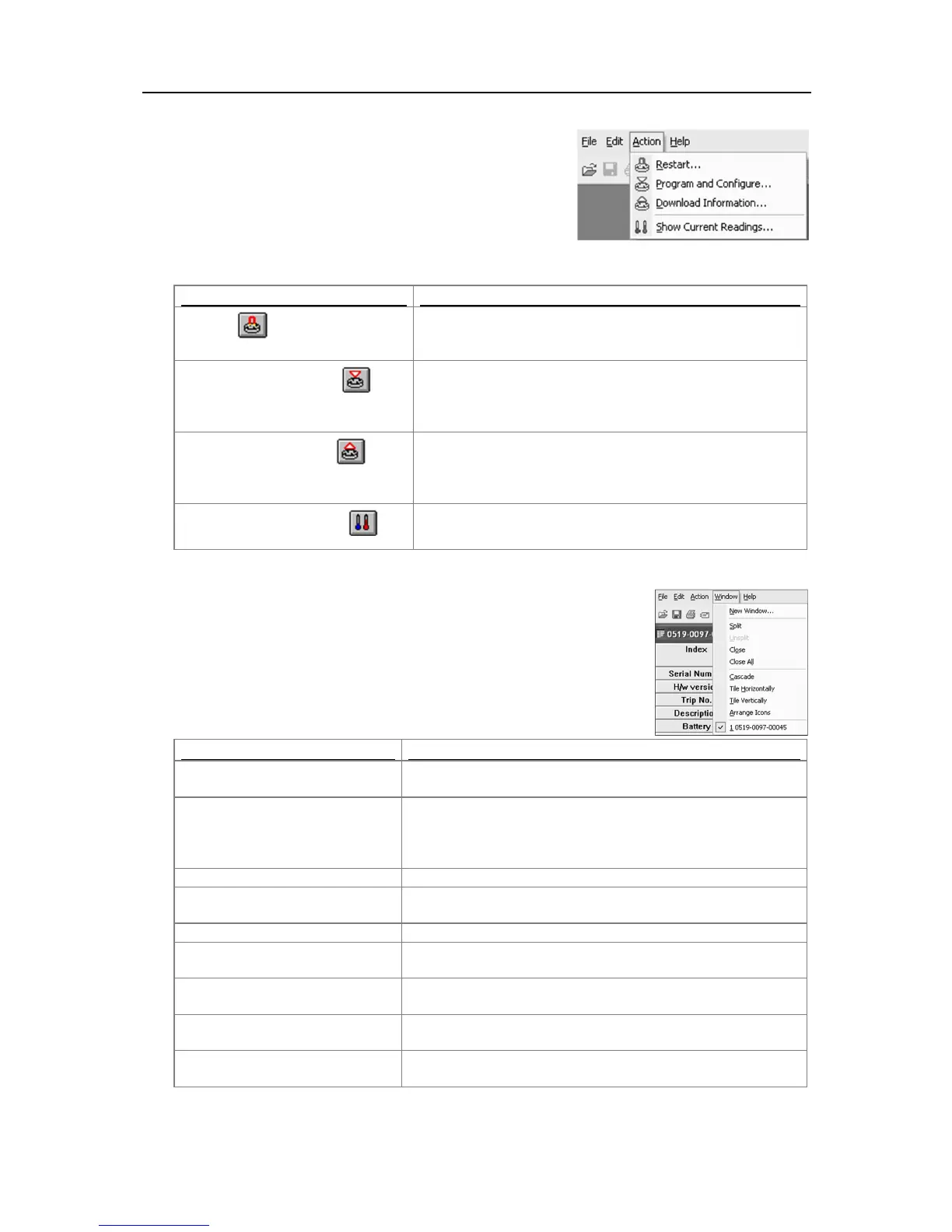
The "Action" menu contains commands that generally relate to the
usage and interaction with loggers.
The following table outlines the commands and the explanation of
each command that may appear in the "Action" menu when using
the ConsolePro software:
Restart ( )
This will display a wizard that will help you to restart an
iMiniPlus that has been programmed before, using the
previous settings for the new log trip.
Program and Configure...( )
This will display a wizard to help you through the necessary
steps to prepare the iMiniPlus for its next use. This command
is explained in further detail in the chapter "
Preparing
Download Information... ( )
This will display a wizard to help you through the necessary
steps to retrieve a copy of the recorded readings stored within
the Escort(s). This command is explained in further detail in
the chapter "
Results from iMiniPlus
".
Show Current Readings... ( )
This feature is not available for the iMiniPlus.
Window Menu
The "Window" menu contains commands that relate to the management of
each Window open within the ConsolePro software that displays the contents
of an iMiniPlus file.
The following table outlines the commands and the explanation of each
command that may appear in the "Window" menu when using the ConsolePro
software:
Opens a new window that contains a copy of the information of
the currently selected window.
Use this command to split the active window into panes. You
may then use the mouse or the keyboard arrows to move the
splitter bars. When you are finished, press the mouse button or
enter to leave the splitter bars in their new location.
Closes the currently selected window within the ConsolePro
software.
Closes all the windows within the ConsolePro software.
Arrange all the windows within the ConsolePro software in an
overlapping style.
Arrange all the windows within the ConsolePro software as
horizontal non-overlapping tiles.
Arrange all the windows within the ConsolePro software as
vertical non-overlapping tiles.
Arrange all the minimized windows within the ConsolePro
software at the bottom of the main window.



 To Next Page