Results from iMiniPlus 47
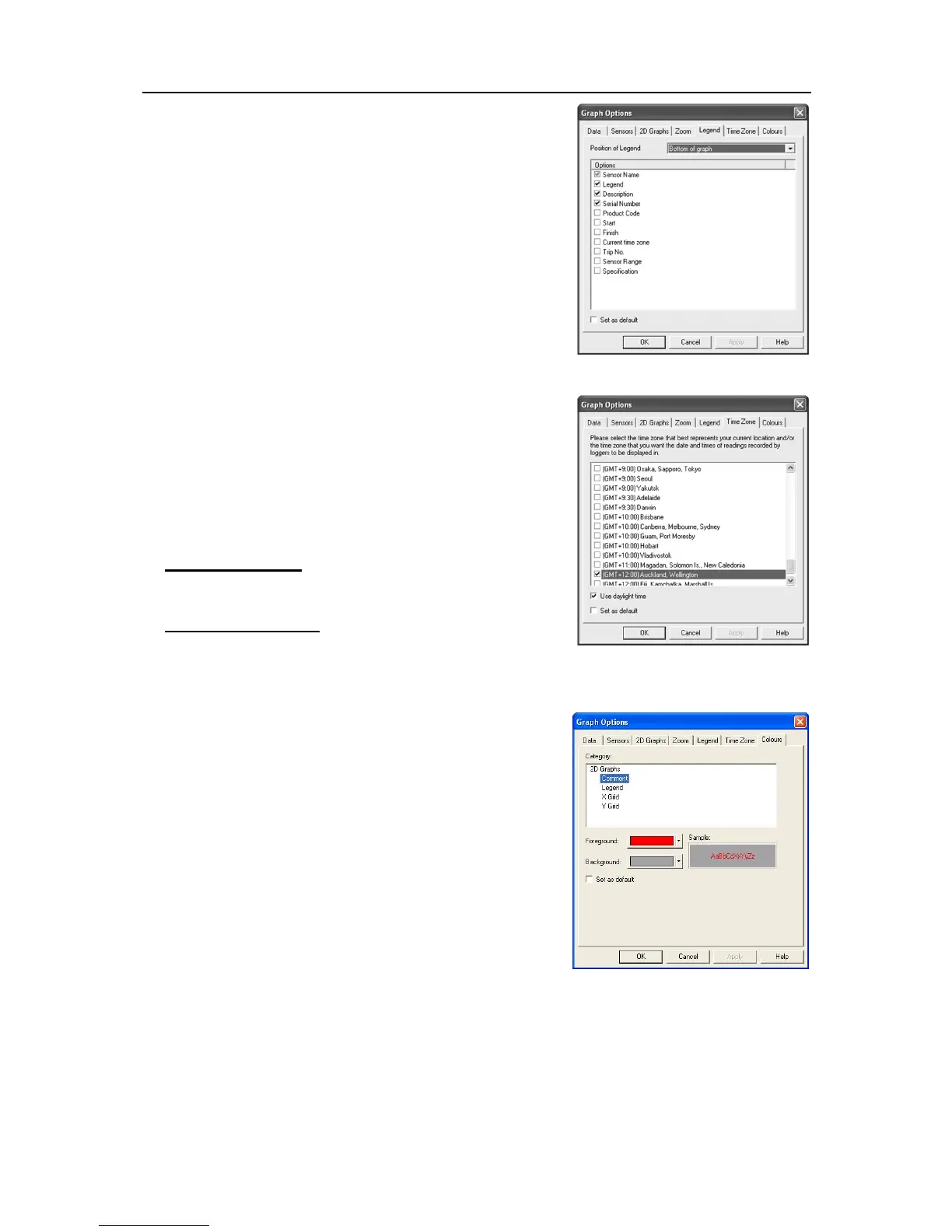
Legend
The legend can be positioned at the top, bottom, left and right of
the graph, or omitted altogether. As well as the above Legend
options, the various Calculated values and/or Custom value can
be displayed. See Analysis in the View Manager section. These
values can be selected or deselected from the Manager while the
2D graph is displayed.
Time Zone
In some cases, the configuration time zone will be different from
the time zone at the download location. This allows you to select
which time zone will be used to display dates and times within the
graph and data displays. This option will not have any effect on
the original recorded data.
GMT Time Zone
All times are displayed in Greenwich Mean Time representation
Use daylight time
By selecting the box, the iMiniPlus data will shift +1 hour to
accommodate Daylight Saving Time.
Colors
2D Graphs can be customized to your color preferences.



 To Next Page