Results from iMiniPlus 35
Inspecting the information at close range
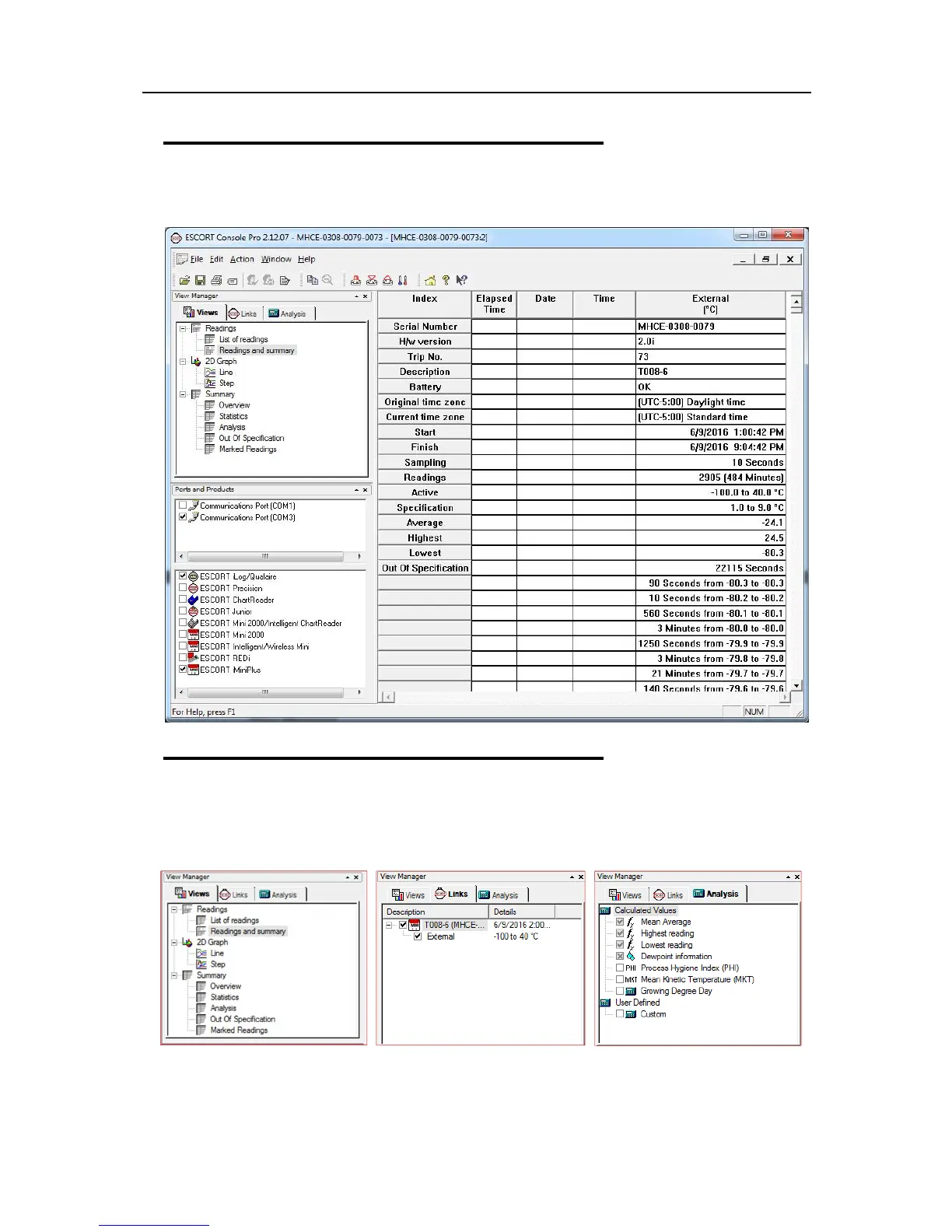
When a file is displayed either from downloading or from calling up a stored data file, the file first appears
as a list of readings. It might look something like this:
View Manager
The View Manager is a useful data viewing tool and by default, occupies the left side of the ConsolePro
window. The View Manager will only be functional when a set of data has been opened or been
downloaded from an iMiniPlus.
If you want to see the View Manager in any other ConsolePro window location, simply select and drag. The
View Manager has 3 tabs:
1. Views - Manages the type of reading, graph or summary you would like to display.



 To Next Page