48
Printing the results
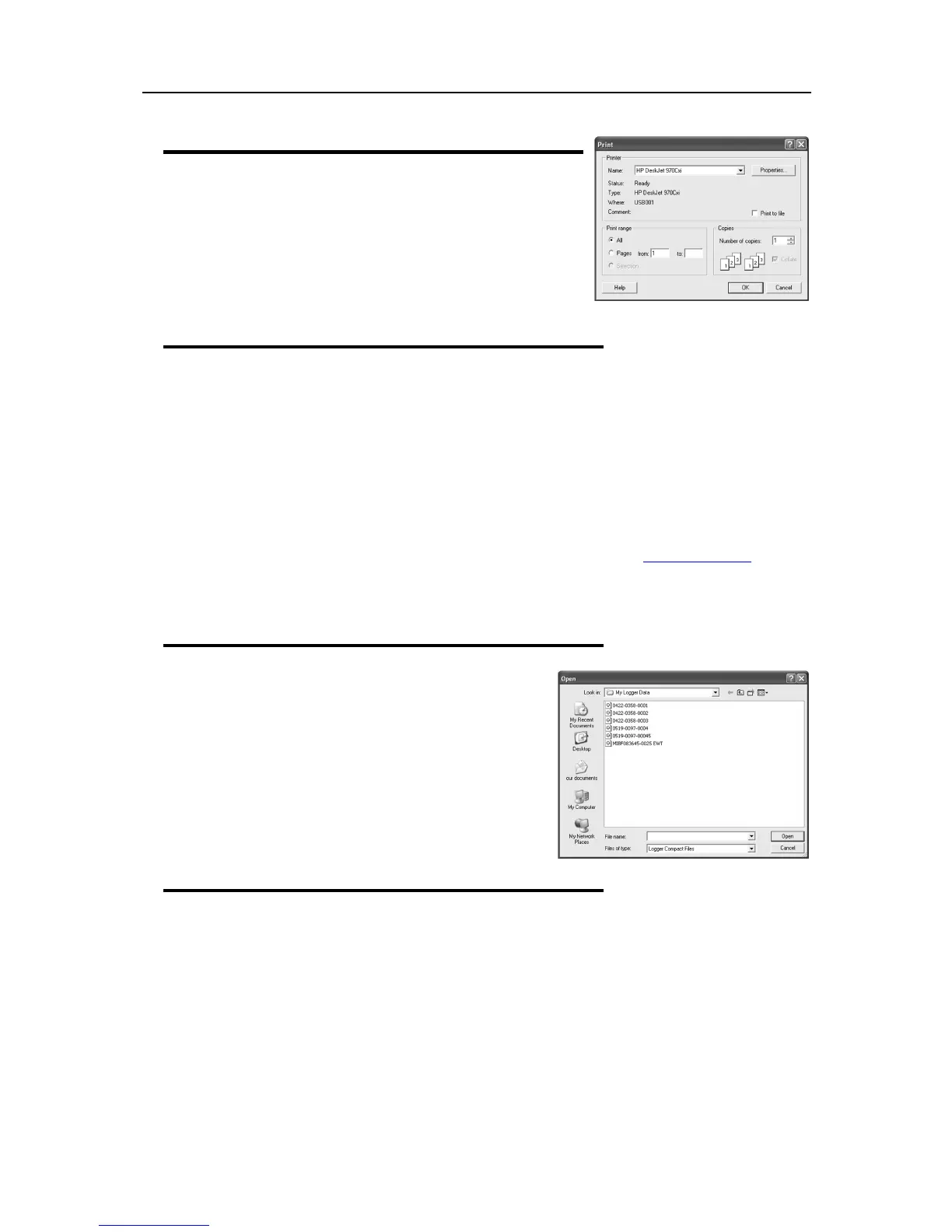
The print window can be brought up by simply clicking once on the
"Print" icon located on the
toolbar
or by clicking the "Print..." menu
item from within the File menu.
Sending a file by e-mail direct from Console
You can send files of interest to another person, by e-mail, directly from the software without the need to
exit to your e-mail software or to deal with file attachments.
While you have the file of interest open and being displayed on the screen, just click once on the "Send
Mail" icon located on the
toolbar
and your e-mail software will pop up with the file already inserted as an
attachment. Type the desired e-mail address to send the file of interest to, add any message that you wish
to include, and then click "Send".
Clicking the "Send..." menu item within the File menu will achieve the same results as clicking the "Send
Mail" icon as previously described.
Note, the recipient of the file will also need to have a copy of the ConsolePro software to open and view
the file that you sent. ConsolePro software is free and can be downloaded from www.cryopak.com
If you want to attach your data files in file formats other than the ConsolePro format, save the desired file
formats in
Save As
section of the
File
menu, and attach to an email through the email software.
Calling up previous results
The files that have most recently opened and displayed are
listed towards the bottom of the "
File
" menu. To open other
files, click the "Open" icon located on the
toolbar
, which will
display the "Open" file dialog similar to the following picture
and allows the user to locate and open one or more files of
interest.
Clicking the "Open..." menu item within the File menu will
achieve the same results as clicking the "Open" icon as
previously described
.
Digital signatures
Support for digital signatures is primarily provided for compliance with the US FDA 21 CFR Part 11
regulation - Electronic records and electronic signatures. Various industries however, may find inclusion of
digital signatures beneficial towards their quality control and assurance systems.
Digital signatures allow users to include their digital signature within an ConsolePro file along with a
meaning/reason for the inclusion of the digital signature. To add digital signatures to ConsolePro files, a
licensed copy of User Admin software must also be installed. For more information about how to use User
Admin software contact your distributor.
7. Customizing the software



 To Next Page