24
Password Requirements
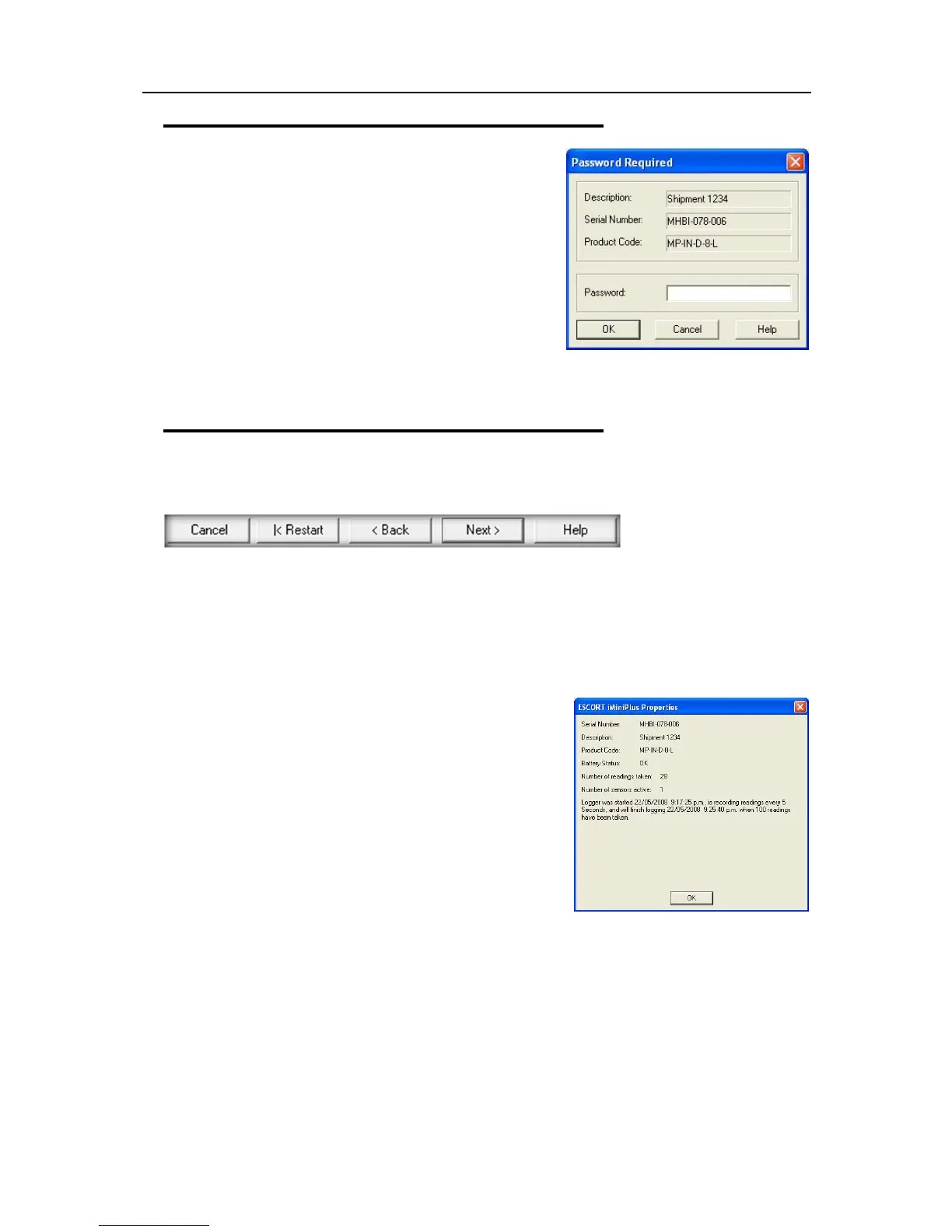
The iMiniPlus supports password option that, when enabled,
results in users being required to provide the correct password
to gain further access to the iMiniPlus. When the password
option is enabled, a window similar to the following picture will
be displayed allowing the user to enter the correct password.
The Program and Configure process will only continue
successfully if the correct password is supplied by the user.
Passwords are digits only, up to 4 characters.
You can enter a password to safeguard your logger from
unauthorized tampering. Make sure that you keep a note of your
password and logger serial number in a safe place. If you lose or forget the security code, the logger will
have to be returned to your nearest distributor or Data Logging Systems to restore default password.
Program and Configuration Wizard
During the progress of the Program and Configuration Wizard, you will see a series of 5 buttons at the
bottom of the wizard box.
The “Cancel” button immediately stops and closes the wizard. To start again you will have to select the
Program icon. The “Restart” button enables you to start the Wizard progress from the beginning without
closing the feature. “Back” enables you to go back one step in the step-by- step progress and Next takes
you to the next step. The Help button will provide description and instruction about the step you are in.
Please note that this feature may make reference to other products from time to time. Additionally some
Help documentation may not be present due to the software version you are currently using. Consult this
iMiniPlus manual if you are not sure about any description.
Search Tab – displays the description of the recorded
environment, iMiniPlus serial number, the iMiniPlus product code
and the communication port the iMiniPlus is connected to.
If a small green arrow is present, this signifies that the iMiniPlus is
still logging.
By double clicking on this description line, the iMiniPlus Properties
box can be displayed.
The properties box displays, serial number, description, product
code, battery status, no. of readings taken, active sensors and a
summary of the logging parameters.
If the description box is unticked, it means the password to protect program settings in the logger has been
set. You will have to click on the box and enter the password.
If there is a X in the description box, only the Search tab will be displayed and the Program and Configure
Wizard cannot proceed any further.
This may indicate a fault with either the software or iMiniPlus itself (for example, low battery or lease of the
current logger has expired). Consult your nearest distributor or Cryopak technical support team



 To Next Page