22
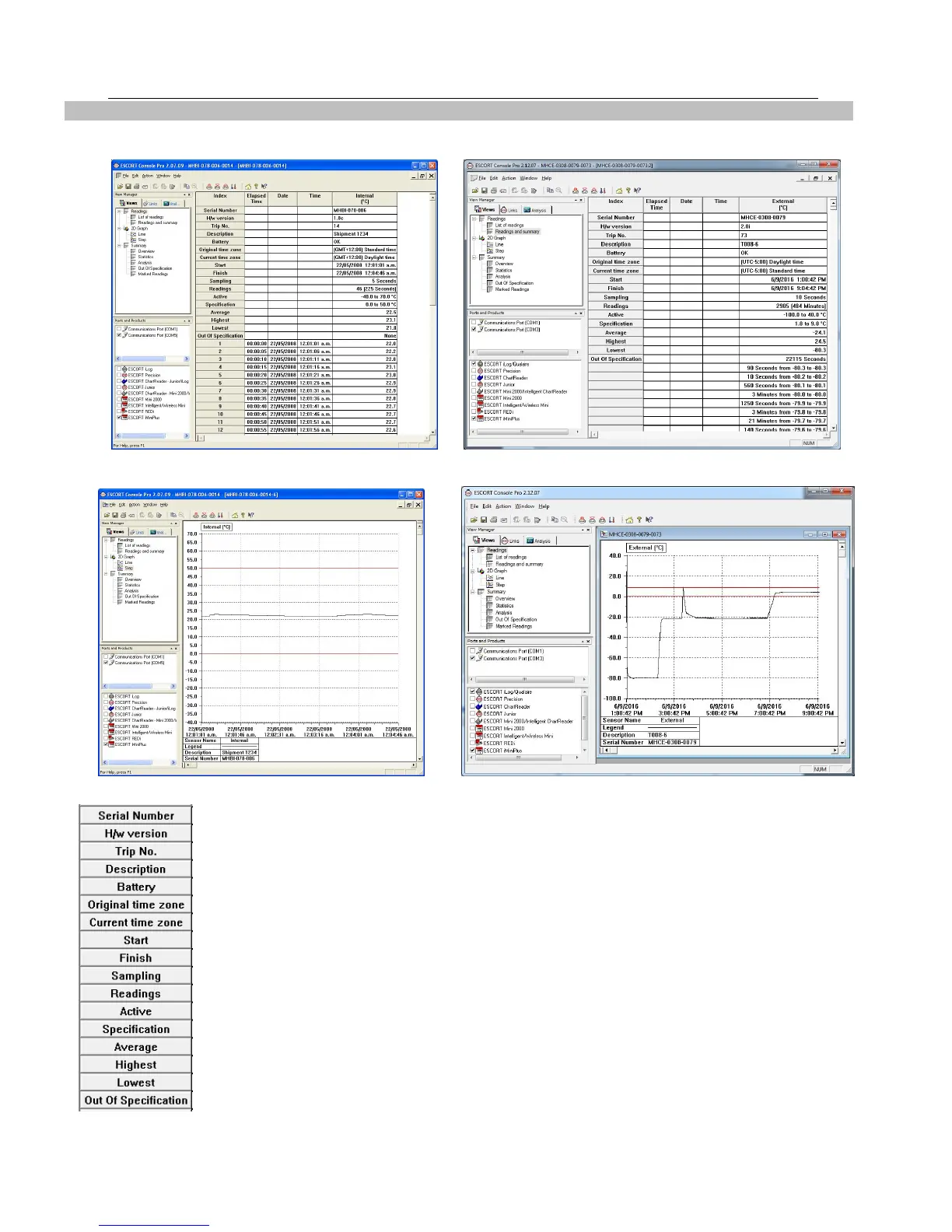
Readings and Summary is displayed.
Select the 2D Graph from the View Manager to show data in graphical form.
Following information of a logger is displayed
Save the data file for a permanent record. The data is saved by default to a folder called
“My Logger Data” in the “My Documents” folder on your computer. You can change this
destination if you prefer it to be saved for instance to a shared network drive. See
Chapter
Data from iMiniPlus
that explains in more detail the information that is displayed
as a result of downloading the iMiniPlus.



 To Next Page