Chapter 3 Operation Instructions SuZhou Eshine Elevator Components Co., Ltd.
―16― YS-K01 Door Controller User Manual
Display parameter at running state
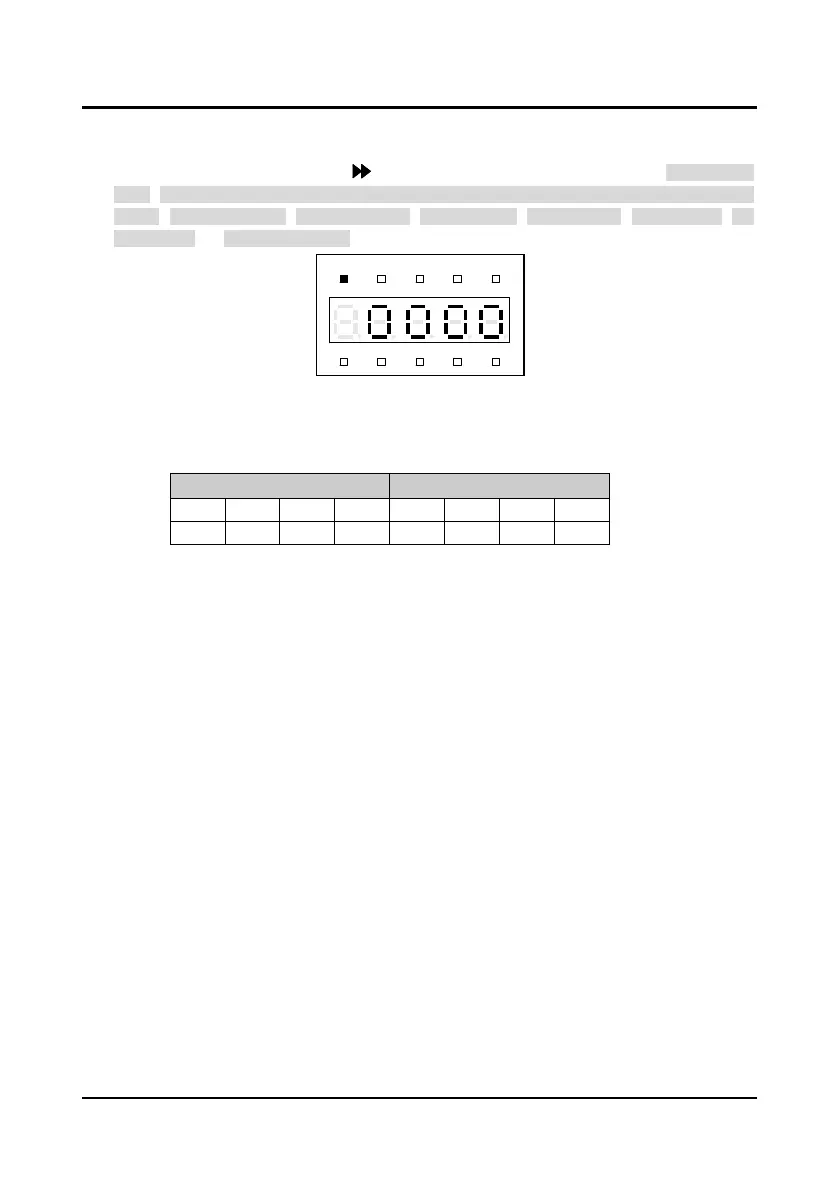
When the controller is at running state, the panel will display the running state parameters which
are shown as Figure 3-15. Press key to display other running parameters: door position
pulse, OD/CD arrival signal (OD pulse arrival, OD torque arrival, CD pulse arrival, CD torque
arrival), setting frequency, output frequency, output voltage, output current, output torque, DC
bus voltage and input terminal state.
Figure 3-15 YS-P02 display at running state
Remark:
Display the input terminal states in hex and each bit (binary) of this function parameter stands for
different physical sources, as following table.
Tens Units
Bit7 Bit6 Bit5 Bit4 Bit3 Bit2 Bit1 Bit0
- - - - - SS CD OD
0: The corresponding terminal and the common terminal are disconnected;
1: The corresponding terminal and the common terminal are connected.
Display parameter at editing state
At stop, run or fault alarm state, press to enter function parameter editing state.
The panel uses third-level menu configuration for parameter setting or other operations. In turn:
function parameter group setting (first-level menu)
→
function parameter setting (second-level
menu)
→
parameter setting (third-level menu). Which is shown in Figure 3-16 and the description
of the keys is shown in Table 3-7.
Hz
A V RPM %
REVFWD ALM LO/RE LOCK



 To Next Page