SuZhou Eshine Elevator Components Co., Ltd. Chapter 3 Operation Instructions
YS-K01 Door Controller User Manual ―9―
3.1.1 Display State of YS-P01 Panel
The controller parameters can be displayed via using the optional YS-P01 panel. The display
state of panel of controller has stopping state, running state, editing state and alarming state.
Display parameter at stopping state
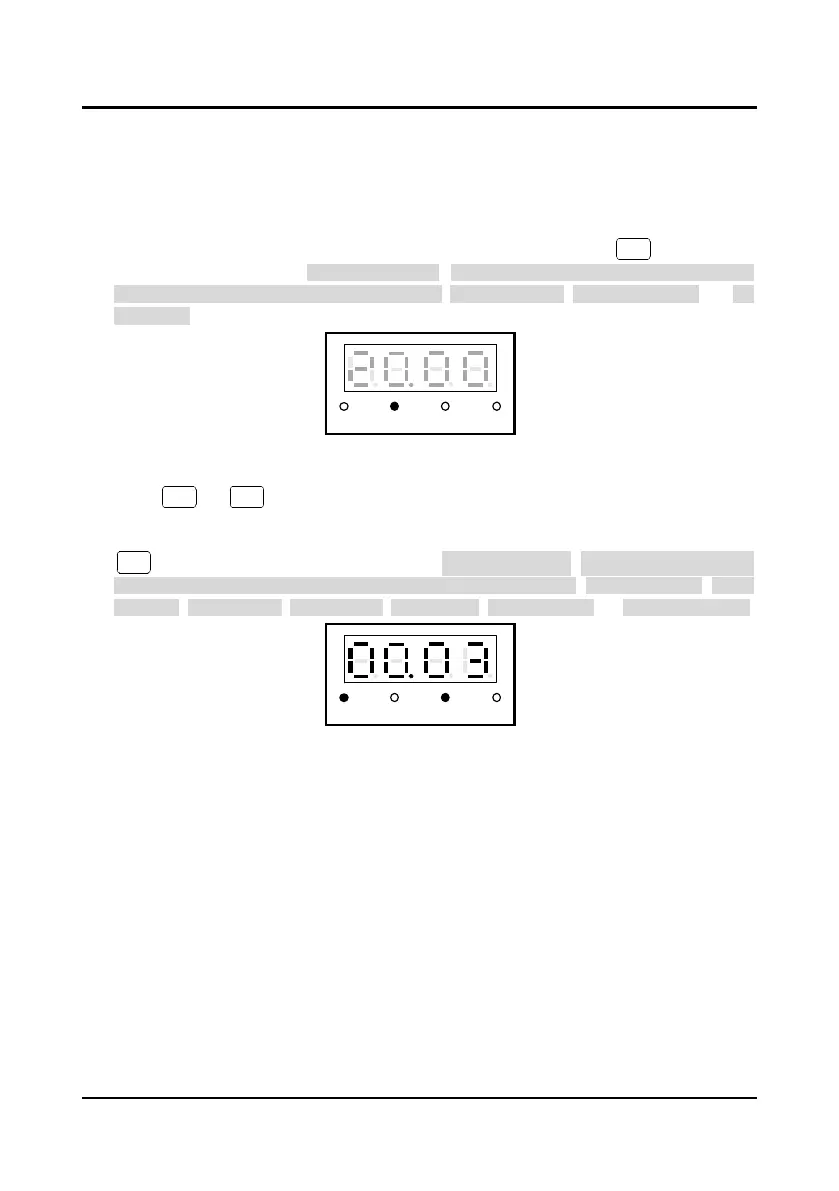
When controller stops running, the panel will display parameter at stopping state and this
parameter unit indicator will be on, as shown in Figure 3-2. By pressing key to display
other stopping parameters: door position pulse, OD/CD arrival signal (OD pulse arrival, OD
torque arrival, CD pulse arrival, CD torque arrival), setting frequency, input terminal state and DC
bus voltage.
Figure 3-2 YS-P01 panel display at stopping state
Display parameter at running state
Press or key, the controller will be at running state, the panel will display the
parameters at running state, the state indicator will display that the controller is at running state
and the unit indicator will display this parameter’s unit, which are shown as Figure 3-3. Press
key to display other running parameters: door position pulse, OD/CD arrival signal (OD
pulse arrival, OD torque arrival, CD pulse arrival, CD torque arrival), setting frequency, output
frequency, output voltage, output current, output torque, DC bus voltage and input terminal state.
Figure 3-3 YS-P01 panel display at running state



 To Next Page