Page 142 Fire Alarm
Computer 8000C
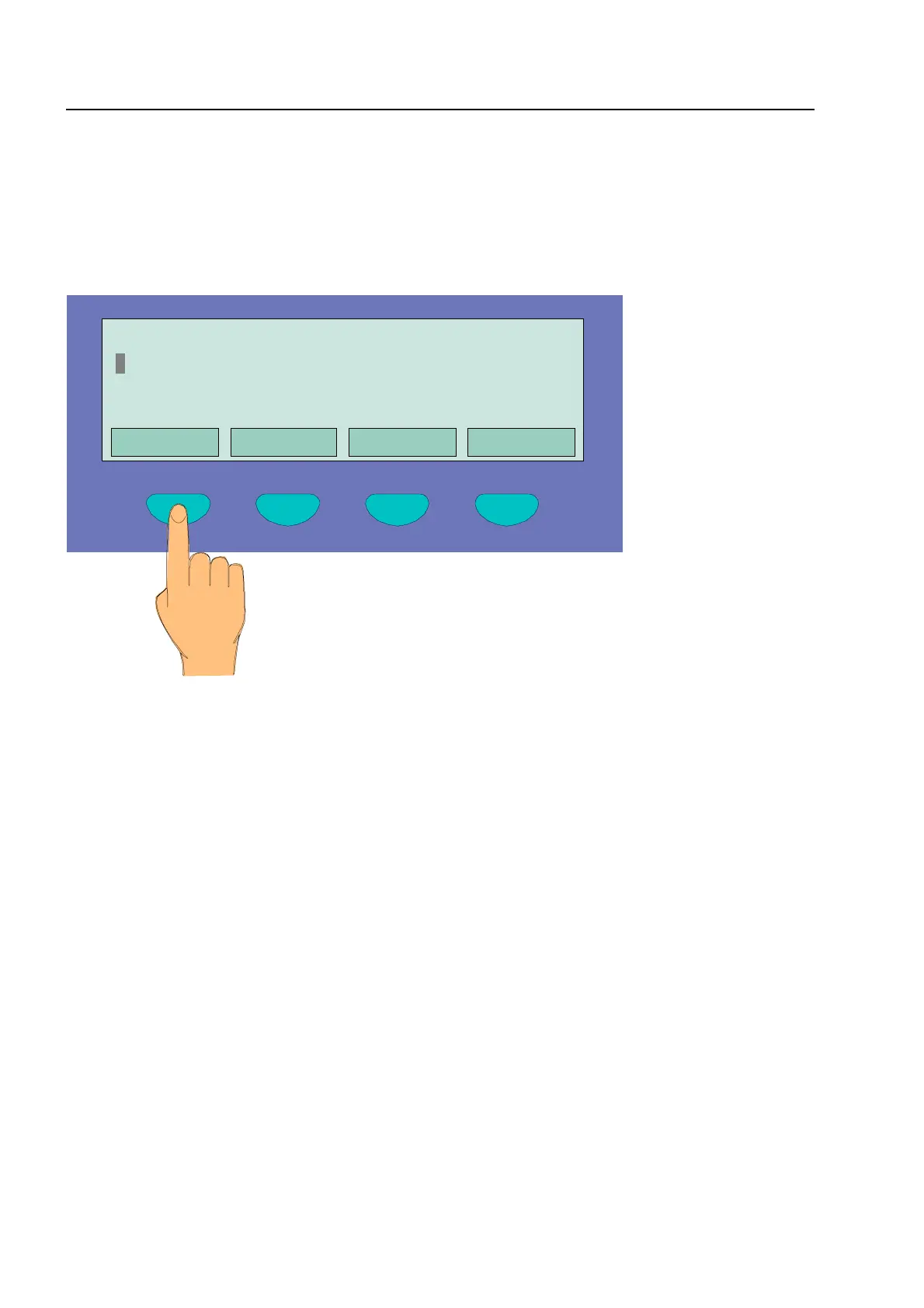
Pressing the function key Overview moves to the overview display.
In the overview display, the number of all transmitted signals is shown separated according to the
type of signal (alarm, trouble, switch-off and other events) for rapid information on the status of the
equipment.
Fig. 3: Overview display
Commissioning / Servicing
Overview Service Time func.
Alarm counter
Overview 13:51 28:04
Fire
switch-off
RO switch-off
: 1 Signal
: 1 Signal
: 2 Signals



 To Next Page