Fire Alarm Computer 8000C
Page 25
4.2 Entering time/date
Escape
Function
Time fct. Time/Date
Time
Date
Delay on
: 10:4
: Tu. 02.06.99
: --:-- off: --:--
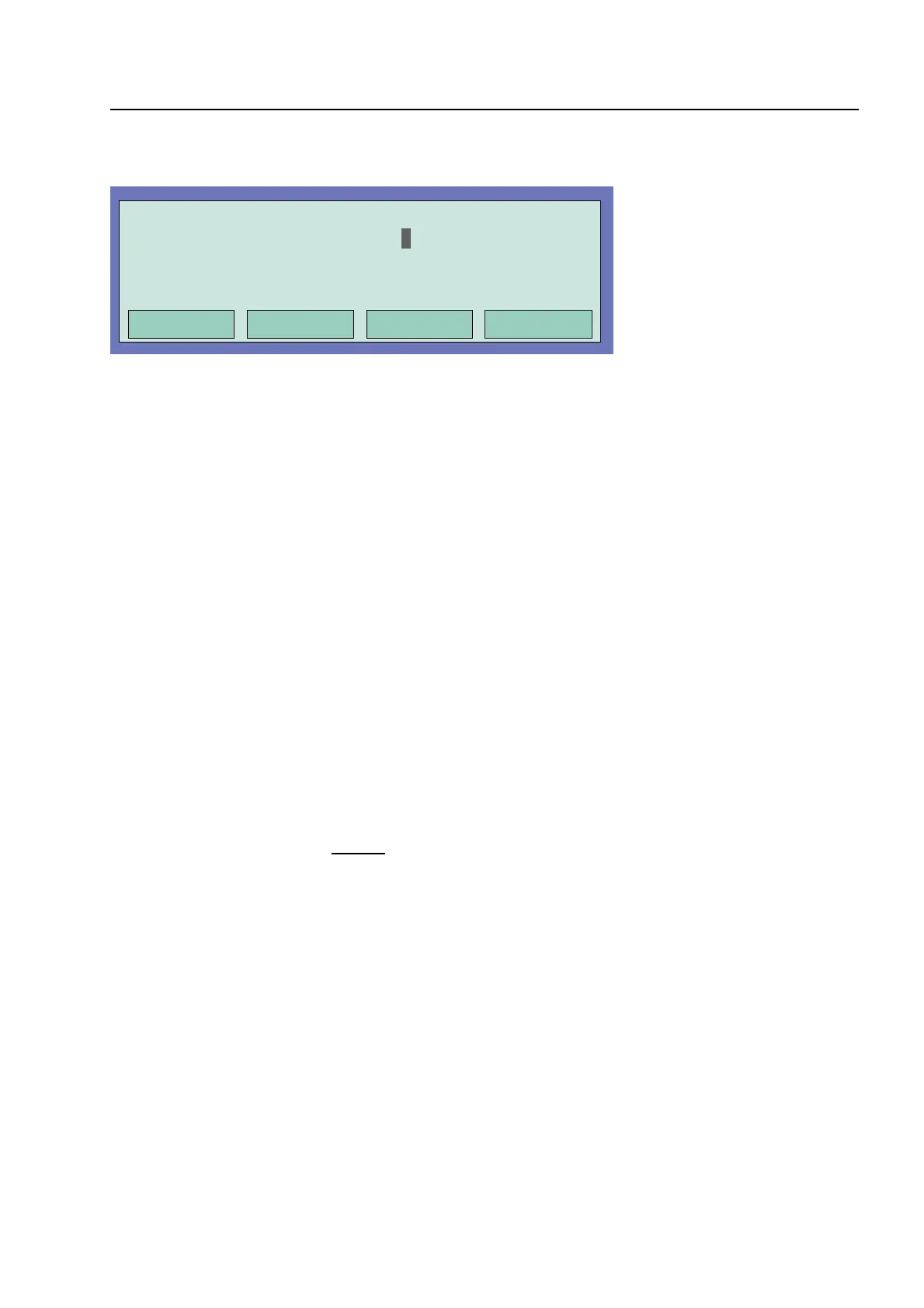
Fig. 15: Entering time/date
Entering the time or the date is carried out under the menu point Time functions which is accessed
by pressing the corresponding function key.
The corresponding input field (hour, minute, day, etc.) is marked using the cursor keys and the
desired value is entered on the numeric keypad. When a date is entered
DD.MM.YY
, the day of the
week (Mo, Tu, We...) is automatically calculated.
Escape
⇒
Exits the menu point without storing the changes/inputs.
Function
The numeric values shown in the display are stored.
Entering times for the function
Delay/Verify
; see Section 4.6 !
Approx. 20 seconds after the last operating action, the display switches back automatically
to the last menu point without storing the changes/inputs !
Entering time/date



 To Next Page