Fire Alarm Computer 8000C
Page 87
10.6.8 Reset-Function
Pressing the RESET button S1 initiates a restart of the central unit. Alarm and fault messages are
reset, and all alarm groups and primary lines are activated.
A cold start of the central unit with the RESET pushbutton is only possible with the cover contact
open (central unit housing).
10.6.9
Connecting the built-in printer
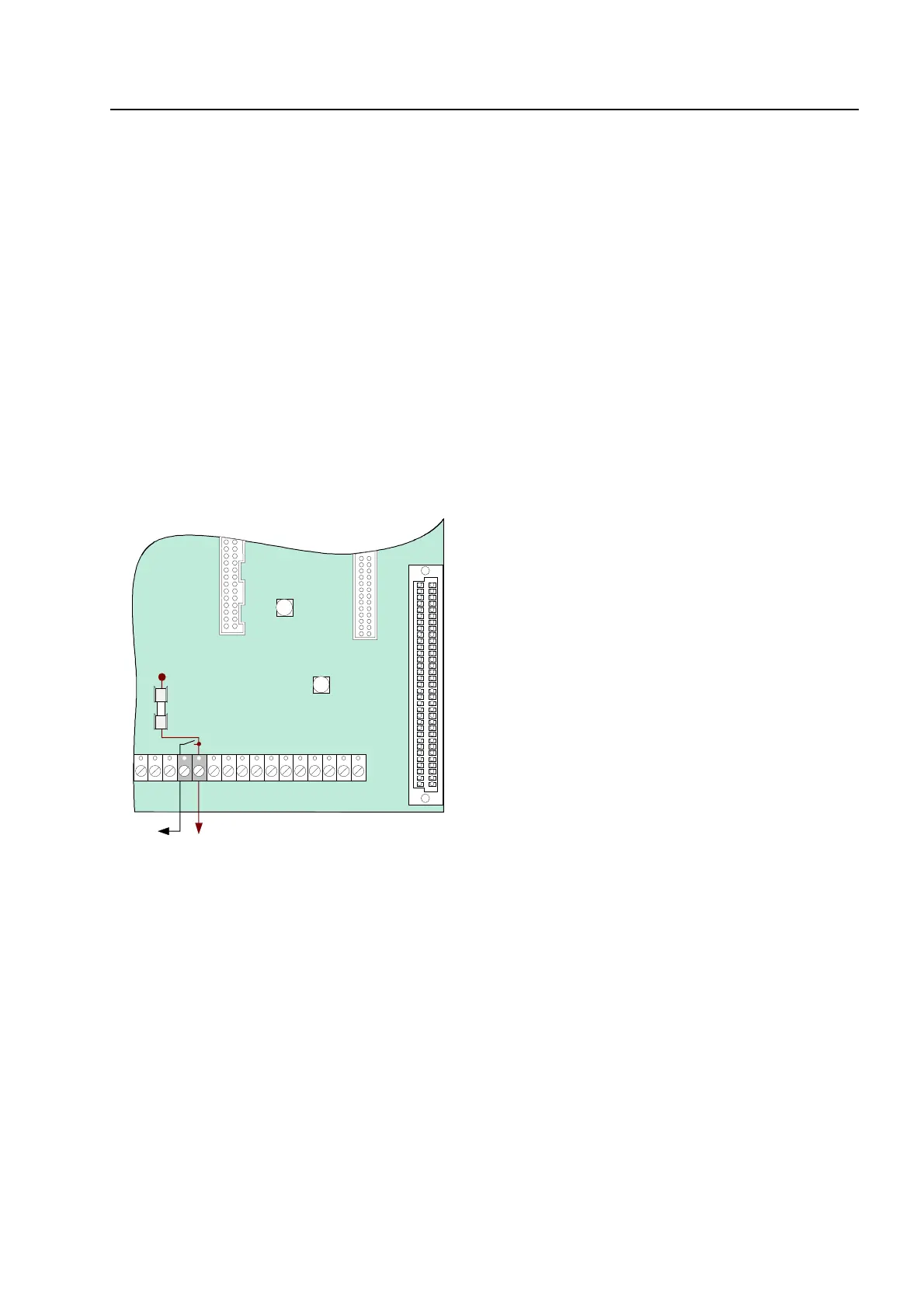
The built-in printer of the FACP 8000C is connected to terminal X 10 of the basic module via a
ribbon cable.
The power supply for the built-in printer is connected to the connection terminal Ub
ext
(+12V
DC/GND). A switched +12 V DC voltage is available for connecting the built-in printer.
Fig. 43: Connection terminals of the built-in printer
Only the built-in printers approved by Caradon Esser GmbH may be connected to these
terminals.
Basic module
+
switched
+12 V ext.
permanently
positiv
Plug 2
+UBext
F2
T2A
Printer
X10



 To Next Page