EasyManua.ls Logo

ETC Sensor3 CEM3 - Appendix C Redundant Tracking Systems; Redundant Tracking Switch and Automatic Control

ETC Sensor3 CEM3
84 pages
Print Icon
To Next Page IconTo Next Page
To Previous Page IconTo Previous Page
Loading...
54 CEM3 User Manual
Note:
Note:
Note:
Note:
sACN will be in
universe/channel or absolute
format depending on the
sACN setting in
Setup/UI Preferences.
This screen is only
shown if the CEM3 is in
a tracking backplane.
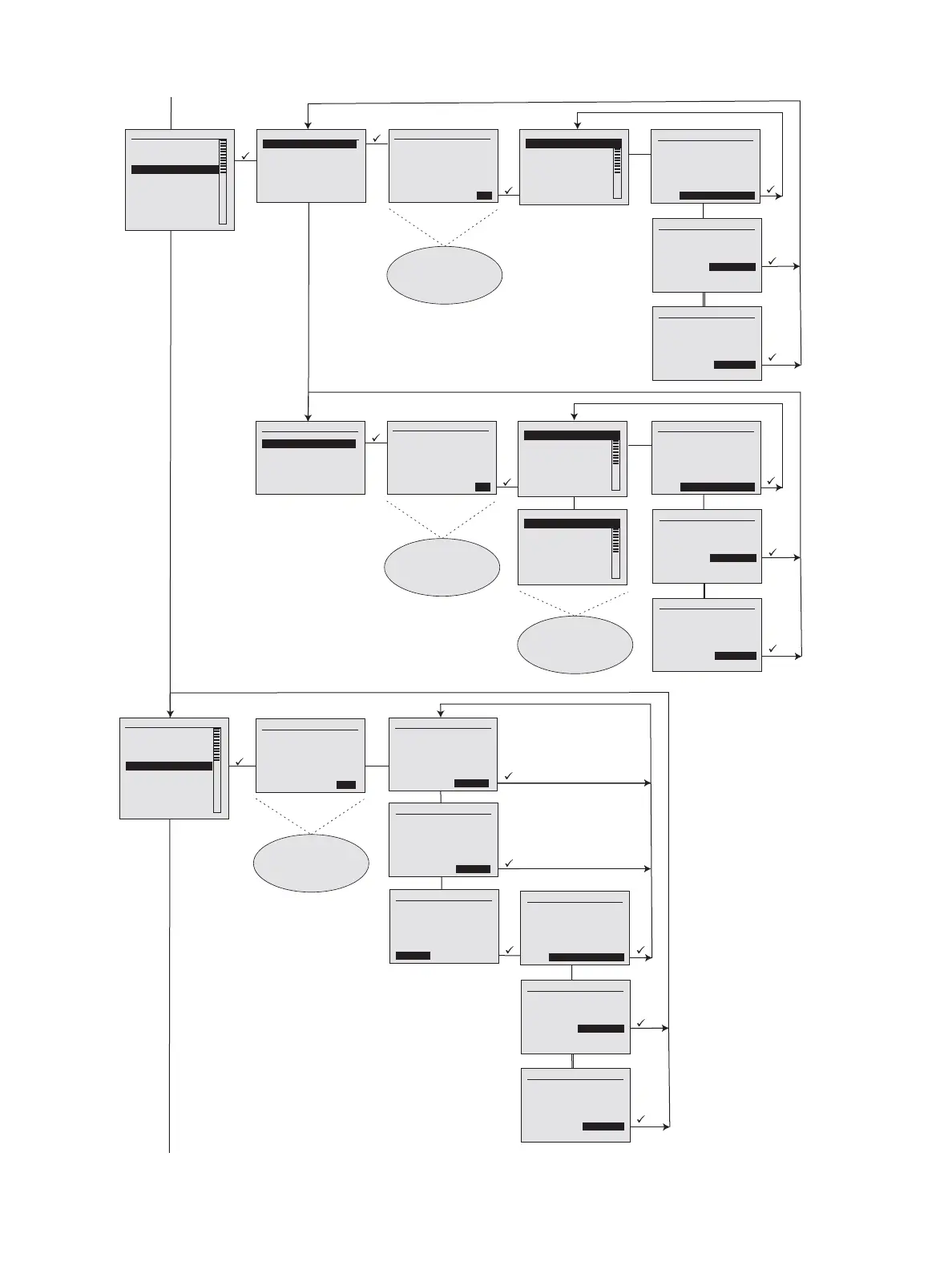
Patching
[Edit DMX Patch]
[Edit sACN Patch]
Space: [1]
Space1
[Cancel] [OK]
Select Space Rack #1 - CEM3 Rack
System OK
DMX A: Off DMX B: Off
sACN: 1/1
[Quick S etup] [Info]
Patch Table
Ckt sACN Uni Ch
1 [ 1] [ 7]
2 [ 1] [ 8]
3 [ 1] [ 13]
4 [ 1] [ 13]
5 [ 1] [ 19]
6 [ 1] [ 20]
A T T E N T I O N !
Save Patch Table
Changes Before
Exiting?
[No/Cancel]
[Yes/Save]
[Continue Editing]
A T T E N T I O N !
Save Patch Table
Changes Before
Exiting?
[No/Cancel]
[Yes/Save]
[Continue Editin g]
A T T E N T I O N !
Save Patch Table
Changes Before
Exiting?
[No/Cancel]
[Yes/Save]
[Continue Editin g]
Rack #1 - CEM3 Rack
System OK
DMX A: Off DMX B: Off
sACN: 1/1
[Quick S etup] [Info]
Patch Table
Ckt sACN
1 [ 7]
2 [ 8]
3 [ 13]
4 [ 13]
5 [ 19]
6 [ 20]
Rack #1 - CEM3 Rack
System OK
DMX A: Off DMX B: Off
sACN: 1/1
[Quick S etup] [Info]
Setup
[Dimmers]
[Rack]
[Circuit Assignment]
[Patching]
[Network]
[File Operations]
[Panic]
[Time/Date]
[Quick Setup]
[UI Preferences]
Patching
[Edit DMX Patch]
[Edit sACN Patch]
Space: [1]
Space1
[Cancel] [OK]
Select Space Rack #1 - CEM3 Rack
System OK
DMX A: Off DMX B: Off
sACN: 1/1
[Quick S etup] [Info]
Patch Table
Ckt DMX A DMX B
1 [ 7] [ 7]
2 [ 8] [ 8]
3 [ 13] [ 13]
4 [ 14] [ 13]
5 [ 19] [ 19]
6 [ 20] [ 20]
A T T E N T I O N !
Save Patch Table
Changes Before
Exiting?
[No/Cancel]
[Yes/Save]
[Continue Editing]
A T T E N T I O N !
Save Patch Table
Changes Before
Exiting?
[No/Cancel]
[Yes/Save]
[Continue Editin g]
A T T E N T I O N !
Save Patch Table
Changes Before
Exiting?
[No/Cancel]
[Yes/Save]
[Continue Editin g]
Rack #1 - CEM3 Rack
System OK
DMX A: Off DMX B: Off
sACN: 1/1
[Quick S etup] [Info]
Setup
[Dimmers]
[Rack]
[Circuit Assignment]
[Patching]
[Network]
[File Operations]
[Panic]
[Time/Date]
[Quick Setup]
[UI Preferences]
Network Setup
Type: [Custom]
IP: [ 10.101.101.101]
SN: [ 25 5.2 55.0.0]
GW: [ 10.101.1.11]
[Abort] [Co mmit]
Network Setup
Type: [Link Local]
IP: [ 10.101.101.101]
[Abor t] [Commit]
A T T E N T I O N !
Save Network Settings
Before Exiting?
[No/Cancel]
[Yes/Save]
[Continue Editin g]
A T T E N T I O N !
Save Network Settings
Before Exiting?
[No/Cancel]
[Yes/Save]
[Continue Editin g]
A T T E N T I O N !
Save Network Settings
Before Exiting?
[No/Cancel]
[Yes/Save]
[Continue Editing]
Select Processor
[Main(A) Processor]
[Backup(B) Processor]
[Cancel] [OK]
Network Setup
Type: [DHCP]
IP: [ 10.101.101.101]
SN: [ 25 5.2 55.0.0]
GW: [ 10.101.1.11]
[Abor t] [Commit]
This screen is not shown
if the system has only one
space.
This screen is not shown
if the system has only one
space.

Table of Contents

Related product manuals