User’s Manual
106 ECM-3610/3610L User’s Manual
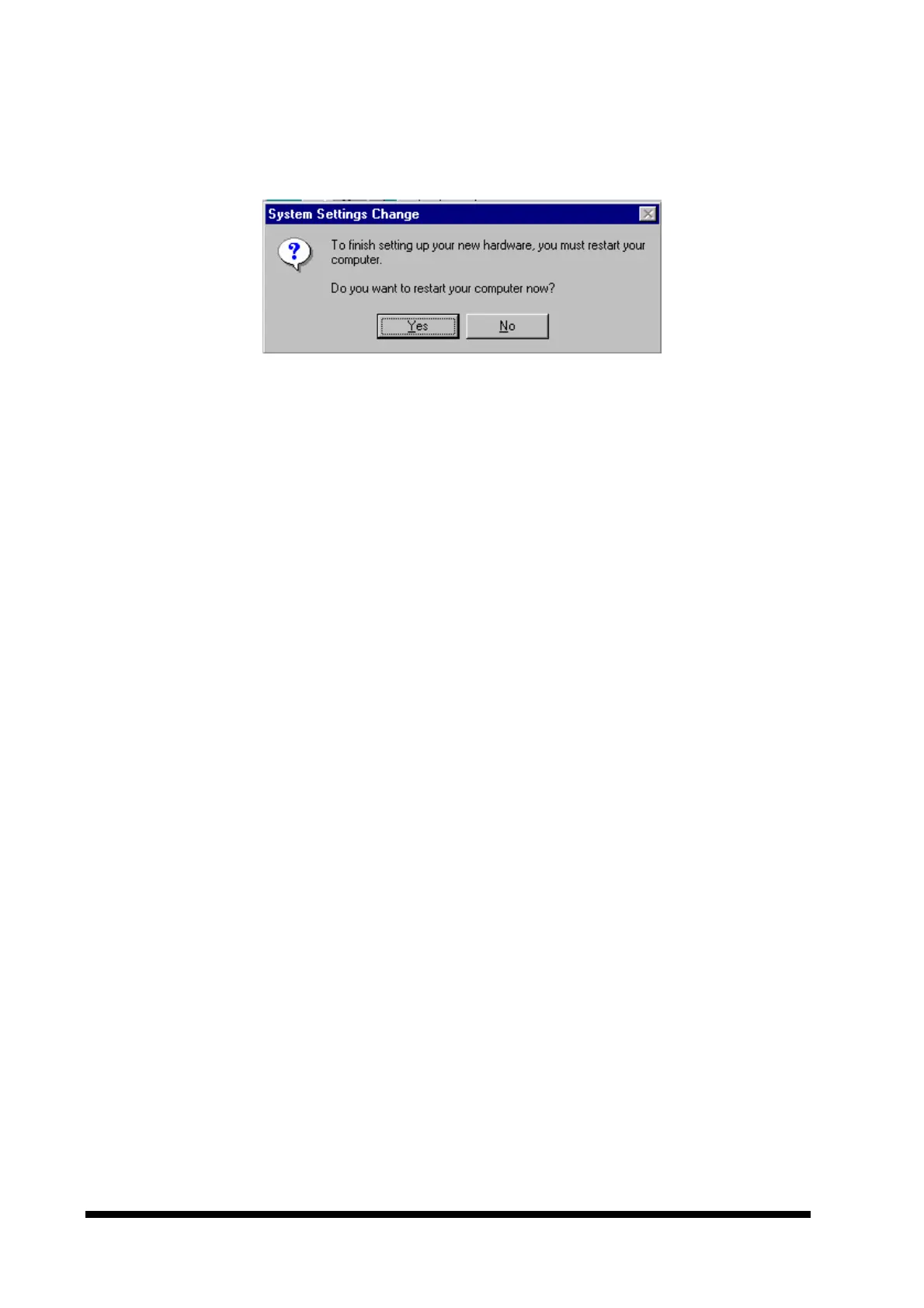
9. To complete the display driver installation, reboot the computer by clicking the ‘Yes’
button in the window shown below.
10.Further configuration of the display adapter may be made from the ‘Display Properties’
window (follow step 1 above). The ‘Settings’ tab allows you to change resolution,
number of colours etc.



 To Next Page