ECM-3610/3610L
ECM-3610/3610L User’s Manual 111
5.2.3 Windows 2000 Display Installation
A display driver for Windows 2000 is supplied with the system on the supporting CD-ROM.
The driver installation may be performed by following steps shown below:
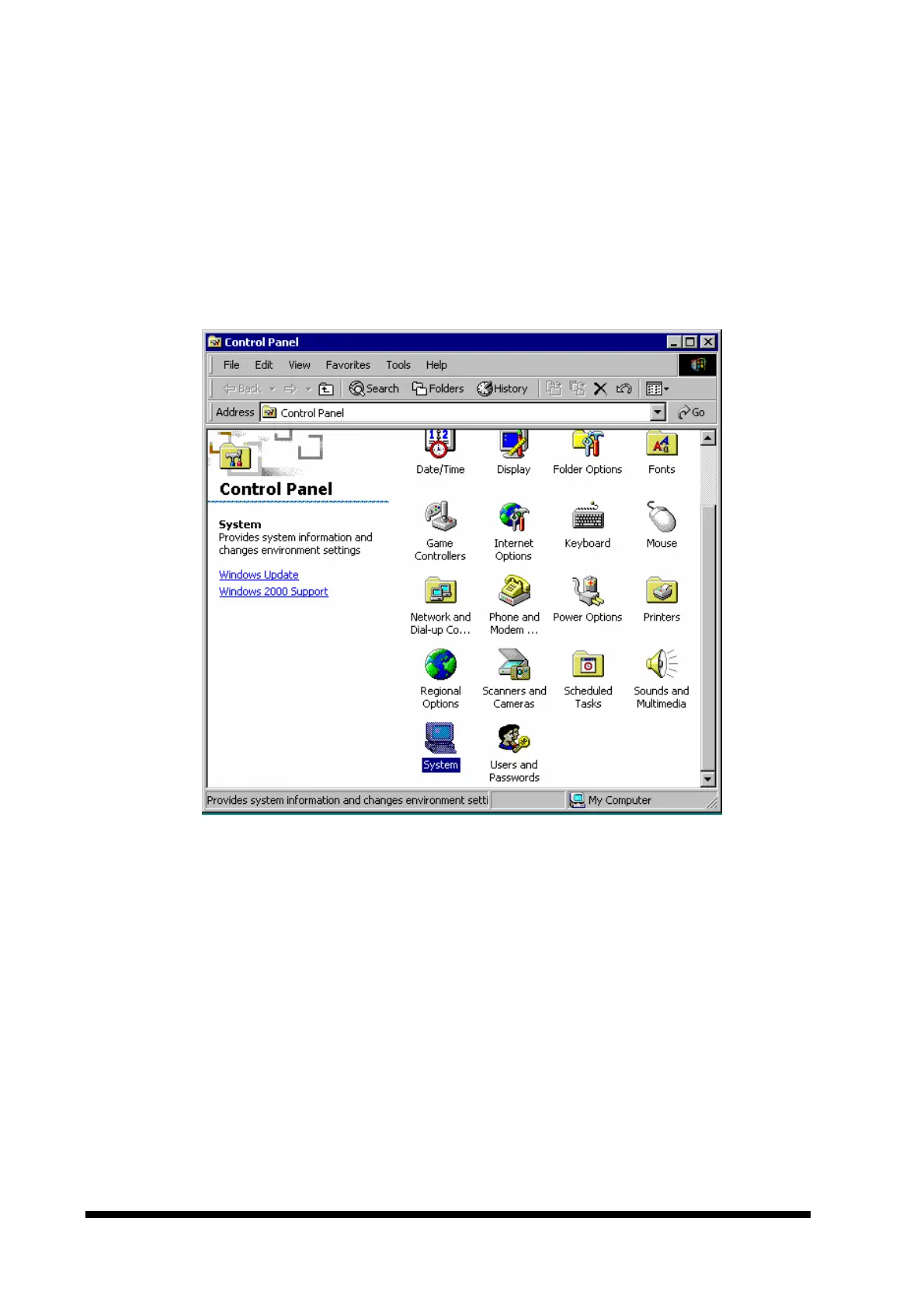
1. Start the control panel by clicking the ‘Start’ button, click ‘Settings’ and ‘Control Panel’
from the sub-menu. Double click the ‘System’ icon in the control panel as shown below.



 To Next Page