ECM-3610/3610L
ECM-3610/3610L User’s Manual 123
5.3.2 Windows NT 4.0 Audio Installation
An audio driver for Windows NT 4.0 is supplied with the system on the supporting CD-
ROM.
The driver installation may be performed by the following steps:
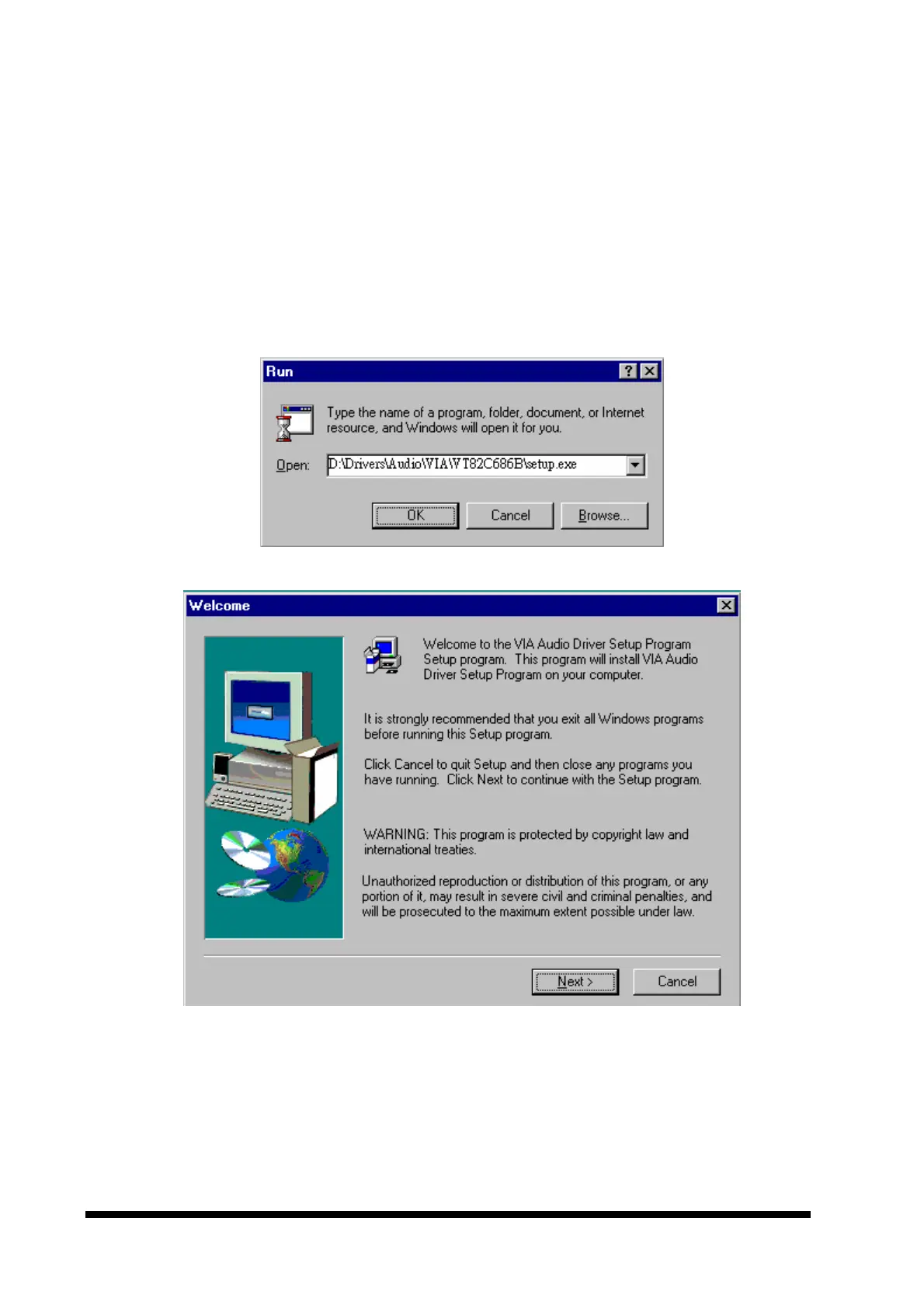
1. Click the ‘Start’ button on the task bar, select ‘Run’ and specify the location of VIA
AC97 Audio driver setup program.This should start the VIA AC97 Audio driver setup
program as shown below:



 To Next Page