User’s Manual
62 ECM-3610/3610L User’s Manual
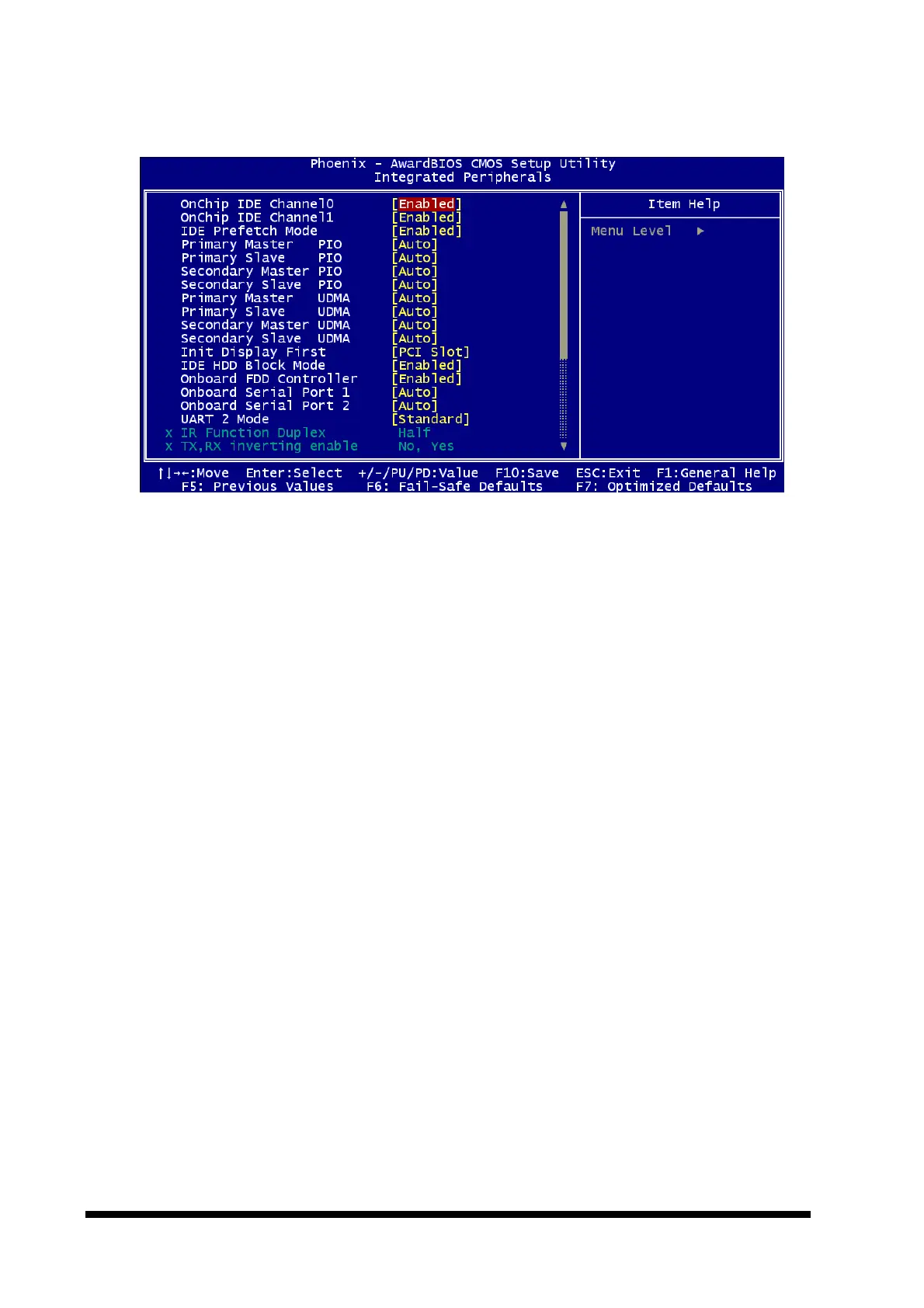
4.5.5 Integrated Peripherals
4.5.5.1 OnChip IDE Channel 0
The chipset contains a PCI IDE interface with support for two IDE channels. Select
Enabled to activate the primary IDE interface. Select Disabled to deactivate this interface.
The choice: Enabled, Disabled.
4.5.5.2 OnChip IDE Channel 1
The chipset contains a PCI IDE interface with support for two IDE channels. Select
Enabled to activate the secondary IDE interface. Select Disabled to deactivate this
interface.
The choice: Enabled, Disabled.
4.5.5.3 IDE Prefetch Mode
The onboard IDE drive interfaces supports IDE prefetching, for faster drive accesses. If
you install a primary and/or secondary add-in IDE interface, set this field to Disabled if the
interface does not support prefetching.
The choice: Enabled, Disabled.
4.5.5.4 Primary/Secondary Master/Slave PIO
The four IDE PIO (Programmed Input/Output) fields let you set a PIO mode (0-4) for each
of the four IDE devices that the onboard IDE interface supports. Modes 0 through 4
provide successively increased performance. In Auto mode, the system automatically
determines the best mode for each device.
The choice: Auto, Mode 0, Mode 1, Mode 2, Mode 3, or Mode 4.



 To Next Page