User’s Manual
76 ECM-3610/3610L User’s Manual
5. Driver Installation
5.1 Driver Installation for Ethernet Adapter
5.1.1 Windows 9x Ethernet Installation
The best way to install the driver for the Ethernet controller is to use the plug and play
system of Windows 9x. The following procedures illustrate how the installation can be
done.
1. If a driver for the Ethernet controller is already installed this must be removed first.
This can be done by the following steps shown below.
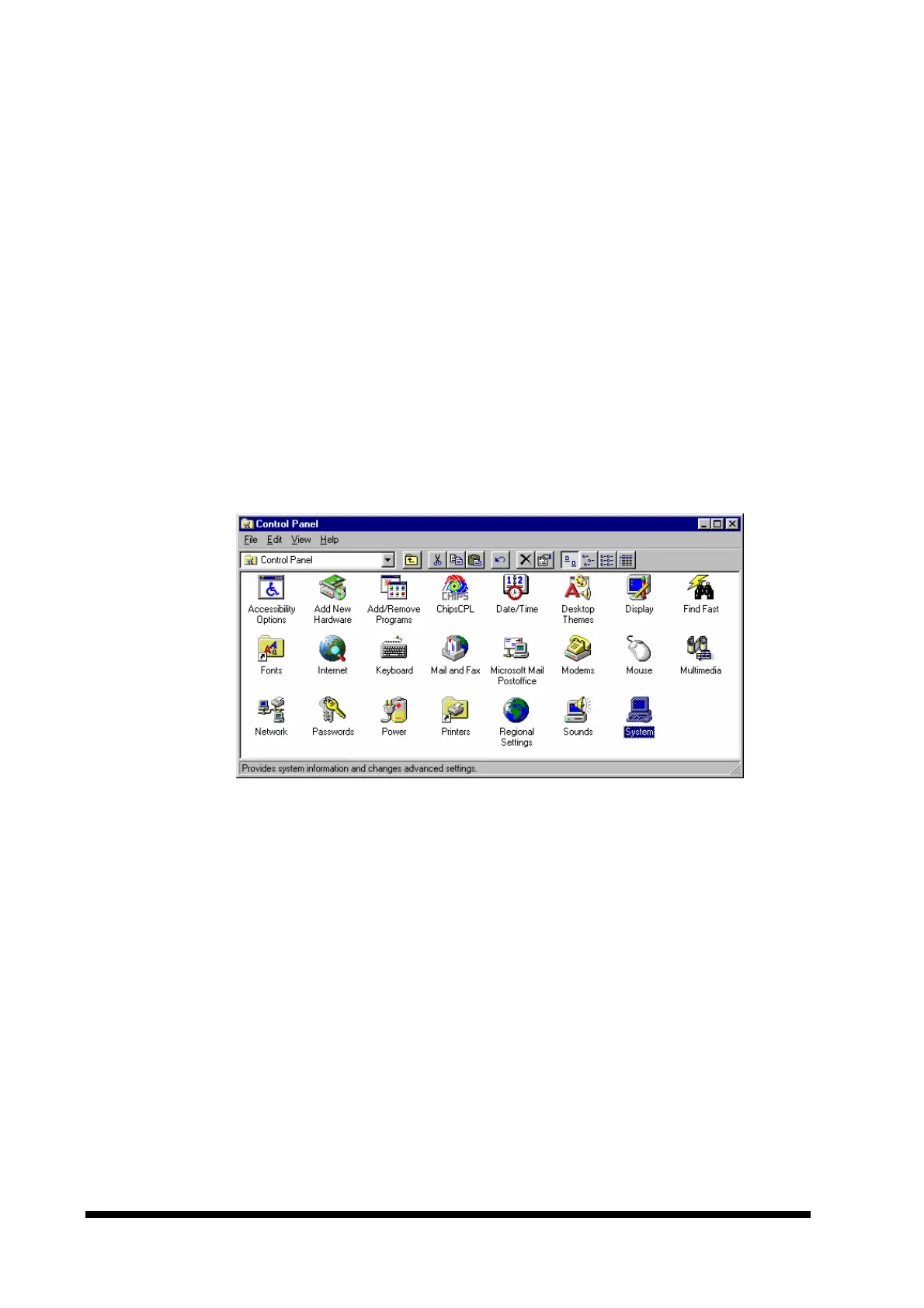
• Click the ‘Start’ button, click on ‘Settings’ and on ‘Control panel’ to open the
control panel.
Your display should now look as below (possibly with different size and icons):
• Double click the ‘System’ icon (highlighted above).
• Select the ‘Device Manager’ tab.



 To Next Page