ECM-3610/3610L
ECM-3610/3610L User’s Manual 77
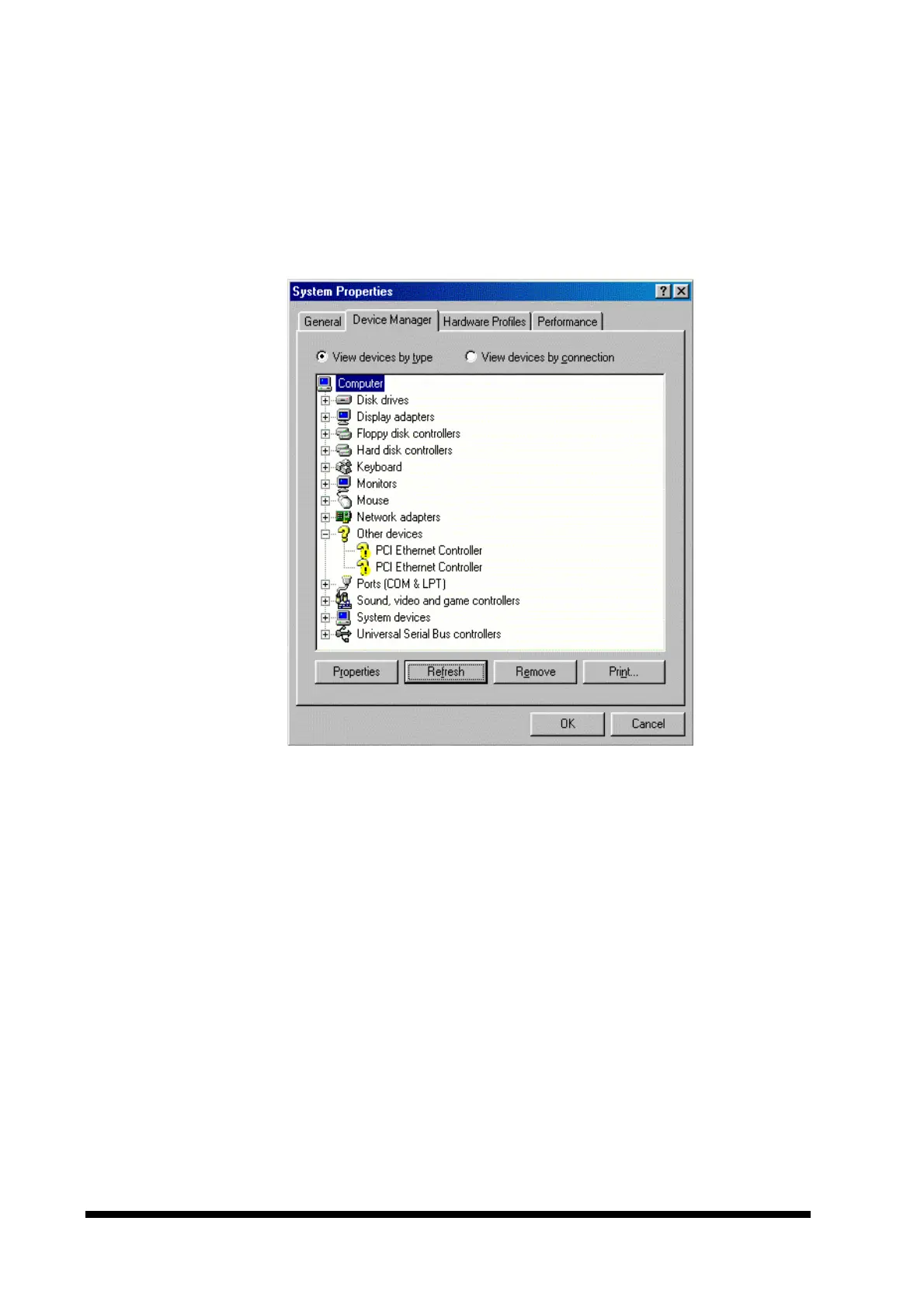
• If the ‘Network adapters’ line is present, expand the line and remove the PCI
Ethernet Controller adapters. This is done by selecting the line and clicking the
‘Remove’ button.
Before removal of the adapter(s), your screen might look like this:
• When all adapters are removed (or none were present), a new driver can be
installed.
2. Reboot the computer.



 To Next Page