ECM-3610/3610L
ECM-3610/3610L User’s Manual 83
5.1.2 Windows NT 4.0 Ethernet Installation
A driver for the Intel 82559ER or Realtek RTL8139C Ethernet controller on board is
included in the attached supporting CD-ROM. The driver for these adapters are
denoted ’Intel GD82559ER PCI Adapter’ or ’Realtek RTL8139(A/B/C) PCI Fast Ethernet
Adapter’. The driver may be installed in two ways:
• During the installation process where the network may be configured as an integrated
part. In this case the adapter may be chosen or auto-detected when the network
adapter is to be installed.
• In the network settings after Windows NT 4.0 is installed.
The following procedures describe the steps to install the Network adapter driver on
Windows NT 4.0.
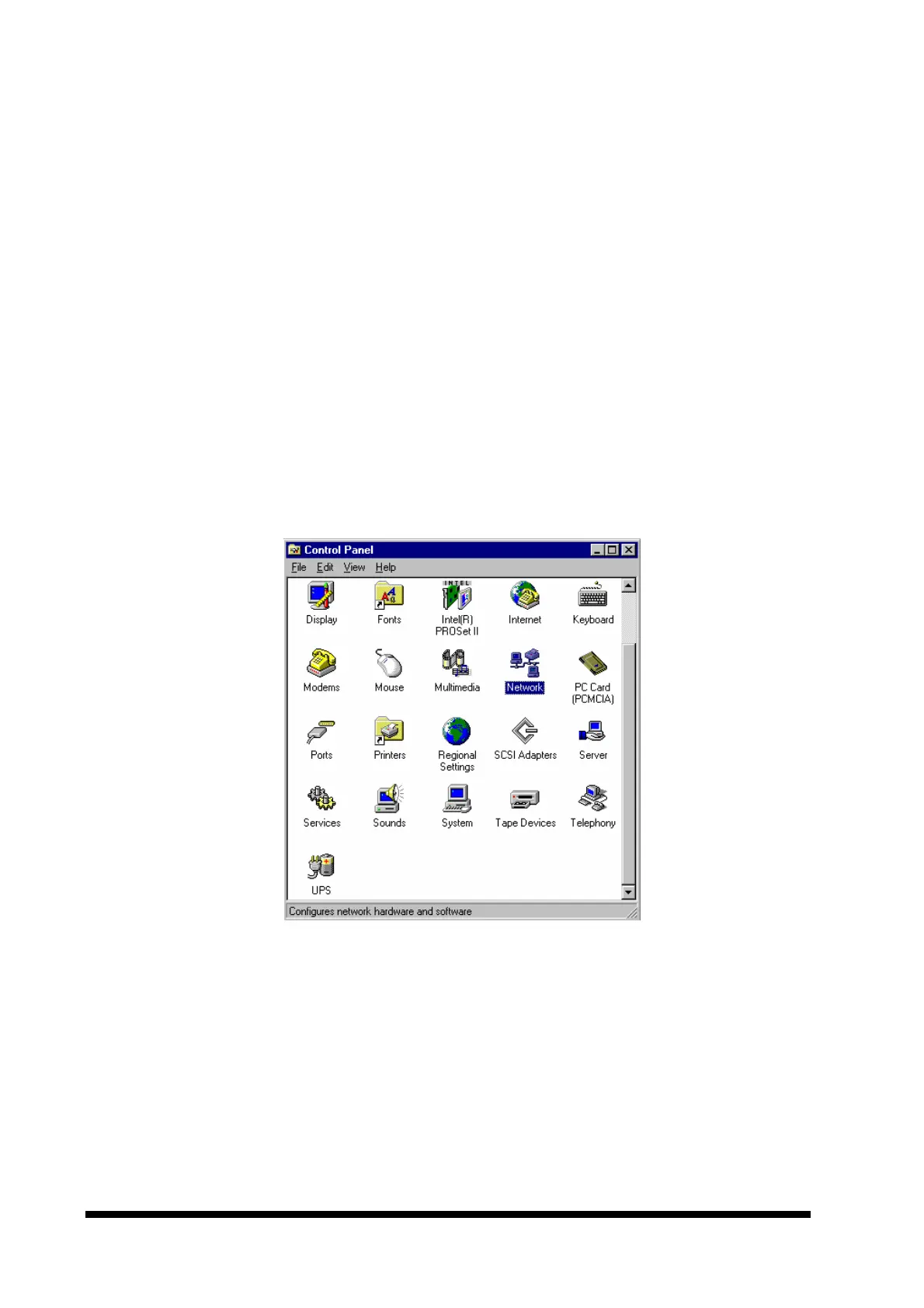
1. Click the ‘Start’ button on the task bar. Select ‘Settings’ and ‘Control Panel’ to start the
control panel shown below:



 To Next Page