User’s Manual
82 ECM-3610/3610L User’s Manual
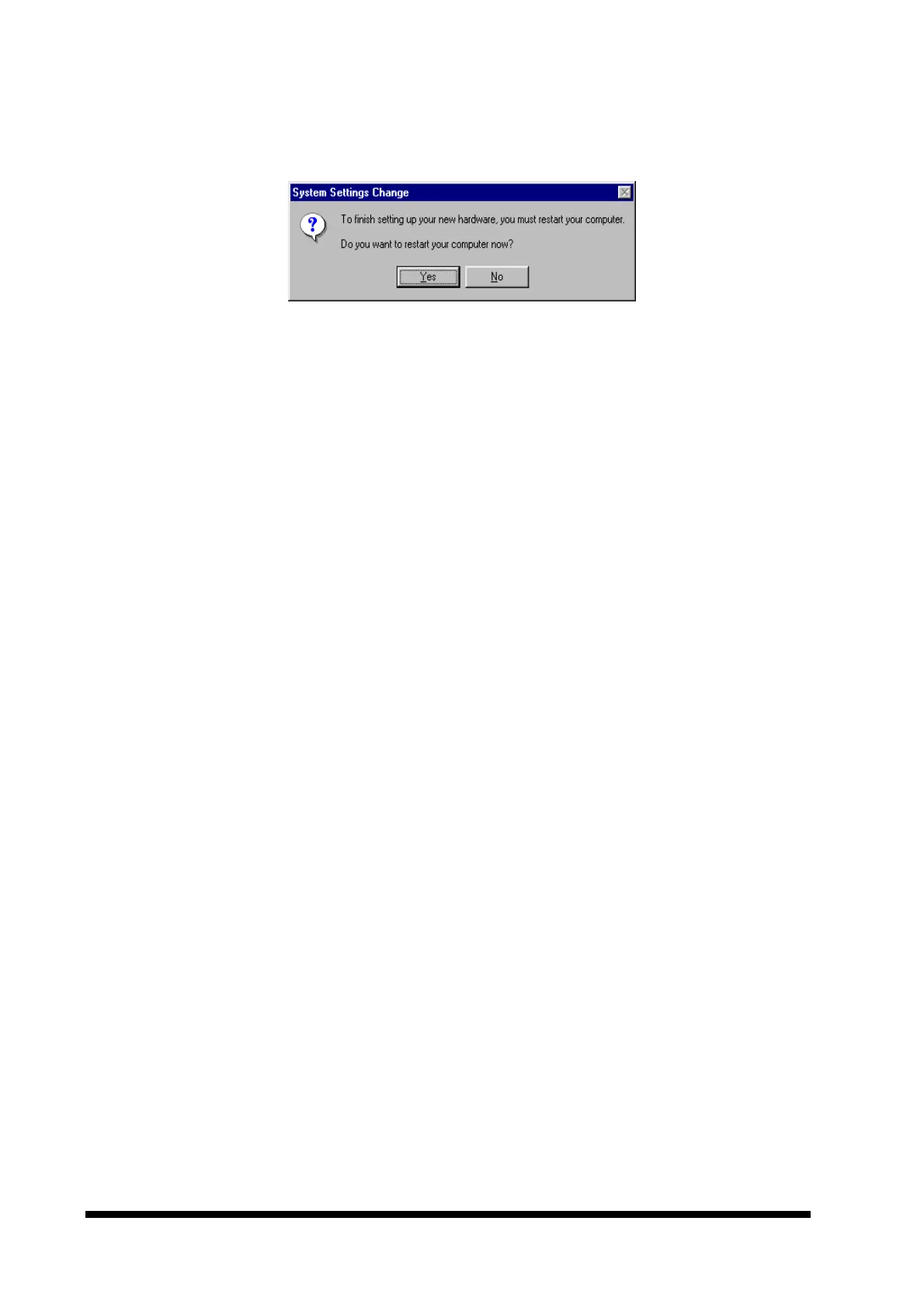
8. To complete the installation, reboot the computer by clicking the ‘Yes’ button in the
window shown below.
9. After the system restarts, the network adapter should be installed. Protocols, clients
etc. may now be installed for the network in use.
Further configuration of the adapter may be made in the ‘Advanced’ section of the driver
properties. These options may be accessed through the ‘Network’ icon in the control
panel (Select the network adapter, click the ‘Properties’ button and select the ‘Advanced’
tab).



 To Next Page