ECM-3610/3610L
ECM-3610/3610L User’s Manual 81
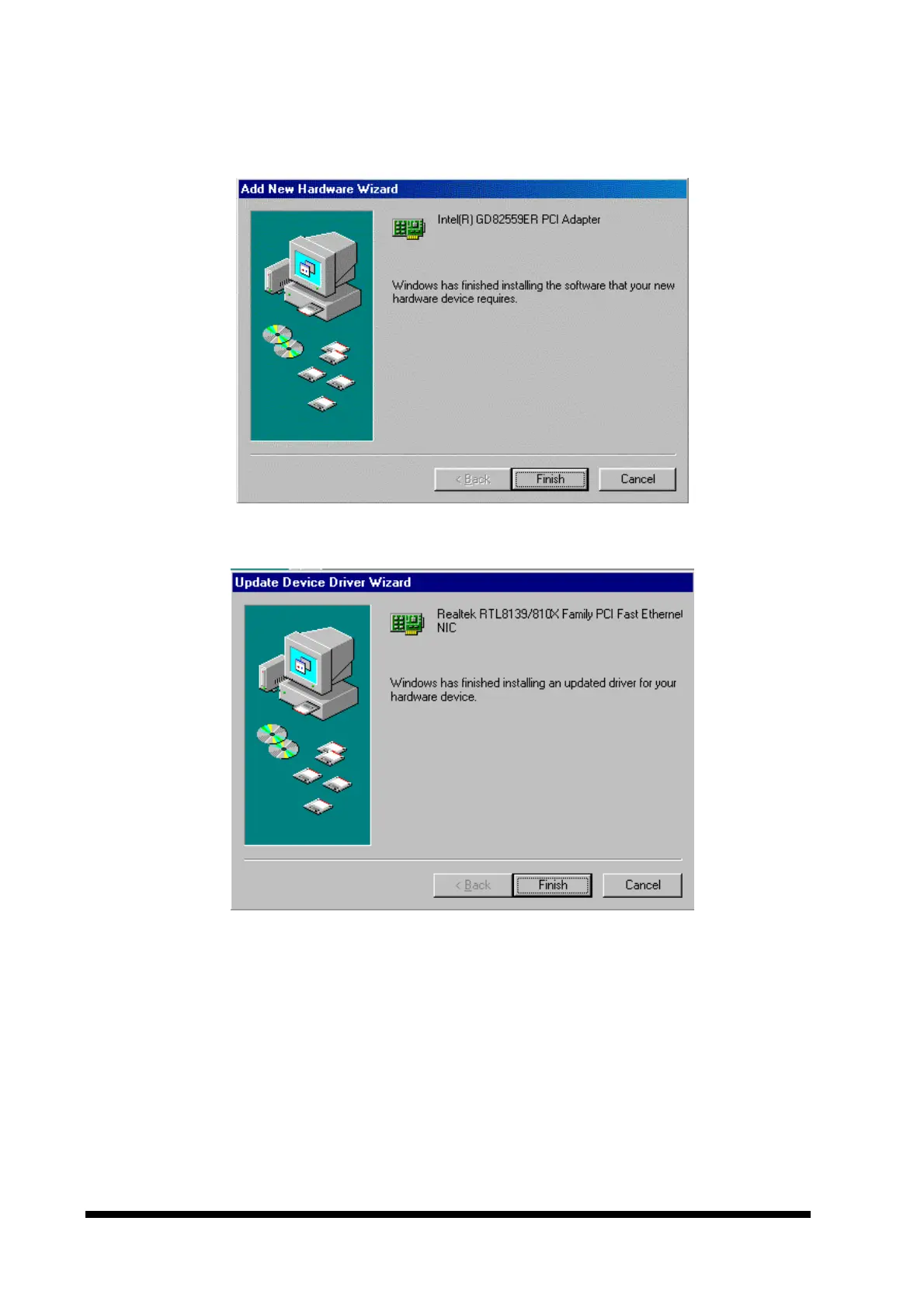
6. Click the ‘Finish’ button.
.
or
7. Depending on the configuration, a request for the windows disks or CD-ROM may be
necessary. Insert the disk / CD-ROM and click the ‘OK’ button. An entry of the
directory for the files may then be required. After typing the path name, click the ‘OK’
button.



 To Next Page