User’s Manual
84 ECM-3610/3610L User’s Manual
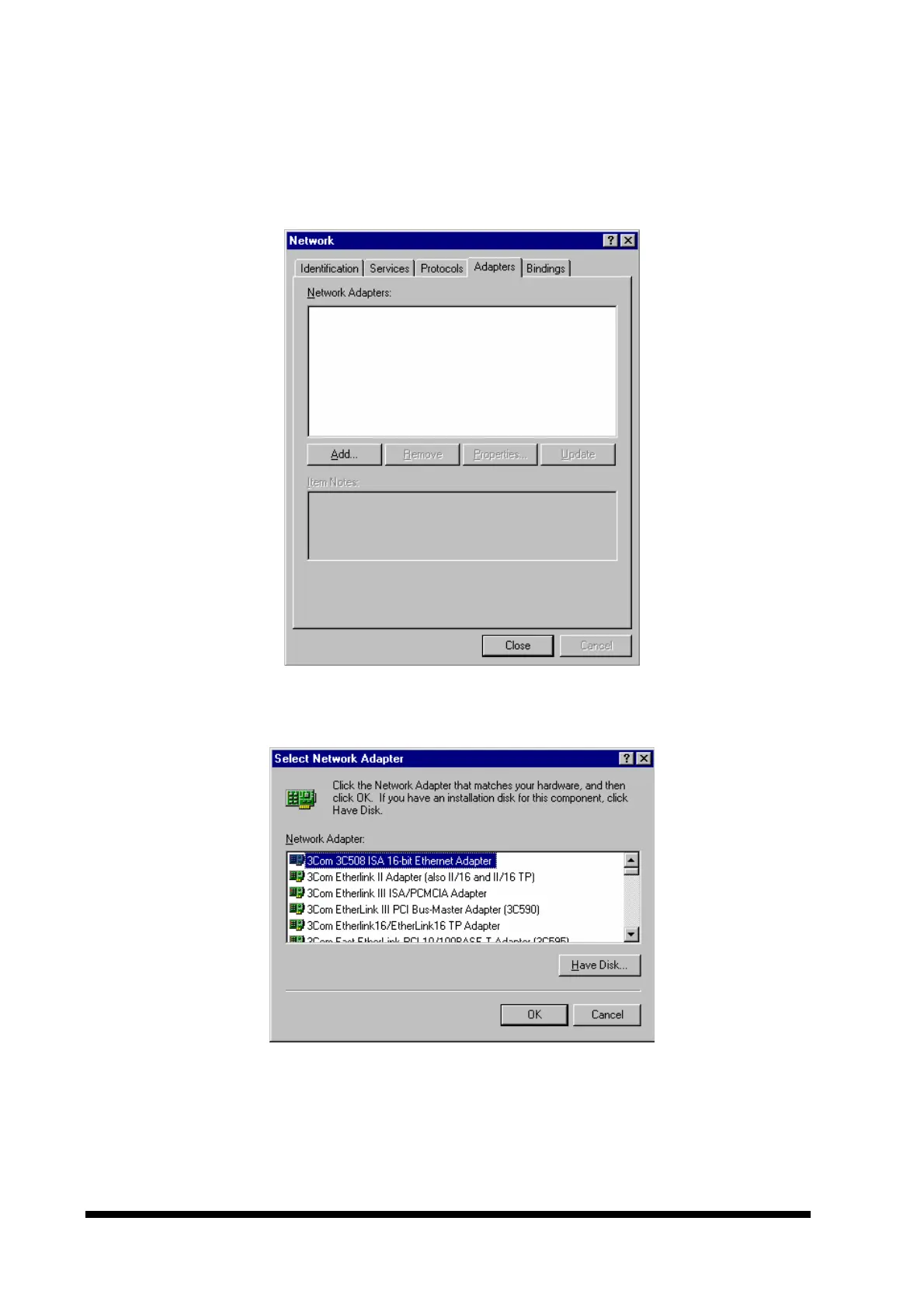
2. Double click the ‘Network’ icon and then click the ‘Adapters’ tab on the following
window. A window as the one shown below should now appear.
3. Click the ‘Add...’ button, and the following window should appear.
4. Click the ‘Have Disk… ’ button to install the Network adapter driver from CD-ROM. A
window as the one shown below should now appear.



 To Next Page