Inspecting Fiber Ends
98 FIP-400B
Using the Probe in Standalone Mode
The status LED provides you with information specific to the standalone
mode.
To use the probe in standalone mode:
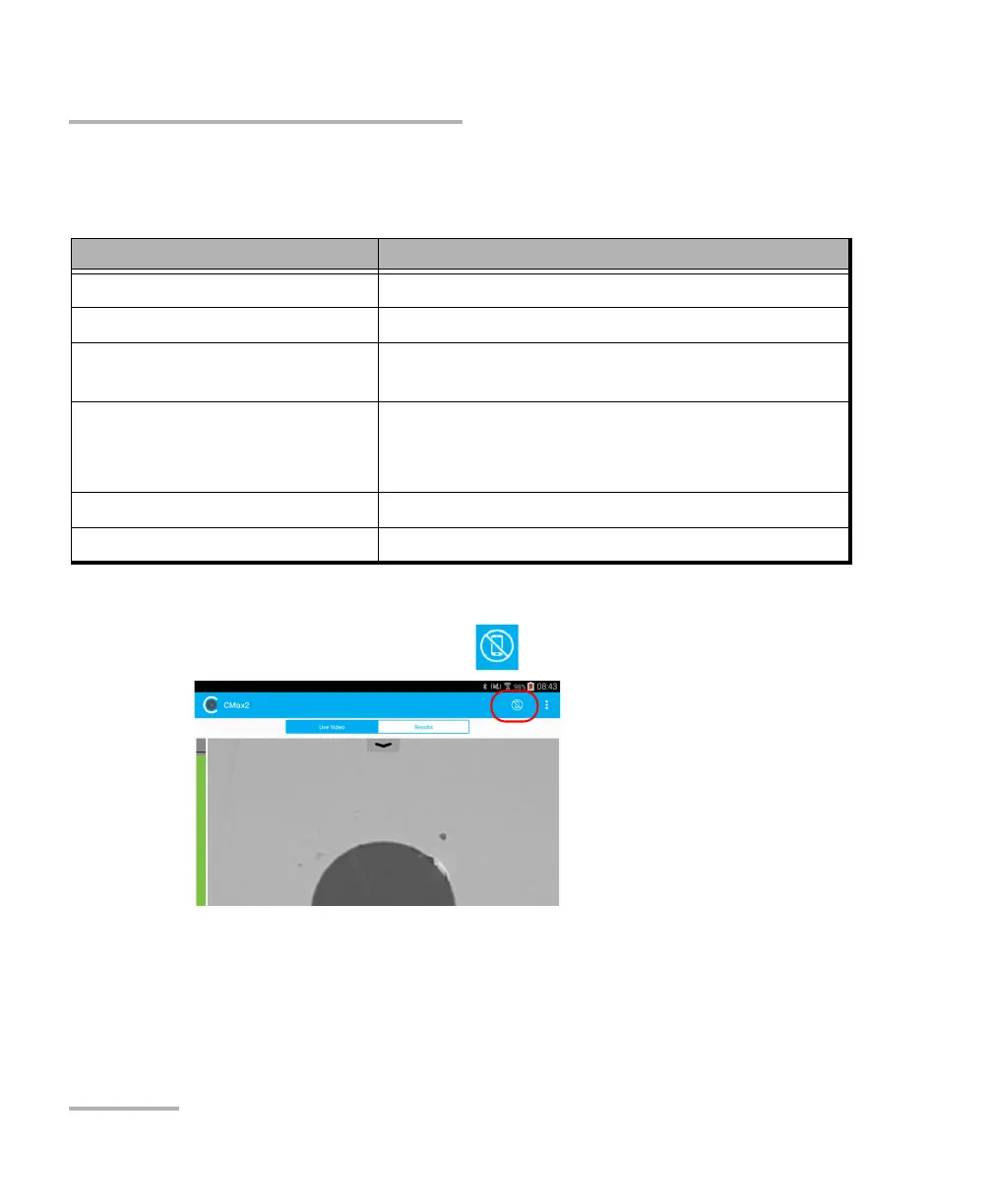
1. From the main window, tap .
2. As soon as a the status LED displays a pass or fail status, press the Fiber
Inspection Probe capture control button to perform another inspection.
Status LED Meaning
Magenta, blinking The probe is in standalone mode.
Blue, slow blinking The probe is ready to perform a new capture.
Blue, fast blinking The probe is performing an auto focus or processing
data.
Red, blinking
The auto focus operation has timed out.
The probe cannot perform the auto focus
because the connector may be damaged or dirty.
Red, steady The analysis result is fail.
Green, steady The analysis result is pass.



 To Next Page