Troubleshooting
Fiber Inspection Probe 127
Changing the File Contents
Changing the File Contents
The application allows you to choose between two different file formats.
Each format is used for different purposes.
enhanced format: used to troubleshoot problems. This format should
only be selected when recommended by technical support, as it
increases significantly the file size.
normal format: selected by default.
To change the file contents:
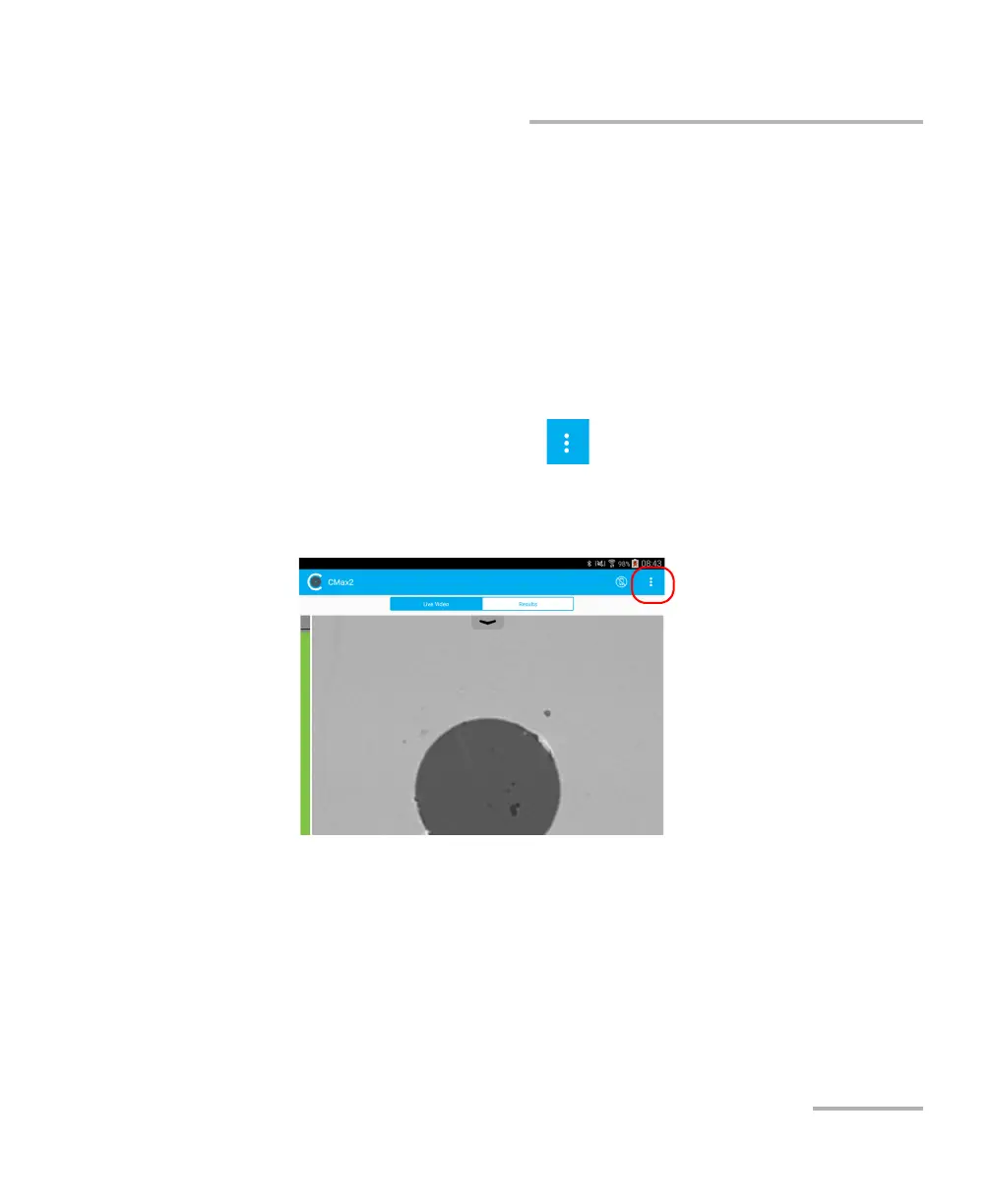
1. From the main window, tap .
Note: Depending on the smart device you are using, the application settings can
be found in the menu button instead.
2. Select Application Settings.



 To Next Page