Setting up Your Fiber Inspection Probe and ConnectorMax2 Mobile
Fiber Inspection Probe 41
Setting up Autonaming
Setting up Autonaming
The autonaming feature is useful to make a relevant naming scheme for
your tests. This also ensures that you do not overwrite files by mistake. You
can select which item goes in the file name, as well as the type of separator
you want to use in between.
A preview is available to show you the final output of the file name.
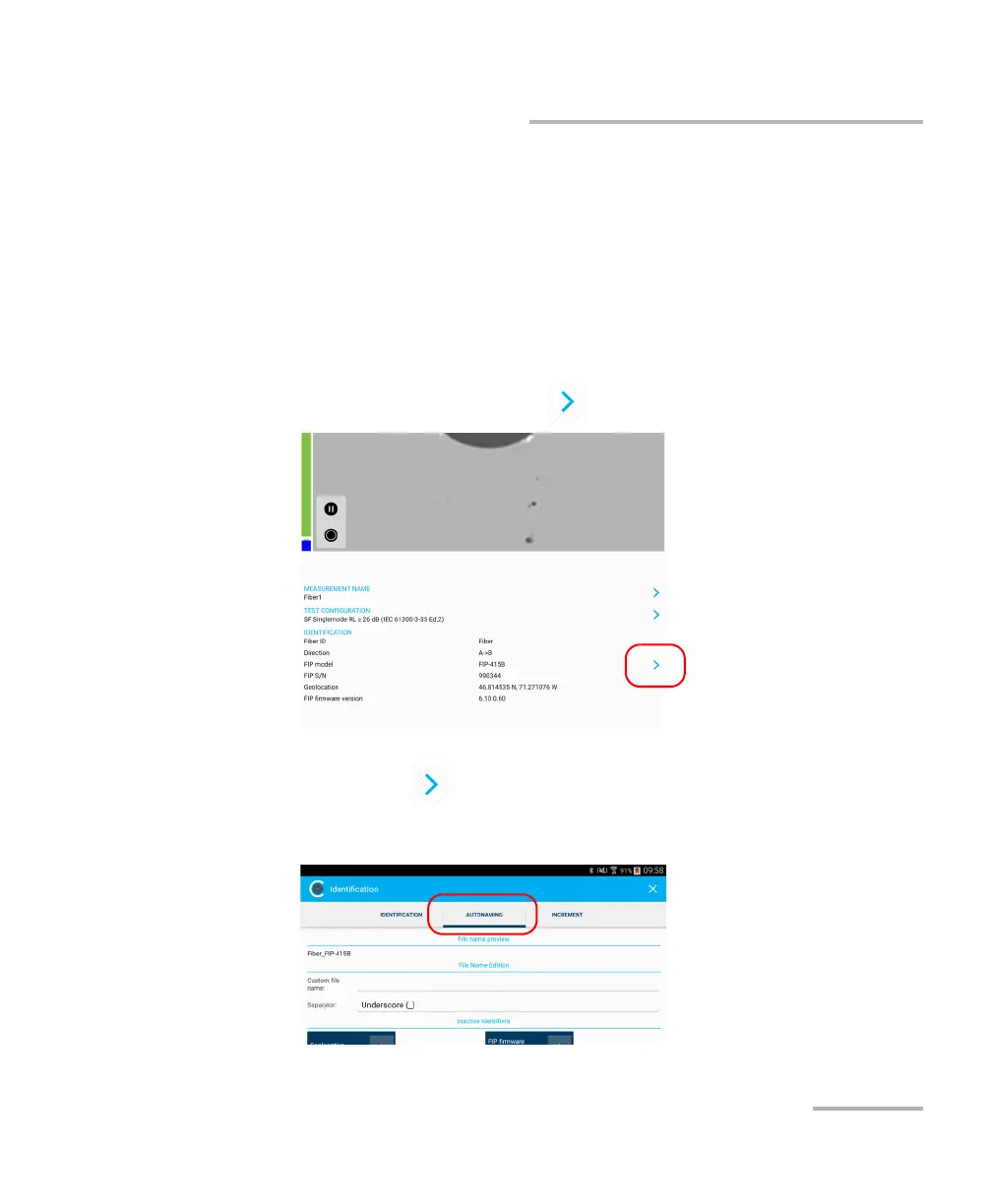
To configure the automatic file naming:
1. From the main window, tap to access the Identification window.
Note: You can also tap at the end of the Measurement Name row.
2. Select the Autonaming tab.



 To Next Page