Setting up Your Fiber Inspection Probe and ConnectorMax2 Mobile
Fiber Inspection Probe 43
Setting up Auto Capture
Setting up Auto Capture
Note: The auto capture is a feature available for FIP-415B and FIP-435B probes
only. However, you cannot use this feature when testing multifiber
connectors. See Available Probe Models on page 7 for details.
When this feature is enabled, a capture is automatically made in live video
mode as soon as the focus reaches an acceptable level.
Note: The auto capture is only possible in high magnification.
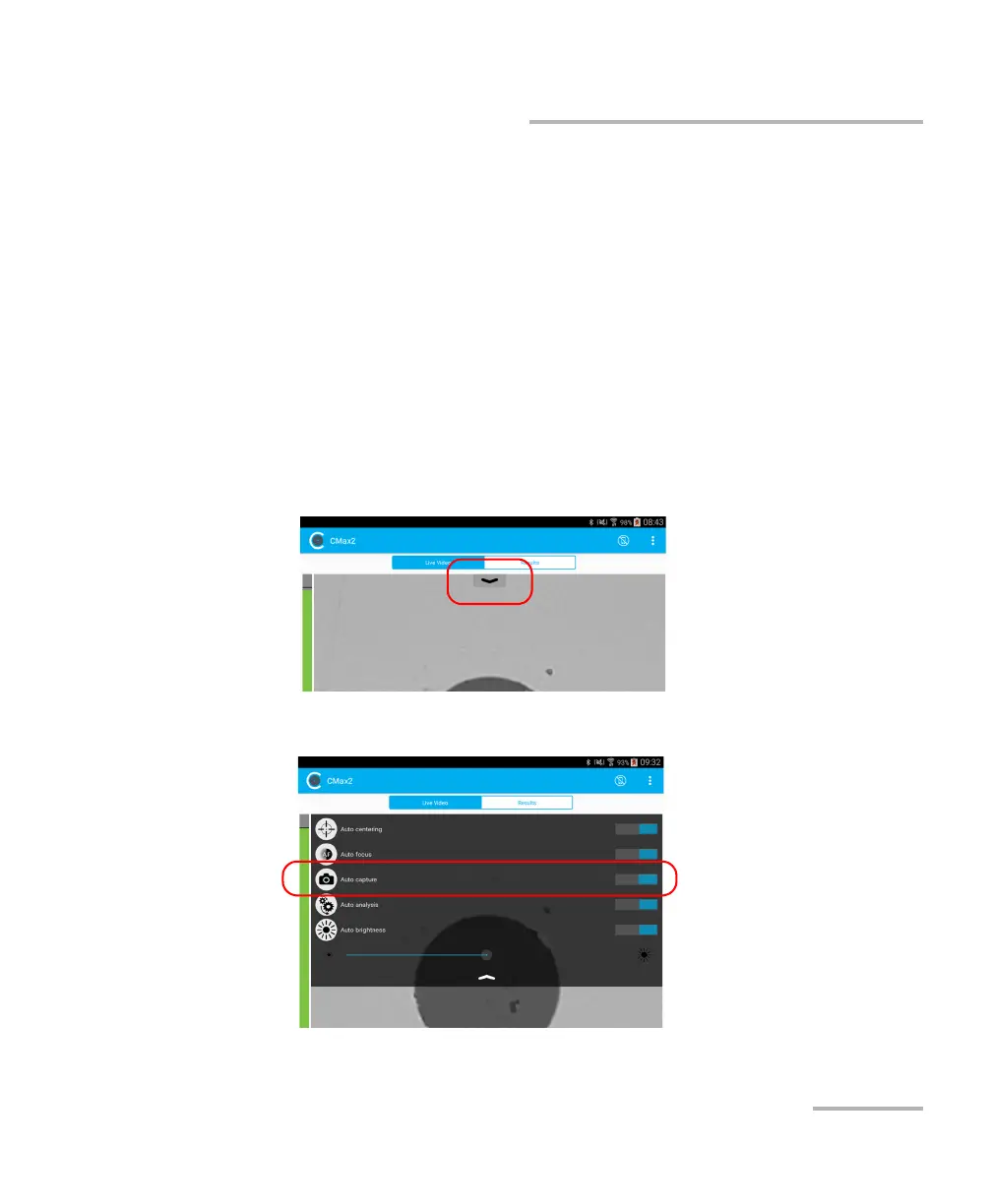
To enable the auto capture:
1. In live video mode, tap the arrow.
2. Activate the Auto capture feature by sliding the button.



 To Next Page